
Google is giving its diagnostic AI the ability to understand visual medical information with its latest research on AMIE (Articulate Medical Intelligence Explorer). Imagine chatting with an AI about a health concern, and instead of just processing your words, it could actually look at the photo…
10+ Best Free WordPress Themes for Photographers in 2025 — Speckyboy
A well-designed website is a great opportunity for photographers. It’s a personal space to showcase your best work, displaying your talent and style away from the chaos of social media. You can use it to transport visitors into your world.
WordPress is the perfect platform for building photography websites. You’ll find plenty of themes that put your images front and center and include features designed for professionals. There’s a great selection of free themes available.
These themes also aim for ease of use. Some have custom settings panels, while others use the WordPress Site Editor. Thus, you have options for how you want to build your site.
Let’s take a look at some of the best free WordPress themes available for photographers. You’ll be sure to find one that fits your desired aesthetic.
Free to Download | Demo | WordPress Hosting
Here’s a block theme with a clean and minimal style. It features a full-width layout along with a selection of custom style variations. You’ll also find attractive block patterns to help you build your site faster. There is plenty of design flexibility for every niche.

Free to Download | Demo | WordPress Hosting
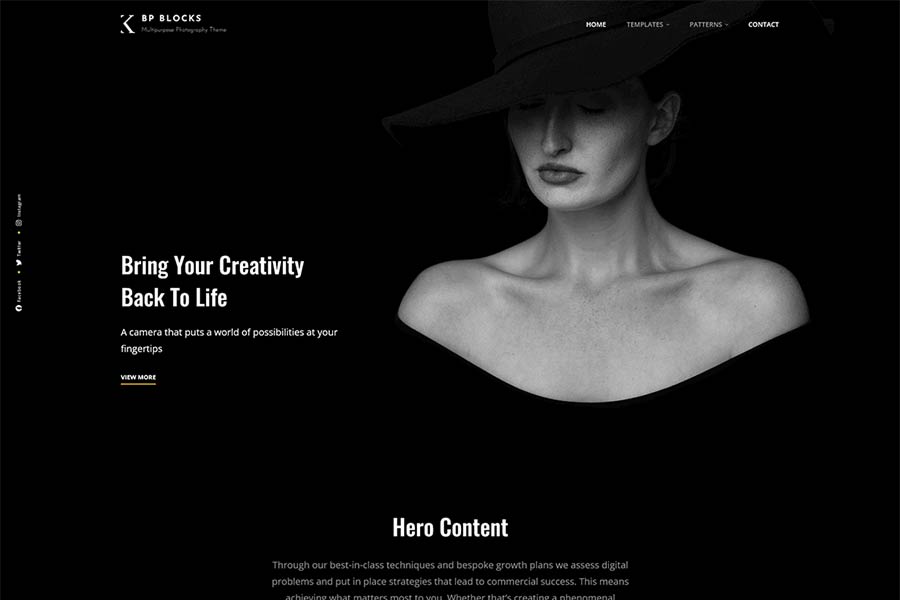
This beautiful dark theme will make your images the star of the show. It includes a plethora of assets that will help you personalize the look and content. The theme includes 25 block patterns, 16 templates, and 11 template parts to help unleash your creativity.
Free to Download | Demo | WordPress Hosting
Showcase your wedding photography services with this classy WordPress theme. The theme includes support for WooCommerce and includes beautiful blog templates. It’s a great choice for photographers looking to attract new clients with a do-it-all website.

Free to Download | Demo | WordPress Hosting
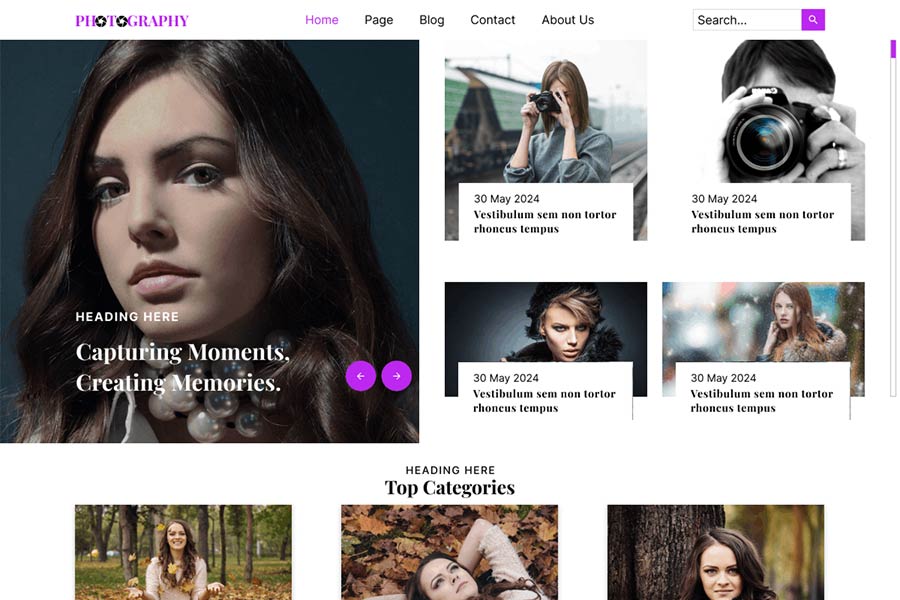
Bring your photography projects to life with Pixel Photography. You’ll find a clean and modern layout that’s perfect for photo bloggers. Tweak the custom gallery and portfolio options to make it your own. There’s something for every photo pro.
Free to Download | Demo | WordPress Hosting
Featuring a colorful look and classic typography, Fashion Photography is an attractive complement to your images. The theme includes a featured slider section to show off your latest work. There are also multiple layout options to help you achieve the right look.

Free to Download | Demo | WordPress Hosting
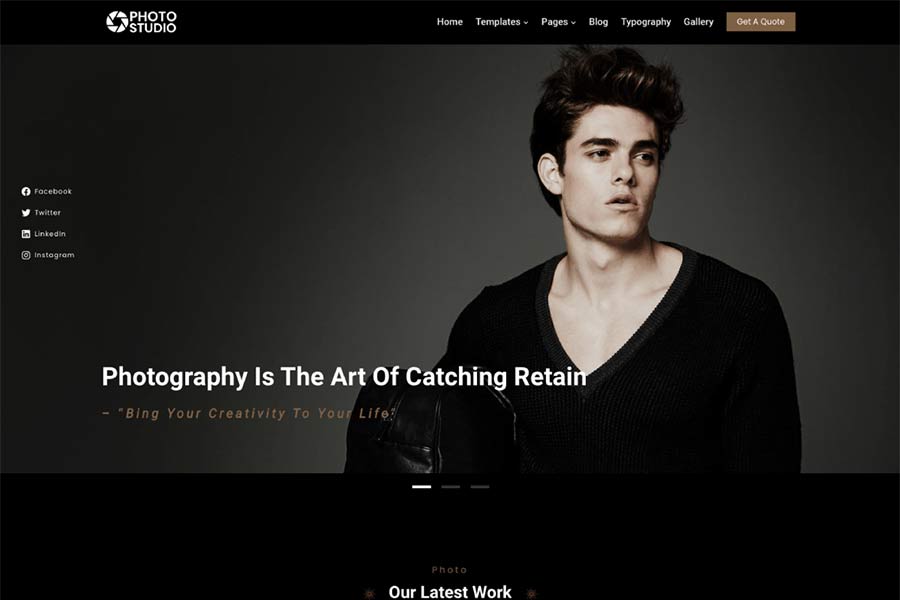
Get your photography website off to a quick start with this block theme. There are over a dozen handy block patterns included to simplify page building. You’ll also find stunning animation and hover effects. Gutenify Photography brings a professional finish to your project.
Free to Download | Demo | WordPress Hosting
Fukasawa features a masonry layout and sidebar navigation to put your photos in focus. Extra goodies include a gallery slideshow, custom widgets, and support for custom post formats. The result is a simple canvas that lets your images speak for themselves.

Free to Download | Demo | WordPress Hosting
You can use Fotogenic to build a stunning photography website with minimal effort. A classic theme that uses the WordPress Customizer includes multiple archive layouts and a custom header. There’s plenty of room to let your images shine.

Free to Download | Demo | WordPress Hosting
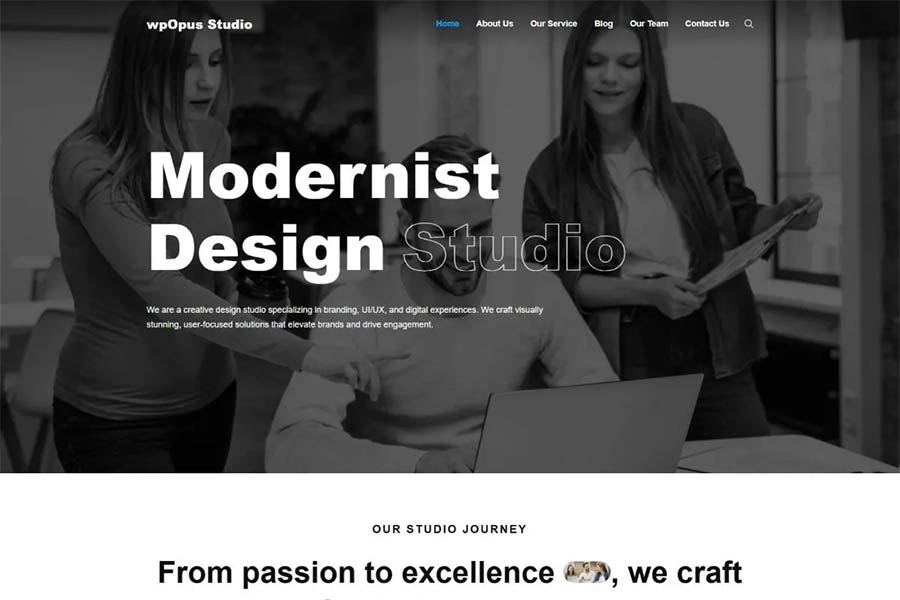
Here’s a block theme that caters to creatives. It features three black-and-white style variations and bold typography. The color-changing hover effects are perfect for showcasing your photographs. You’ll find style and substance with this theme.
Free to Download | Demo | WordPress Hosting
Nexal includes everything you need to build a top-notch photography website. There are style variations covering a variety of color palettes and three dozen block patterns. Images are styled to stand out, while the typography is clean and easy to read. Full site editing support means that every element is easy to customize within WordPress.

Free to Download | Demo | WordPress Hosting
Colorful and unique, Freelance Portfolio provides photographers with a stylish home on the web. It features customizable portfolio templates to show off your projects. There are also attention-grabbing hover effects and helpful block patterns. This theme is proof that it’s good to be outside of the ordinary.

Free to Download | Demo | WordPress Hosting
This masonry theme adds an elegant touch to your photo blog. It comes packed with six style variations and is compatible with the WordPress Site Editor. Take it, customize it, and show the world your art.
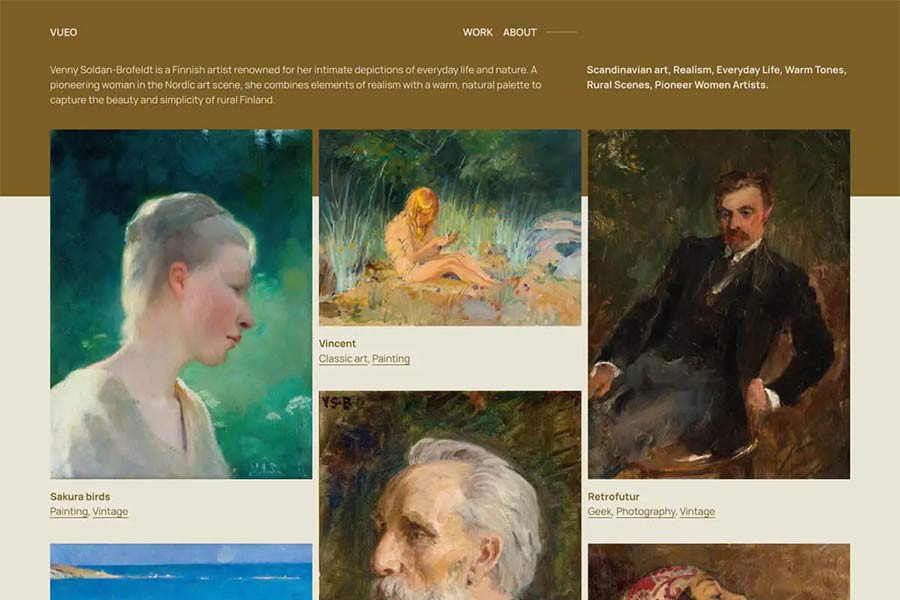
Your Photos Deserve a Great Website
Your website is an integral part of your photographic journey. Professionals and hobbyists alike benefit from a site that reflects their personality. It’s all about creating the right mood while guiding users through your portfolio.
The WordPress themes above provide a path to achieve your goals. There’s something here for all manner of specialties – nature, weddings, landscapes, portraits – you name it. You won’t have to bend to what the theme can do. Rather, you can shape it to match the look and feel you want. The new breed of block themes is especially flexible in this respect.
Great photography requires vision and top-notch tools. The same can be said of your website. Choose the right theme, and it will paint your images in the best possible light.
Photography WordPress Theme FAQs
-
What Are Photography WordPress Themes?They are WordPress themes specifically designed for photographers and photography websites. They focus on showcasing images in high quality and often include galleries, sliders, and portfolio features.
-
Who Should Use Photography WordPress Themes?Professional photographers, photography enthusiasts, and anyone wanting to create an online photography portfolio or gallery would benefit greatly from these themes.
-
Why Choose a Photography-Specific Theme for Your WordPress Site?They are optimized to handle high-resolution images and present them in an attractive, easy-to-navigate manner, improving the visual appeal of your photography work.
-
Can Photographers Customize These Themes to Fit Their Style?Yes, these photography themes offer a range of customization options, allowing photographers to adjust layouts, colors, and fonts to match their brand and style.
If you’re getting ready to launch your photography website or if you’re in need of a redesign, choosing the right theme is crucial. These themes are packed with features geared for photographers, and they offer an attractive design to boot. They are also free, so be sure to try them today!
More Free WordPress Themes
Related Topics
6 Best Custom Gutenberg Blocks Plugins for WordPress — Speckyboy
One of the most promising aspects of the Gutenberg block editor is the ability to add your own custom blocks. They can consist of just about any type of formatted content or functionality you can imagine.
And while you can certainly build your own custom blocks, sometimes that’s a bit like reinventing the wheel. This is especially the case when you want to add a common element such as a testimonial, post listing, or timeline. Most likely, these blocks already exist and can be easily added to your website.
Since Gutenberg’s inclusion in WordPress core, the developer community has released a number of different block plugins. Most tend to include a collection of blocks that could come in handy while building your site.
Today, we’ll introduce you to some of the top custom block collections available for WordPress. Let’s get started!
Ultimate Addons for Gutenberg includes 20+ custom blocks that cover a wide range of use cases. When it comes to layout, the Advanced Columns block lets you create a highly customized multicolumn row.
There are also blocks for adding Google Maps, icons, CTAs, post carousels, and more. That’s just scratching the surface of what this free plugin can do.
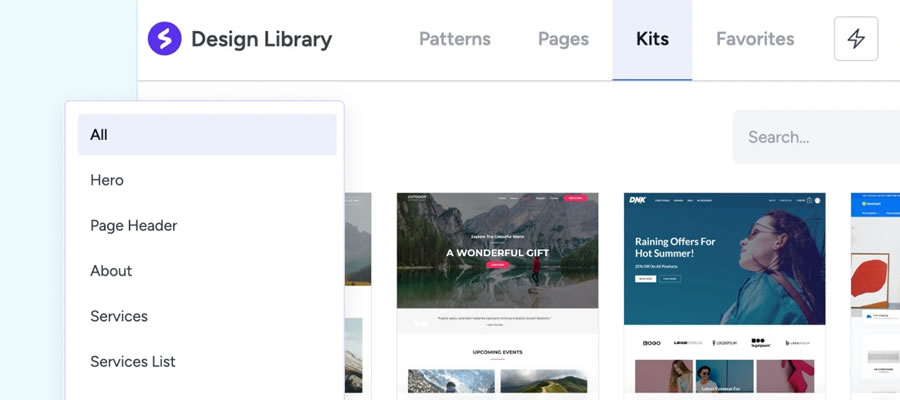
Backed by GoDaddy, CoBlocks is a free WordPress plugin that supercharges Gutenberg. While it offers a number of handy custom blocks (accordion, alert, hero, logos, masonry gallery, pricing table, etc.), its big selling point is in page layout.
Offering a more page builder-like experience, rows, and columns can be dragged to size and customized for responsive layouts. Typography is also highly-tweakable as well.

EditorsKit is a bit different than the other plugins in this collection, as it’s more about extending the blocks already included in Gutenberg. The rich text formatting features allow you to further style your content or wipe out all custom styles with a single click. You can also control the visibility of blocks based on device, login state, or even custom field values.
In addition, there are a ton of productivity tweaks, like support for markdown, code editor syntax highlighting, and the ability to import or export specific blocks. With so many goodies, it may just make Gutenberg feel like a completely different experience.

Kadence Blocks offers a dozen custom blocks that cover common needs. Included are row layouts, advanced galleries, tabs, info boxes, and testimonials – among others.
It also aims to solve one of the more frustrating issues with Gutenberg – the editor’s width on the back end. The plugin contains preset widths that enable content creators to get a better representation of what pages will look like on the front end.
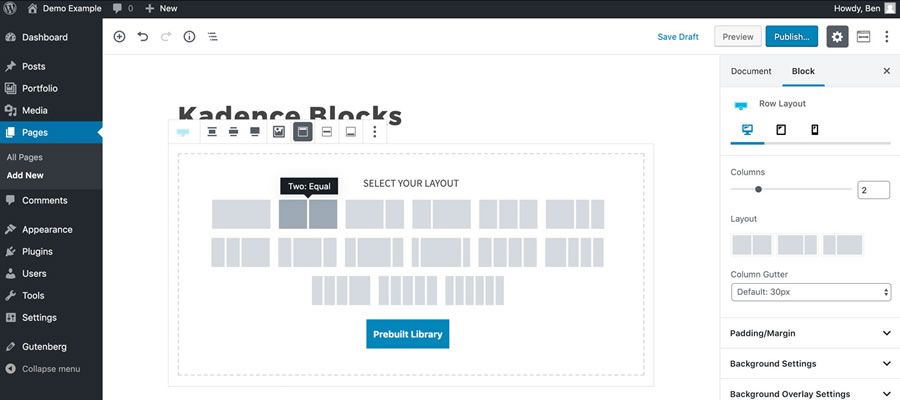
With an aim to both speed up content creation and add different content types, Gutenberg Blocks and Template Library is a compelling option. Much like Atomic Blocks above, the included Section block offers a number of pre-designed templates and layouts.
There are also several customizable elements such as Google Maps, post grids, author info, and a block for Font Awesome icons.

Sure, Advanced Gutenberg comes packed with several custom blocks (post sliders, WooCommerce products, advanced tables, advanced lists, etc.). Those are all nice and handy. But the really interesting feature here is the ability to create “edition” profiles, which allow you to turn blocks on or off for specific users or user roles.
For example, if you only want administrators to have access to the Column Manager block, you can easily set it up. This helps to ensure that lower-level users don’t wreak havoc on your designs.

Get Some New Building Blocks
The default blocks that come with Gutenberg are useful and are constantly being refined. But to create a true page-building experience, you’ll want to add some custom elements.
That’s where the plugins above can help take your website to greater heights. Not only can you add different types of functionality and content, but you can also take greater charge of the editor as a whole.
The bottom line is that if you’re going to use Gutenberg for complex page layouts, you might as well go all in. These plugins will help you do just that.
Related Topics
Research Suggests LLMs Willing to Assist in Malicious ‘Vibe Coding’
Over the past few years, Large language models (LLMs) have drawn scrutiny for their potential misuse in offensive cybersecurity, particularly in generating software exploits. The recent trend towards ‘vibe coding’ (the casual use of language models to quickly develop code for a user, instead of explicitly…
AI-Driven Cloud Cost Optimization: Strategies and Best Practices
As companies increasingly migrate workloads to the cloud, managing associated costs has become a critical factor. Research indicates that approximately one-third of public cloud spending produces no useful work, with Gartner estimating this waste at 30% of global spending annually. Engineers need reliable performance while finance…
Demystifying Higher Education with AI
Higher education is at a crossroads. Budgets are tightening. Student needs are growing more complex. And the pressure to demonstrate measurable outcomes—graduation rates, job placement, lifelong value—has never been higher. As institutions grapple with these demands, artificial intelligence isn’t some futuristic buzzword anymore—it’s a practical, proven…
Atomos Introduces new CEO – Videoguys

Atomos has newly appointed Peter Barber as its new chief executive officer who will officially take control of the helm next week! Along with announcing Barber as their new CEO they also launched four new products including a recurring revenue cloud solutions platform.
“Barber brings heavyweight industry credibility, with over 30 years of experience in the video production industry, having co-founded Blackmagic Design and orchestrating substantial corporate plays across the video tech space,” says James Pearson of Buisness News.
On LinkedIn Barber said “My focus is building an agile, innovative, and globally competitive organisation that continues to deliver cutting-edge creative tools for filmmakers, creators, and professionals — while strengthening Atomos’ position as a world-class global technology brand.”
At the NAB 2025 show, Atomos announced it’s brand-new entry into the audio space with its StudioSonic headphones, its TR-RX Series video transmission system, it’s A-EYE PTZ camera range and ATOMOSphere. Atomos says the move to release so many new offerings in one hit aligns with a management decision to diversify its product range.
Atomos Limited chief executive officer-elect Peter Barber said: “The work we have done over the past year to rebuild and restructure the Company has laid a strong foundation for the future. We are creating a more agile, resilient organisation — one that is better positioned to navigate change and seize new opportunities. I believe Atomos has an extraordinary opportunity to expand into new markets, drive broader innovation, and build upon its proud history of pioneering technology in the video production and content creation space.”
Check out the full article here!
20+ Best Photoshop Action for Glitch Photo Effects in 2025 — Speckyboy
Glitch effects are a great way for making a statement with your photos or graphics. However, manually creating these effects can be difficult. Luckily, Photoshop actions provide a simple solution.
Glitch effect Photoshop actions are pre-made adjustments or edits that allow you to create digital effects that mimic the look of technological glitches, malfunctions, or distortions.
By applying these actions to photos or graphics, you can add a unique and eye-catching aesthetic to your design work. The actions streamline the process and can save you time and effort while allowing you to experiment with different styles and settings to achieve the desired look.
In this collection of glitch effect Photoshop actions, you’ll find a range of options that allow you to add a distinctive style to your images. Each action is unique in its own way, and experimenting with various settings and intensities can result in a memorable and unique look.
What is the Glitch Effect?
Glitch effects are a creative technique that adds digital distortions and irregularities into images. These effects replicate the visual glitches often associated with technology errors.
To create a glitch effect, photographers often use Photoshop actions. They allow you to manipulate various areas of the image, such as color channels, pixelation, and distortion, to create glitch-like anomalies.
The glitch effect is a unique way to experiment with the boundaries of photography and embrace the beauty of imperfections.
These VHS glitch effect Photoshop actions create a corrupted video effect on your photos. The action includes ten glitch effects, all combined into one PSD file. The effects will add static, slices, and retro-inspired glitches to any photo.
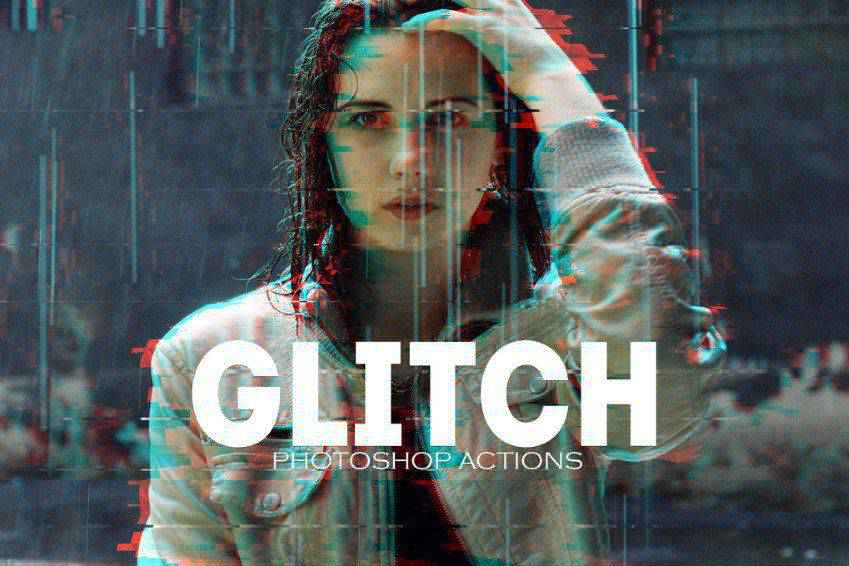
Another great option is the SoGlitch Photoshop action set. It includes six glitch effects you can combine and customize to create truly unique effects. You can sharpen the effects, change colors, and contrast to suit your needs. The layers are well organized, and the effects are non-destructive, so your original photos remain intact.

Grunge Glitch Photo FX is another excellent option. The intense effect can be used on photographs, illustrations, or even logos. It includes over 20 glitch effects, 10 textures, and 7 RGB color effects. The effect is also non-destructive, so your original photos stay intact.
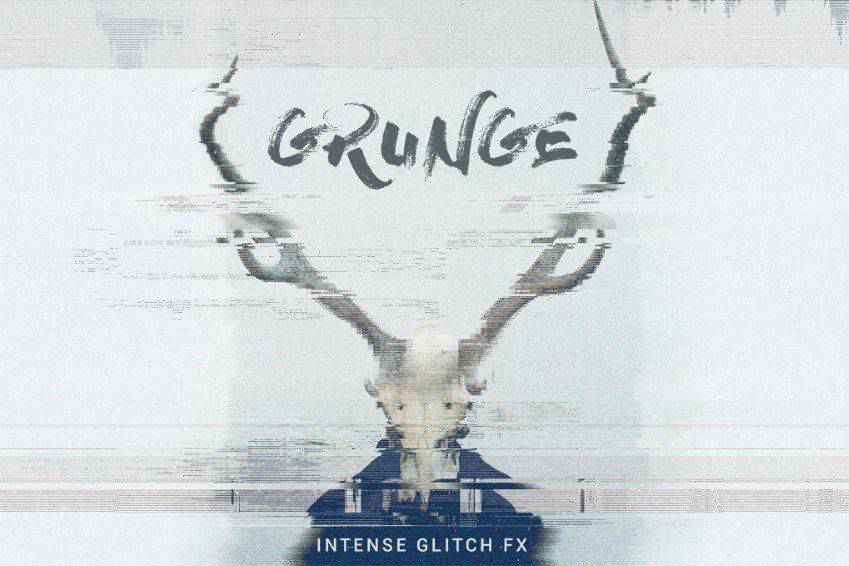
The Futuristic Glitch action set adds all sorts of glitches to your editing repertoire, including lines, errors, double exposure, and more. This set comes with 14 glitch Photoshop actions and simple instructions that make getting started easy.
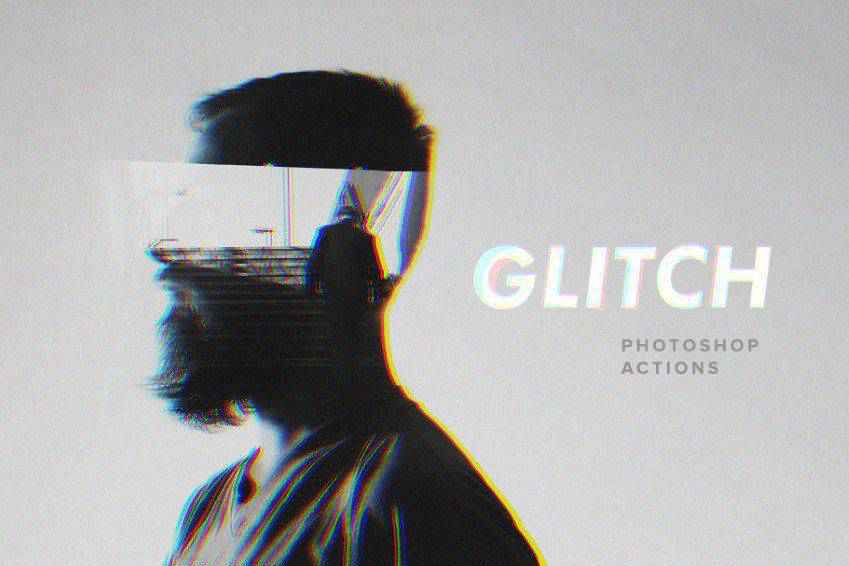
This Photoshop action pack lets you use a VHS-style glitch effect on your photos. Once you hit play on the action, it will appear as though your photo has been hit with the tracking feature on old VCRs. The tracking lines across the screen distort and warp the image and create a vintage effect.
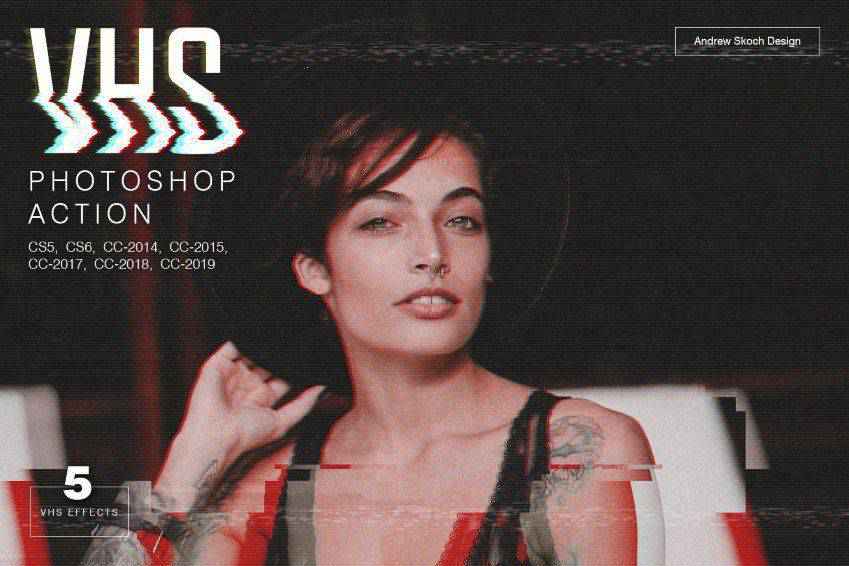
Here’s another fantastic glitch effect option. Once applied to your photos, it creates a blurred look, as though your eyes are slightly out of focus or you are looking at a 3D image without 3D glasses. It includes ten glitch effects, each giving your pictures a sense of motion.
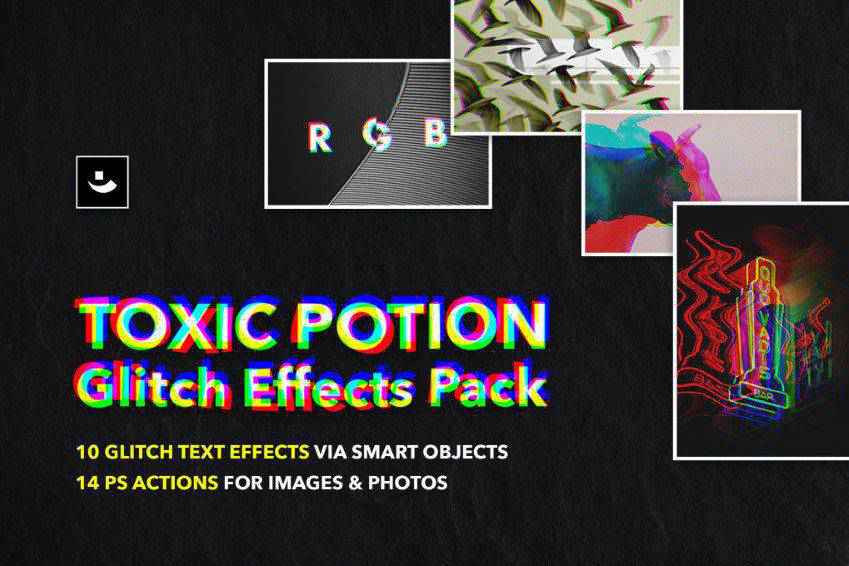
The Anaglygh Glitch Photo FX action is easy to apply to your photos. It comes with a default template and an online video tutorial, so you’ll learn how to use it quickly. The finished effect makes it appear as though parts of your image have been shifted to one side or the other via blocks or lines.
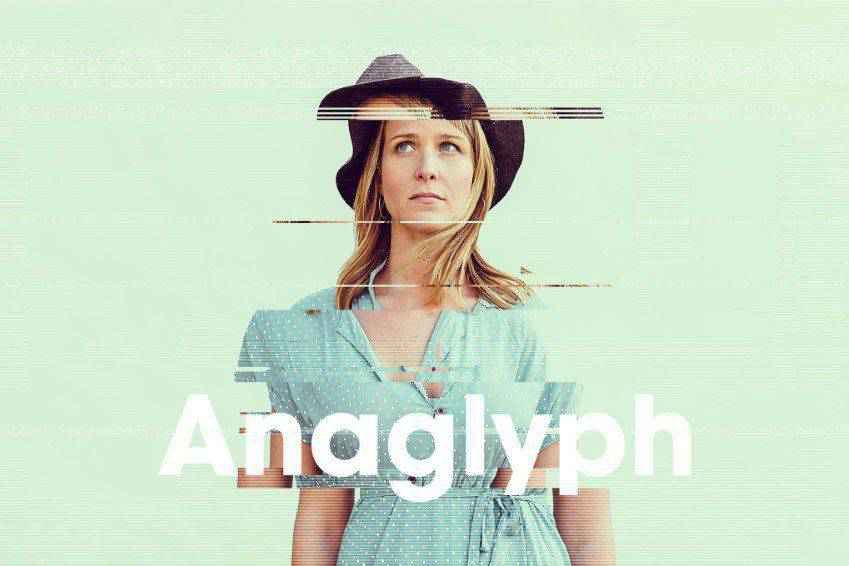
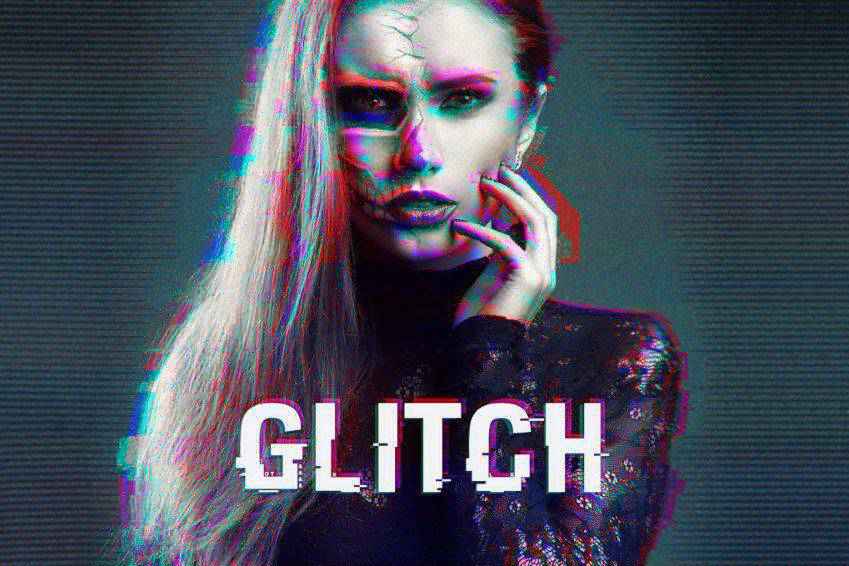
Give your photos a darker feel with the Distorted Glitch Photoshop Action. It works best on high-resolution photos and has organized layers, making it easy to make adjustments and customizations as you see fit. The result is an edgy, techno look that can be accented with hints of color.
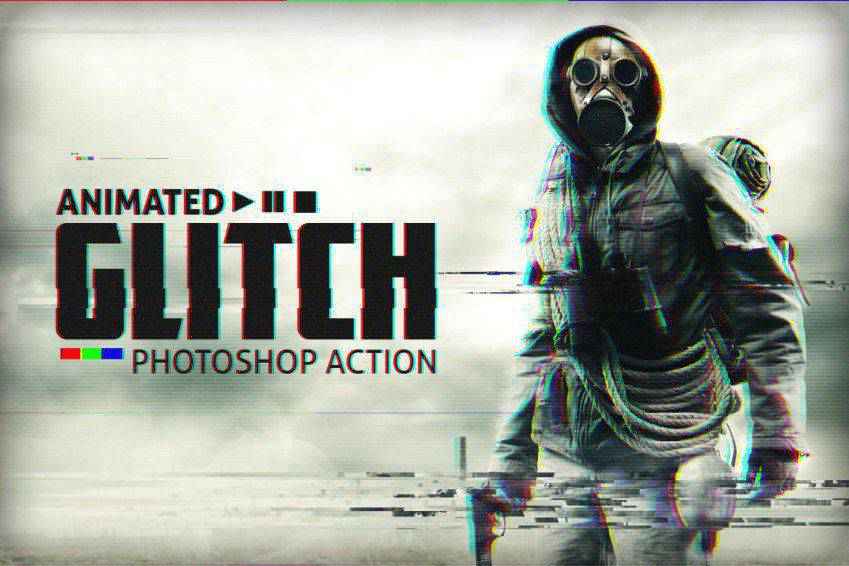
The Animated Glitch Photoshop action set gives your photos a gritty, technology-inspired look. It comes with 12 color options and well-organized layers, and you can export these effects in images, animated GIFs, or videos. The action set also includes a text and video walkthrough guide.
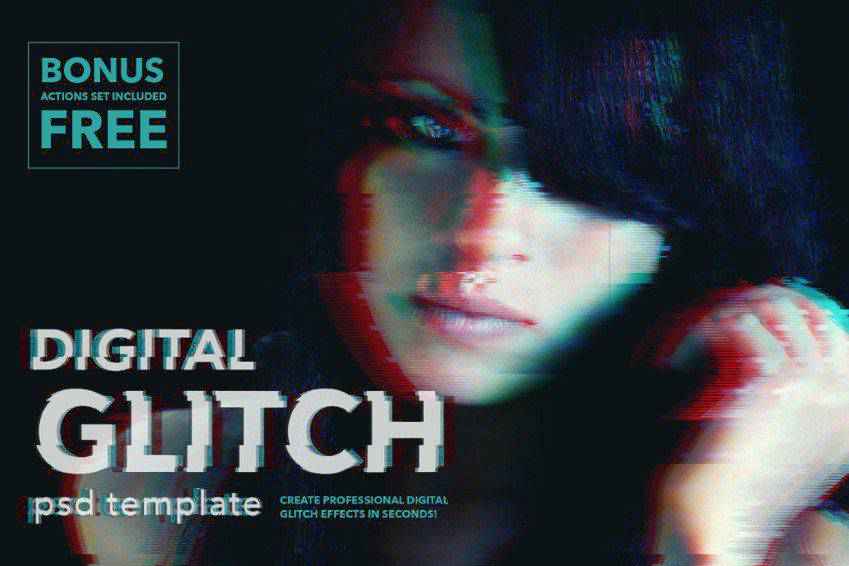
The Digital Glitch Effect Photoshop action set is another easy-to-use option. This action is a great way to add an old film artifact aesthetic to your images, giving them a grungy, digital look. This set comes with adjustable layers, full instructions, and more.
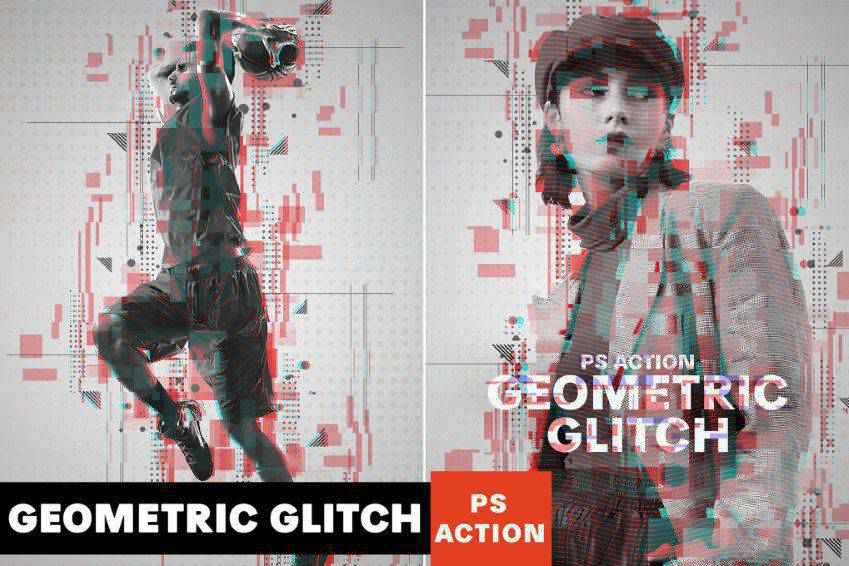
The Geometric Glitch Photoshop Action adds a glitched-out shift to your photos. It makes it appear as though parts of your image have broken off and displaced into geometric shapes. It comes with an action file, a brush file, a pattern file, and a help file.
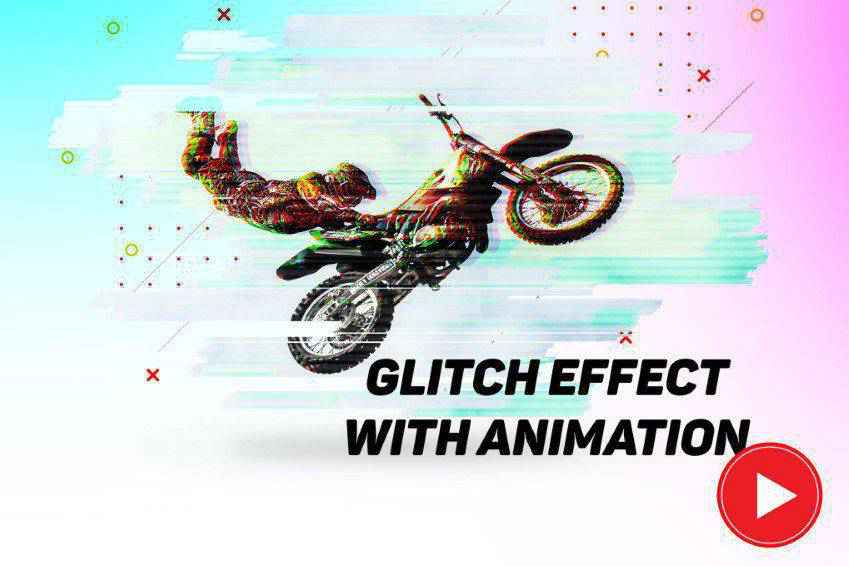
This is such a fun action! This glitch effect comes with three PSF files that you can use to create a glitch effect on a single photo or on a series to create a GIF. It comes with a full tutorial, and all layers are editable and customizable to achieve the exact look you want.
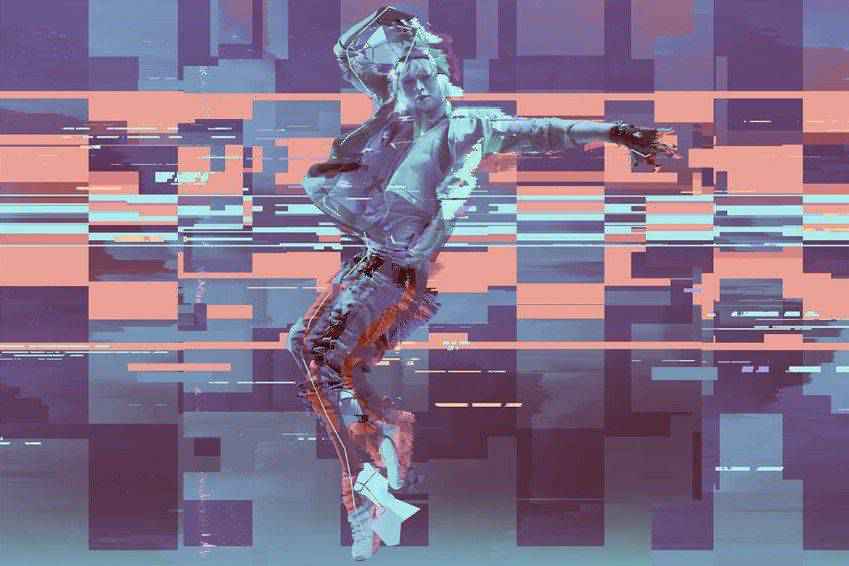
The Twitch Glitch Photoshop action is another fun set. It comes with 20 color presets and can be used on a wide variety of materials, including those for print or the web. It also comes with a video guide and a help file, both of which make getting started with this action easy.
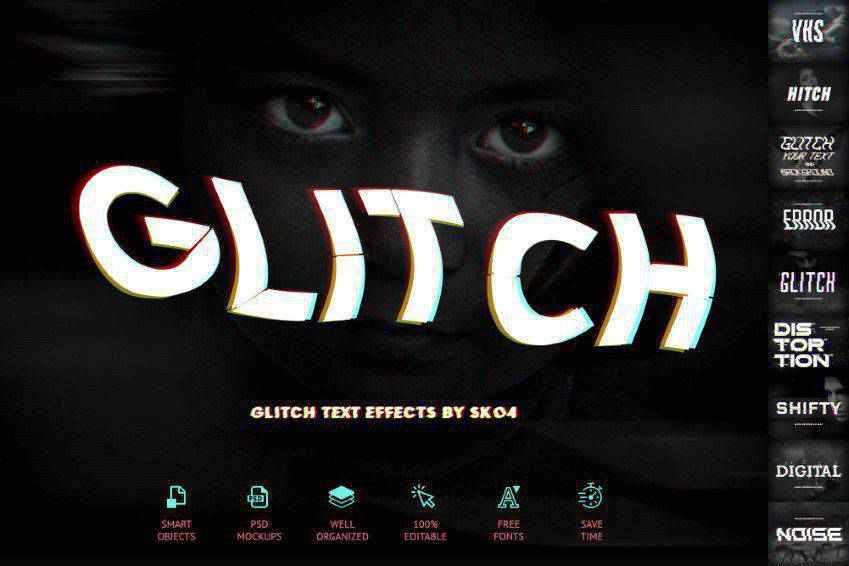
If you want to add a glitch effect to text in your photo composites, this action is a great choice. Once you’ve created a design, add it to a smart object. The glitch effect will work on this object. Or you can glitch your background instead. This action set comes with ten styles, organized layers, full customization, and a PDF help file.
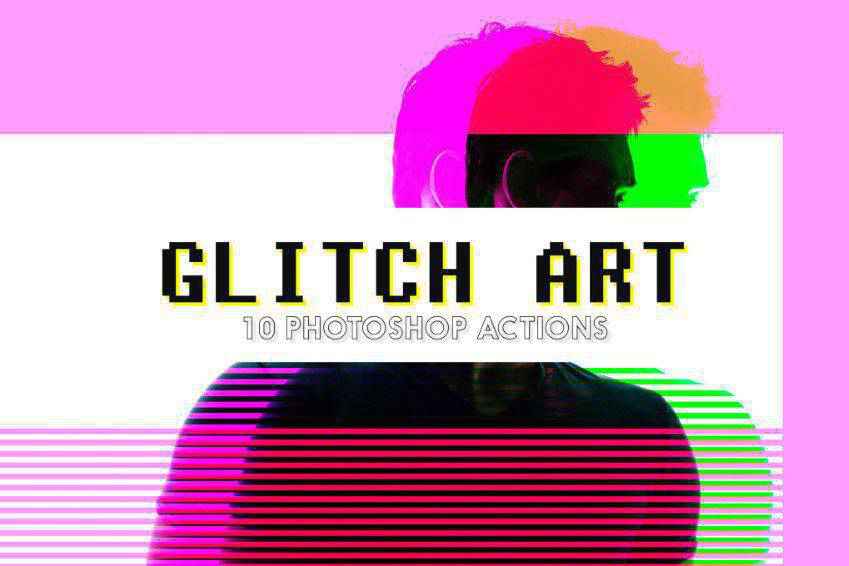
This set of Glitch Art Photoshop Actions is another excellent choice for editing your photos. It works by adding colorful, glitchy effects to your images, resulting in abstract art. This set comes with ten fully editable effects that create non-destructive layers.
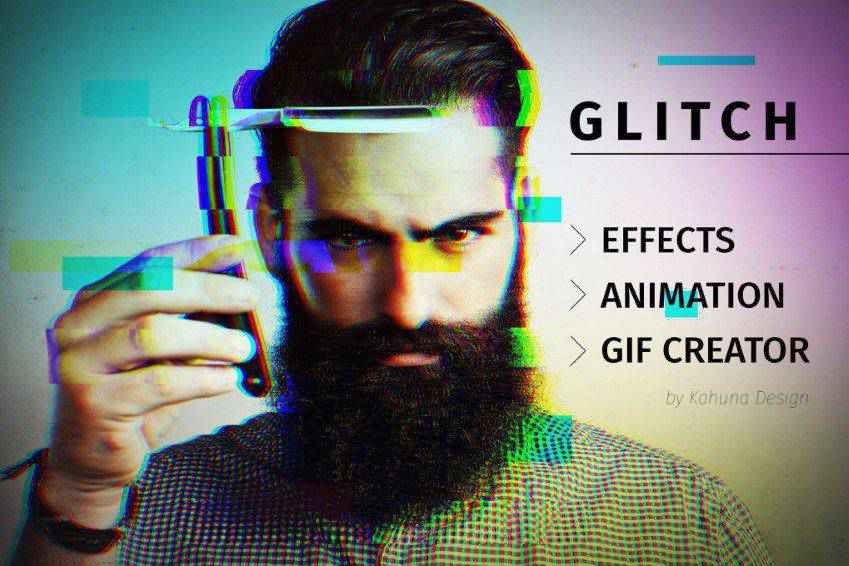
Glitch Effects with Animated GIF Creator is another way to add glitch effects to your photos, with the added benefit of being able to add glitches to GIFs, too! It includes a PSD file, smart object support, and a drag-and-drop template. It has eight different glitch effects, which you can combine to create a unique look. It comes with a full tutorial as well.
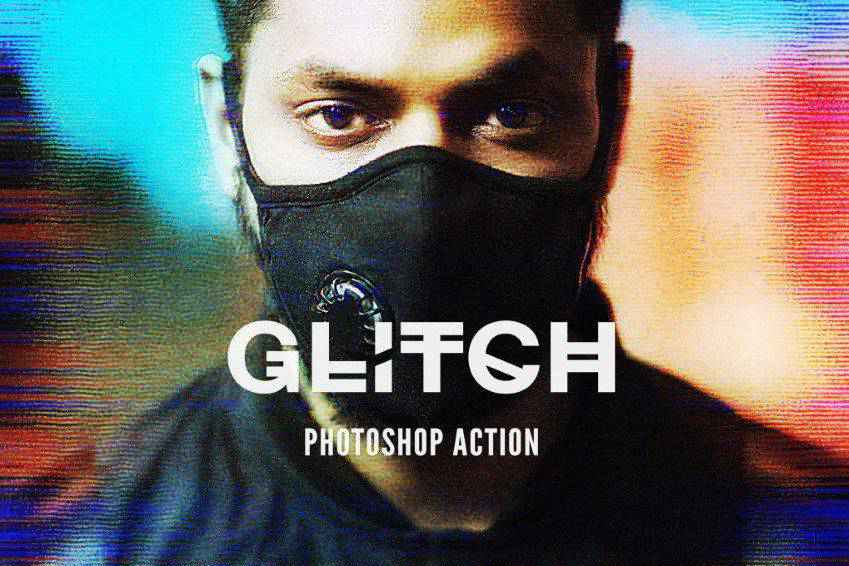
Give your photos a dark and distorted look with the Glitch 2 Photoshop Action. This effect works best on high-resolution pictures and is a one-click action. You can adjust the settings as you see fit. It also has well-organized layers and elements for easier customization. Plus, it comes with full documentation.
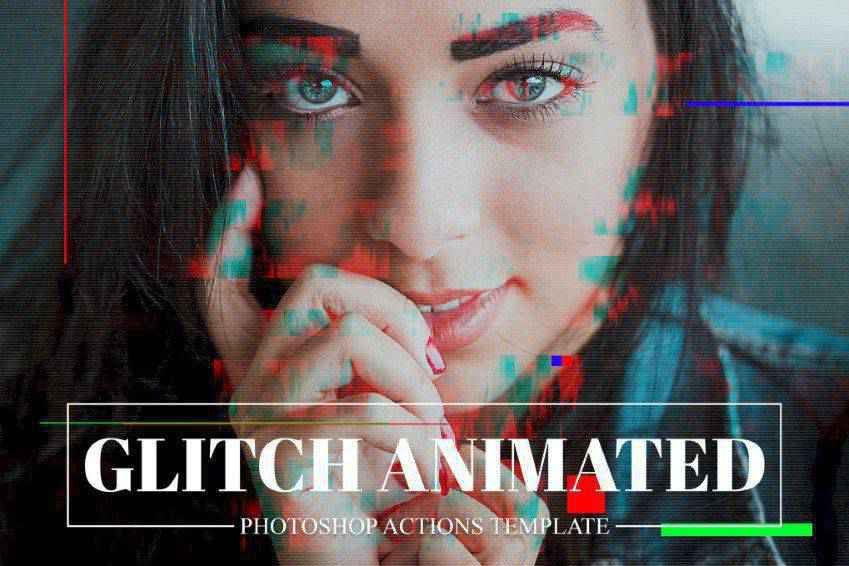
You may also want to consider the GIF Glitch Animated Photoshop Action. This one provides a template that can be used in various ways to create GIFs or animated video sequences out of photos, text, or illustrations. All you have to do is add your photo to a smart object. It also comes with a full PDF instruction manual.
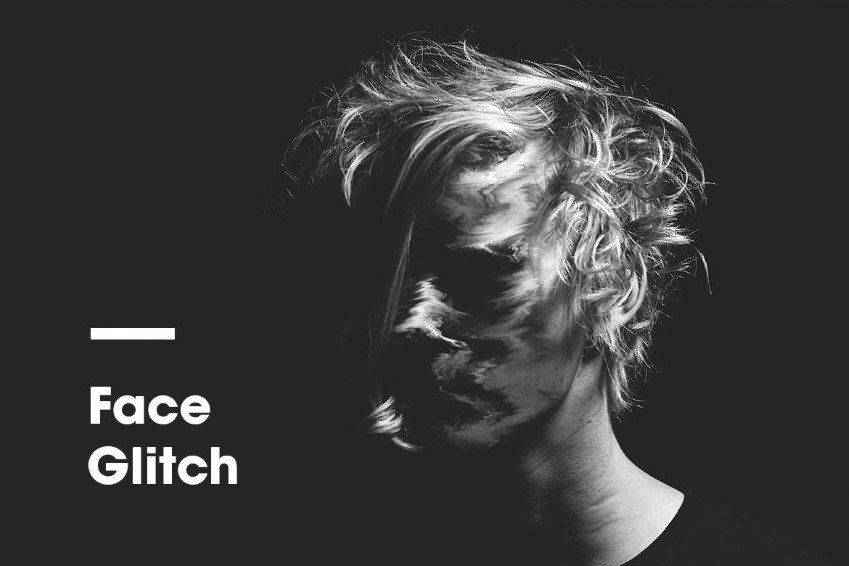
Another eye-catching choice is the Face Glitch FX action. As its name suggests, this effect works best on photos of faces and includes a written and video tutorial for proper use. The end result is an image that is as haunting as it is interesting, with the subject’s face appearing as though it has been smeared.
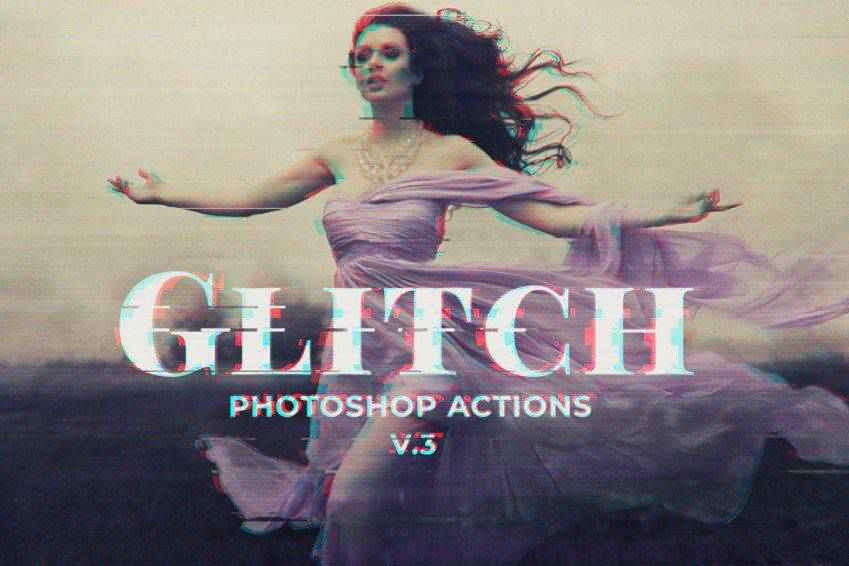
Last in our collection is this Glitch Photoshop PSD Template, which works by distorting photos in a stylistic way with just a couple of clicks. It’s super easy to use and comes with ten color settings, ten glitch layers, and 11 free actions for creating additional distortion effects. This set also comes with full instructions and a PDF tip guide.
How to Install Photoshop Actions
- Download and unzip the action file
- Launch Photoshop
- Go to
Window > Actions - Select
Load Actionsfrom the menu and go to the folder where you saved the unzipped action file to select it - The Action will now be installed
- To use the newly installed action, locate it in the
Actionpanel - Click the triangle to the left of the action name to see the list of available actions
- Click the action you want to play and press the play button at the bottom of the
Actionspanel
With various options to choose from, you’re sure to find the glitch effect that suits your creative vision. Don’t hesitate to experiment with different actions and settings to achieve the desired result. Above all, have fun and let your creativity shine!
Related Topics
10+ Best Free Invoice Templates for Freelance Designers & Developers — Speckyboy
As a designer, you spend most of your time doing actual design work. But there are so many other things that go into running a successful design business. One of those things is invoicing. You can certainly fire off an email to clients stating the amount owed, but that’s not the most efficient method.
You could also use automated billing software to handle your invoicing. However, that’s not in the budget of every designer. Sometimes, all you need is a simple invoice template to get the job done. And that’s exactly what we have for you here.
These free invoice templates are easy to edit and re-use. While all the templates are free, double-check licensing before adding them to your workflow. The templates come in various formats, including InDesign (INDD), Word, Excel, Photoshop (PSD), Sketch, and Illustrator (AI & EPS).
In Photoshop PSD Format
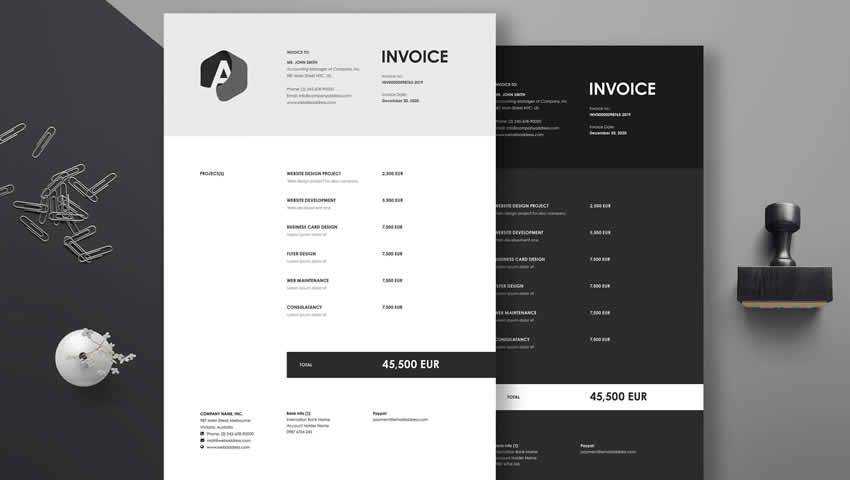
This minimal invoice template would be an excellent choice. It has an understated black and white design and can be easily edited to suit your own branding. You can edit the logo, contact information, and color scheme all within Photoshop.
The template is organized neatly into layers, so you should have no issues customizing it and re-using the template over and over for all of your clients.
In Word & Excel Formats
This invoice template has been specifically designed for web and graphics designers. It is available in Word and Excel formats and can be quickly customized to suit your business needs. You can add your business name, logo, and contact information, customize the number of lines, and your invoice will be ready for use.

In Illustrator AI Format
This free invoice template bundle has been organized into layers for quick cutomization in Illustrator. It uses free fonts, so you can easily replicate the look of the sample template. It’s fully print-ready in CMYK and at 300 dpi. You can add a custom logo and contact information and modify the line items to reflect your business or the project you’re working on.
In Sketch Format
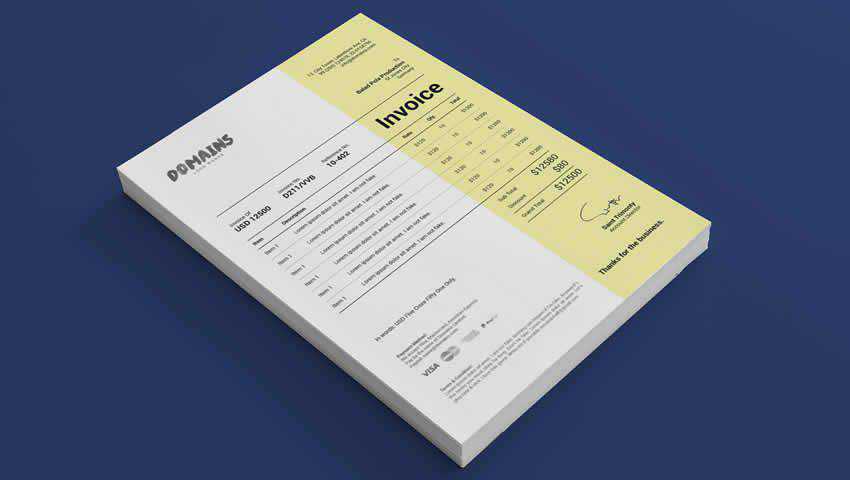
This invoice template features a modern design with a bold and colorful header that makes it stand out. To get started using this Sketch App template, simply add your logo and contact information. From there, add your line items and client’s info, export the file, and repeat next month. Easy as that!
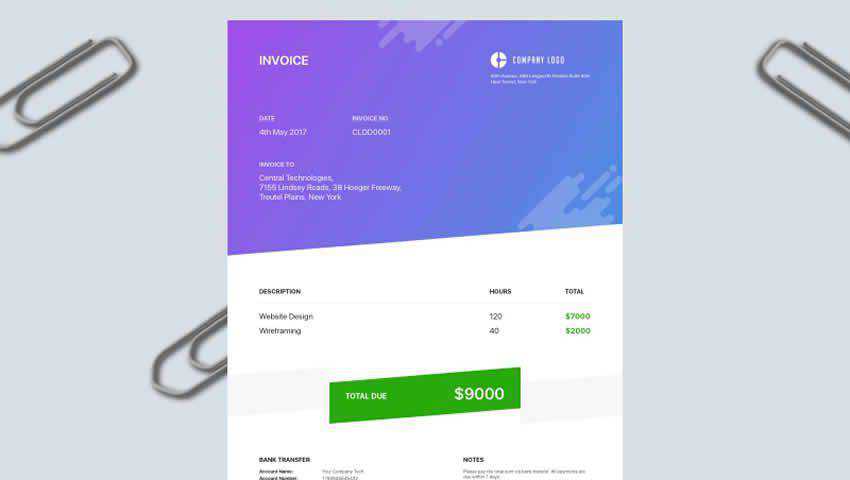
In Illustrator AI & InDesign INDD Formats
This minimally designed invoice template can be quickly edited in Illustrator and is sized at US Letter or A4. It includes free fonts and is print-ready. You could also export to PDF and submit your invoices that way, too. Add your logo, company name, line items, and reference numbers, and your invoice is ready to send.
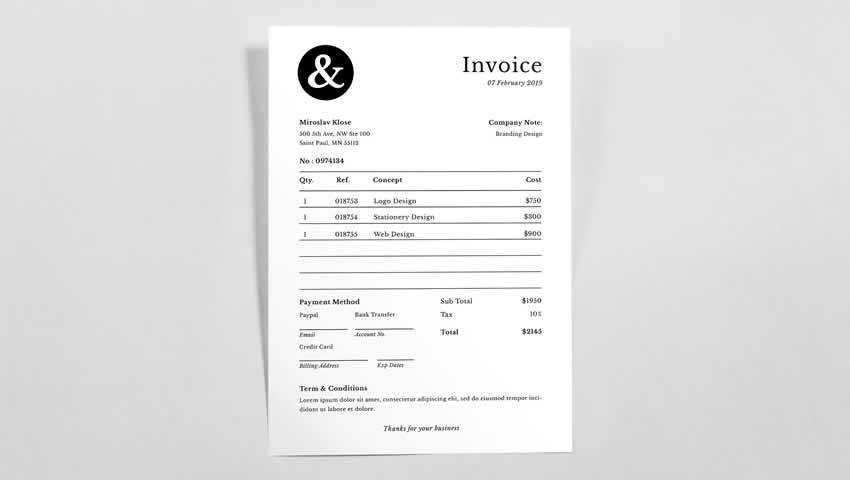
In Word & Excel Formats
These free templates for contractors are in Word and Excel formats. They feature a colorful stripe across the center of the invoice to add some style, but it does so without diminishing the general form and function of the invoices. You can customize the logo, company info, client info, and anything else you need to get paid promptly.
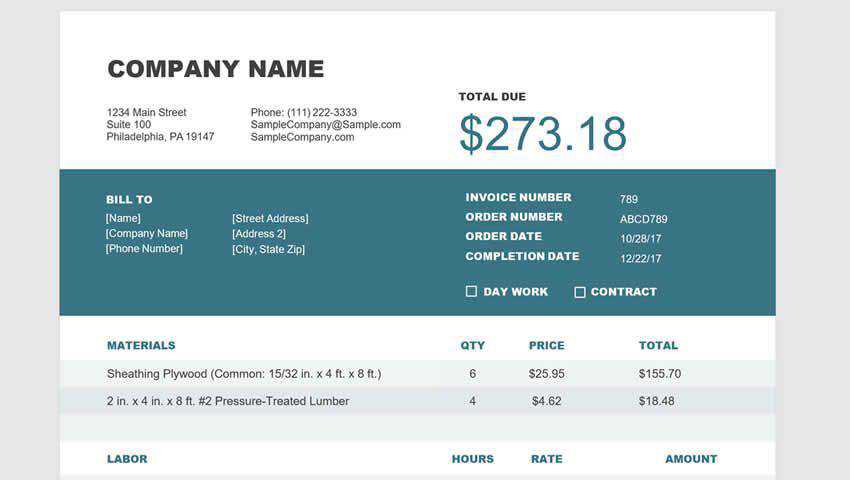
In Illustrator AI Format
This free invoice template has been designed for freelancers. It can be quickly edited in Illustrator. You can customize the logo and color scheme, determine the payment amount, include your company information, and add anything else you need. You can also include information about how you would like to be paid.
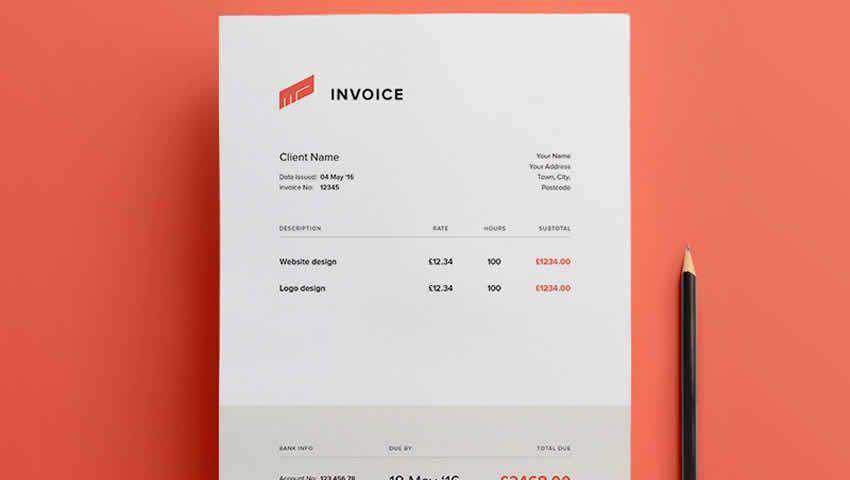
In InDesign INDD Format
This invoice template’s design is understated. It is simply black and white, but it does include subtle lines and bold areas to create a professional finish. The invoice is in Adobe InDesign format and is suitable for any business type, including freelance design.
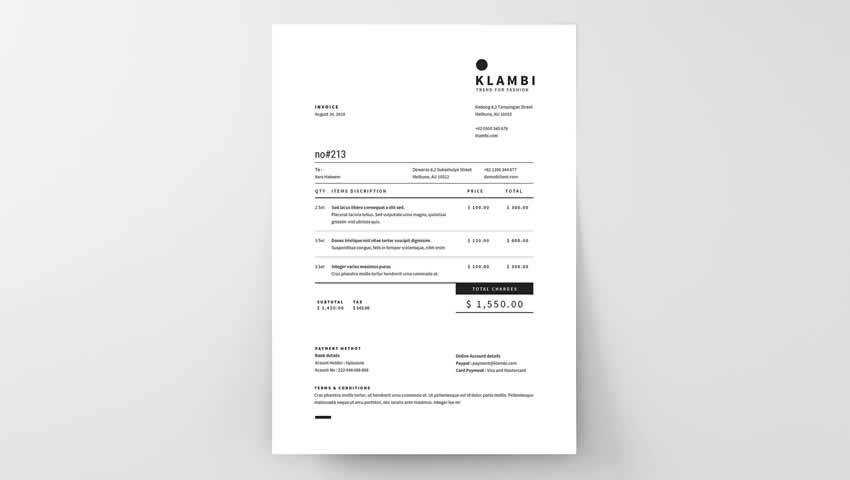
In InDesign INDD Format
This InDesign template has been designed with simplicity, but it does a lovely job presenting your billable hours. My favorite part is the arrow pointing from your information to the clients. It’s a great visual cue. If you prefer a minimalist aesthetic, you could go logo-free, and the invoice would still look amazing.
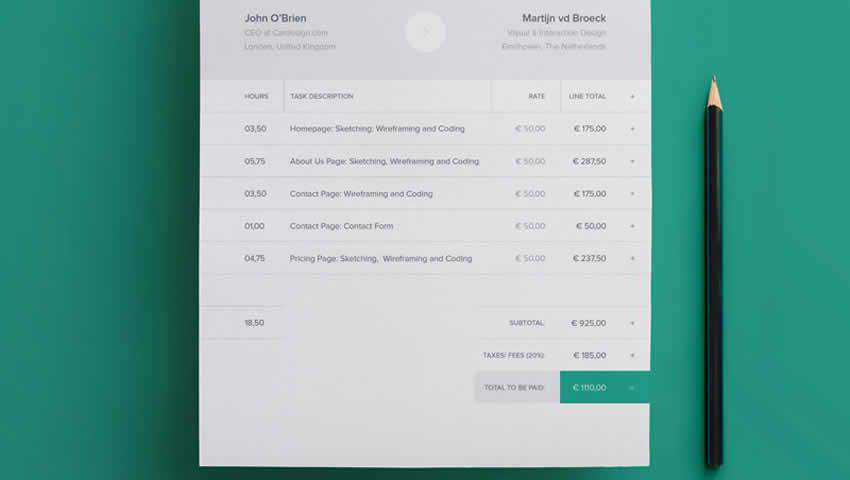
In AI, EPS, INDD & PSD Formats
This grid-based template is another simple black and white invoice with a minimalist design. The design is focused on the important information you want your clients to see. This cross-platform invoice template can be customized with your own logo, company information, and signature.

In Word & Excel Formats
These simple invoice templates have been designed for editing in Word and Excel. To get started, add your logo and company information, fill in the details of your latest project, and then add the payment terms. These free templates offer a simple solution to an issue that can be time-consuming, especially if you have many clients.
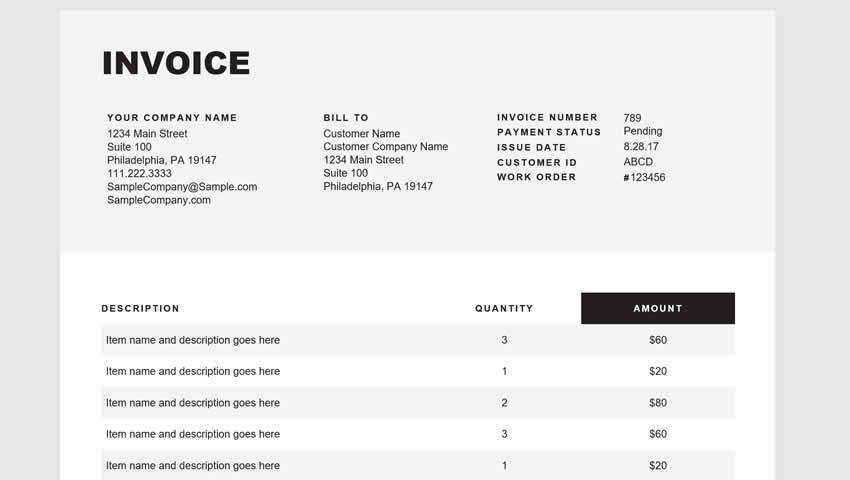
In Photoshop PSD Format
This clean invoice template is available in both Word and Excel and is very easy to configure for personal use. Add your logo and contact info, choose a color scheme, add your line items, and export the file.
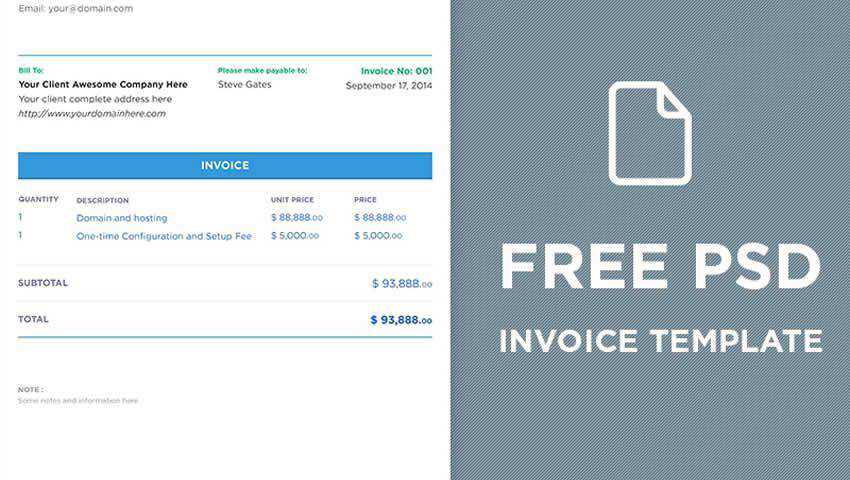
In InDesign INDD Format
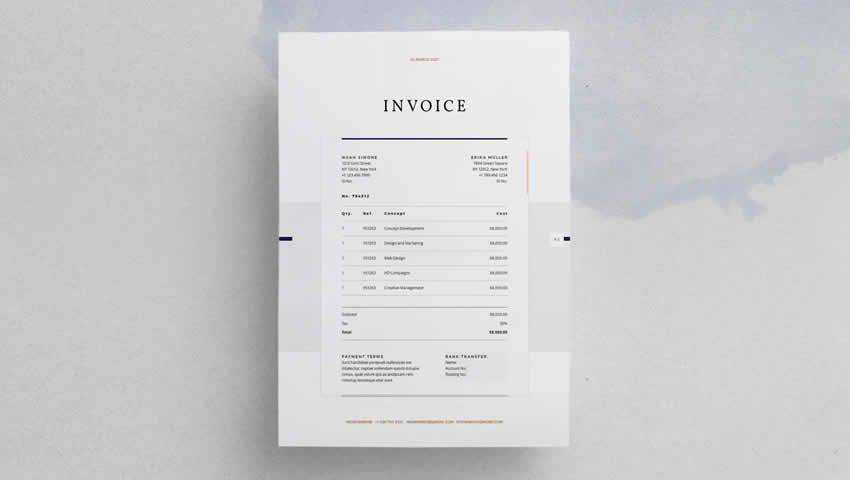
The overall design of this InDesign invoice template is muted but professional. You can customize the logo, company info, and imagery. The paragraph and character styles make for a consistent layout that would suit many business types.
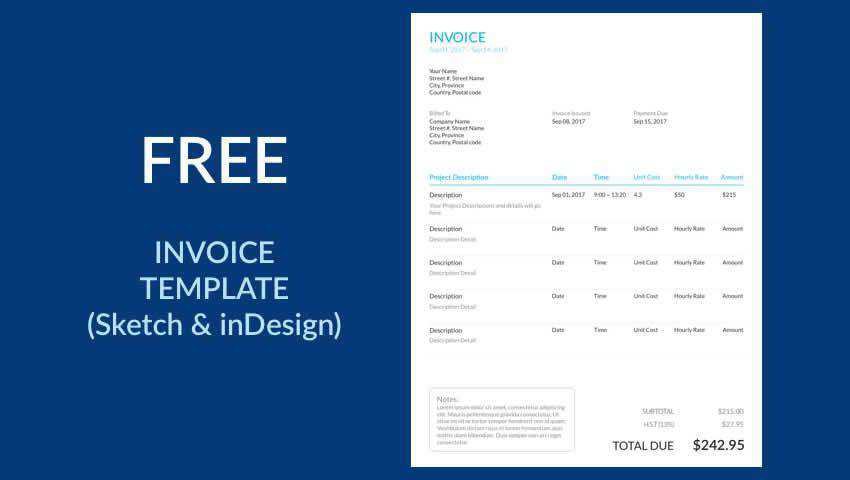
In Sketch & InDesign INDD Formats
The last invoice template in our collection is available in Sketch and InDesign formats. It is very easy to edit and export. Simply select the colors you want to use, input your business information, add the payment details, and you’re good to go.
Invoice Template FAQs
-
What are Invoice Templates?They are pre-designed invoice templates tailored for designers. They are designed to help you bill clients for design work, providing spaces for all necessary information.
-
Why Use Invoice Templates Specifically for Designers?They cater to the unique billing needs of designers, including sections for specific services, hours worked, and materials used, in a format that reflects a designer’s professionalism.
-
Can I Customize These Templates to Match My Brand?Yes, you can easily modify these templates to include your branding elements like logos, brand colors, and fonts.
-
Do These Templates Include All Necessary Legal Information?Most templates cover essential elements, but it’s always good to tailor or add any specific legal terms relevant to your work or location.
-
How Can a Well-Designed Invoice Benefit My Design Business?A professional invoice reflects your attention to detail and professionalism, reinforcing your brand’s credibility and encouraging timely payments.
-
Can I Convert These Templates into Different Formats?Yes, most templates can be converted into various formats like PDF, Excel, or Word, depending on your preference for digital or print use.
-
What Key Information Should I Include in My Invoices?Your invoice should include your contact information, client’s information, details of the services provided, prices, payment terms, and due date.
-
Are There Specific Invoice Templates for Different Types of Design Work?Some templates are tailored for specific design fields like graphic design, web design, or interior design, addressing the particular billing practices of each field.
Conclusion
This collection of free invoice templates will help you manage getting paid by your clients without spending a lot of extra time facilitating it.
As always, double-check the licenses of these free templates before using them to be on the safe side. Otherwise, enjoy not having to spend so much time on invoicing anymore!