
Market disruption and shockwaves through Silicon Valley marked Chinese startup DeepSeek’s launch, challenging some of the fundamental assumptions of how artificial intelligence companies had operated and scaled. In less than a couple of years, the Beijing-based newcomer has accomplished what many thought impossible: creating AI models…
NVIDIA aims to solve AI’s issues with many languages
While AI might feel ubiquitous, it primarily operates in a tiny fraction of the world’s 7,000 languages, leaving a huge portion of the global population behind. NVIDIA aims to fix this glaring blind spot, particularly within Europe. The company has just released a powerful new set…
Generative AI in Healthcare eBook
Real-world insights from the front lines of clinical AI…
Human-in-the-loop work drives AI powering Alibaba’s smart glasses
Alibaba is moving into the smart glasses market with a device powered by its own AI models, part of a wider $52.4 billion furthering of AI and cloud computing. The Quark AI Glasses marks the company’s first step into the wearables category and is due to…
The Friday Roundup – Free Streaming Software and Stock Footage
This New Streaming Software Is Free… and It’s Easy About two years ago my wife wanted to start adding livestreams to her arsenal of content creation outside of traditional videos for YouTube etc. At that time the darling of the livestreaming world was Open Broadcaster Software…
20+ Best Free Lightroom Mobile Presets for Photographers in 2025 — Speckyboy
Lightroom Mobile is widely recognized as the leading photo editing application for photographers on the go. Suitable for both experienced and inexperienced photographers alike, it offers a suite of tools for easy photo editing directly from your mobile device.
Presets in Lightroom Mobile are pre-configured settings you can apply to your photographs with a single tap. They adjust multiple aspects of a photo at once, including exposure, color balance, contrast, and saturation. Presets help maintain a consistent quality and style across your work, allowing for uniform adjustments across various images.
They can save considerable time by eliminating the need to manually tweak the settings of each photo, streamlining the editing process, and allowing you to focus on capturing new photos.
With these free Lightroom Mobile presets, achieving professional-quality photo edits becomes easier than ever, opening up more creative possibilities for photographers of all levels.
You might also like our collections of Lightroom Classic presets, Lightroom LUTs, or Lightroom tutorials.
Whether you’re photographing busy city scenes or a peaceful natural setting, the Wonderlust presets make sure every adventure is captured beautifully.
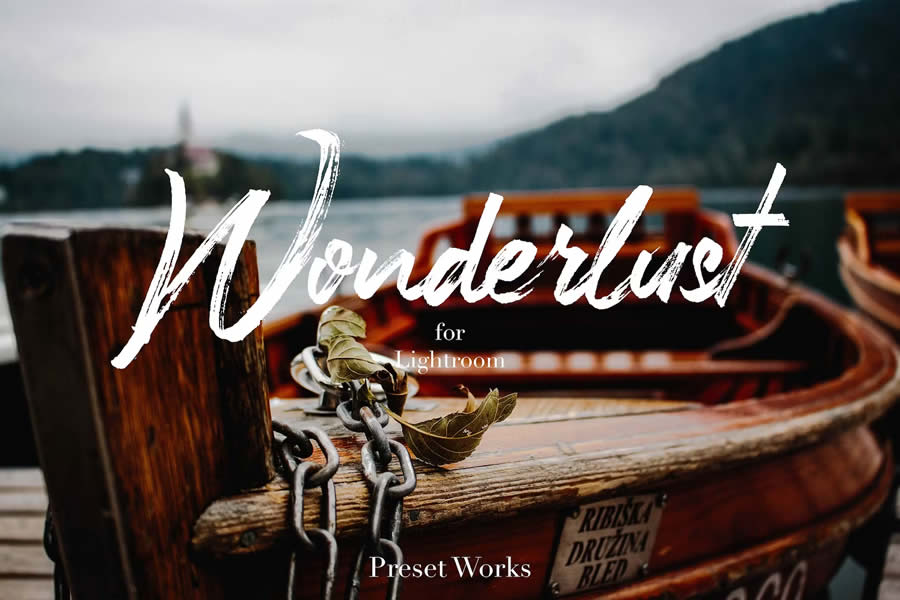
Free to Download
This free preset has been designed for adventurers and explorers. Give your travel photos a distinctive vintage look with this free DNG. Bring out a sense of nostalgia and capture the spirit of your adventures.
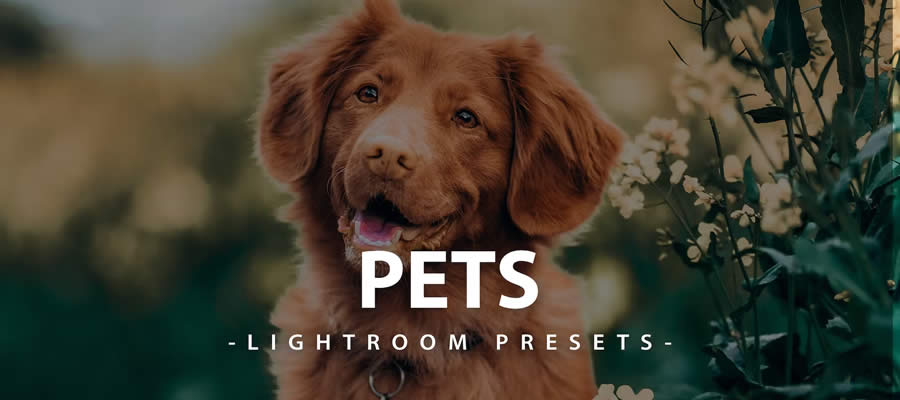
This free preset highlights the innocence and joy of our animal friends. It brings energy to each photo, showcasing your pets in full splendor.
Free to Download
This free preset wraps your photos in a deep bronze hue. It adds a dramatic flair, turning ordinary moments into scenes worthy of display.

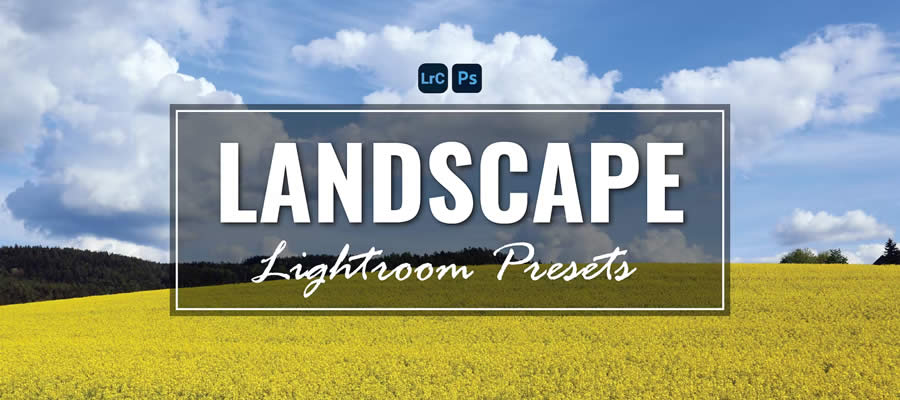
This is a comprehensive collection of 35 free presets for landscape photographers. It adds depth and color to your outdoor shots, ensuring that the beauty of nature is fully captured.
Free to Download
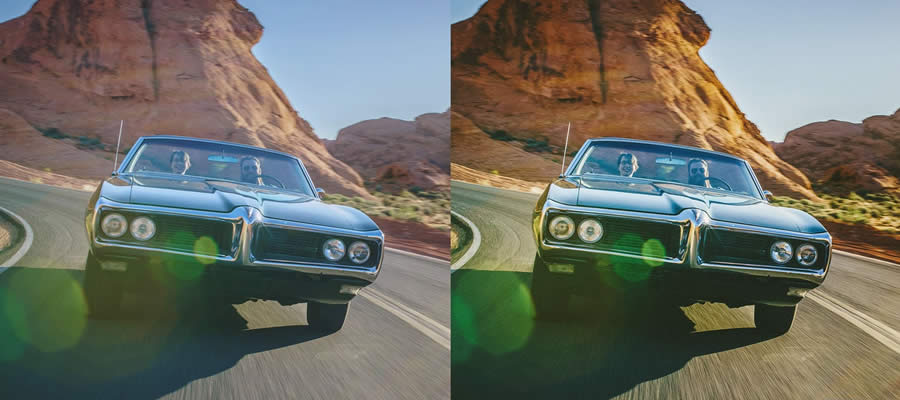
This free mobile preset has been designed for those who want to create a dramatic, gritty look. With its green-tinged shades and cinematic quality, this preset turns ordinary scenes into emotionally charged images.

Free to Download
Insta Blogger is a free preset ideal for modern influencers. It replicates popular Instagram effects, giving your photos a distinct blogger style and keeping you at the forefront of social media trends.

This collection of ten Lightroom Mobile presets has been designed to give your photos a grainy texture, perfect for a retro, urban aesthetic. It adds a nostalgic touch to modern urban scenes.

Free to Download
Film Pop combines bright colors with a grainy, film-like texture. These free presets capture the authentic style of analog while maintaining a contemporary edge.

Free to Download
Introvert Retro is a free Lightroom Mobile preset that gives your photos a somber, film-like aesthetic. The muted green undertones subtly capture the feel of reflection and tranquility, making it perfect for those moments that speak volumes in silence.
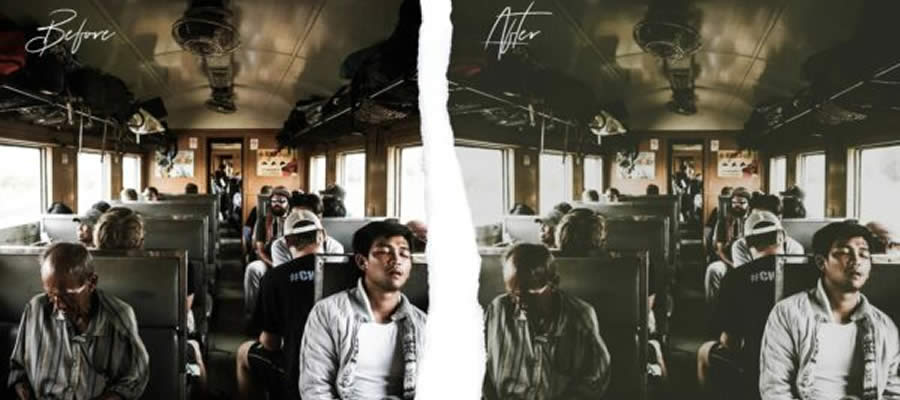
Free to Download
This free Lightroom Mobile preset is designed to amplify orange and teal hues. It is perfect for urban photography, turning cityscapes and streets into stunning scenes where warmth meets cool perfectly.

With these presets, your photos will be transformed into screen-worthy masterpieces with clean and vibrant adjustments to blues, greens, and browns.

Free to Download
Groovy Wedding is a free Lightroom Mobile preset for wedding photography. It gives every photo a romantic aura, capturing every tender moment and loving glance in its most heartwarming light.
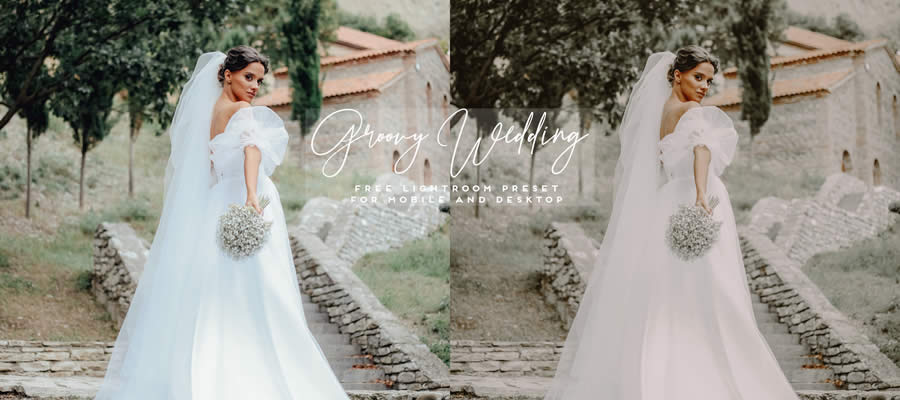
Free to Download
Chocolate Matte is a free Lightroom Mobile preset that blends warm brown tones with a soft matte finish. The subtle haze adds a cinematic touch, turning your photographs into timeless pieces with a tranquil, cozy atmosphere.

Free to Download
This free preset has been tailored for interior design photography. Available in DNG format, it highlights architectural subtleties and décor details, transforming every room into a masterpiece of design and comfort.

Free to Download
Film Grade captures the classic style of cinematic films. With its grainy texture and nostalgic feel, it brings the raw charm and emotion of vintage cinema to each shot, adding an old-world touch.
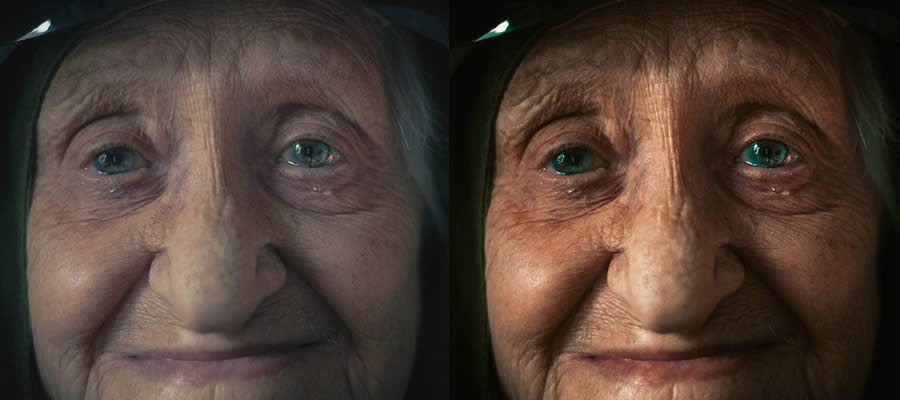
Free to Download
Miami Beach is a free Lightroom Mobile preset designed to add warmth to your beach photographs. Perfect for capturing sun-kissed sands and vibrant waves, this preset ensures every frame glows with the inviting warmth of summer.

Free to Download
This preset has been created for indoor fashion shoots. Optimized to highlight the elegance of every model, it ensures that your fashion photos are as stunning and stylish as the runway itself.

Free to Download
Moody Light is a free Lightroom Mobile preset designed to intensify the drama in your photos. Characterized by rich colors and deep shadows, this preset adds mood to every frame, turning each shot into a vivid narrative.
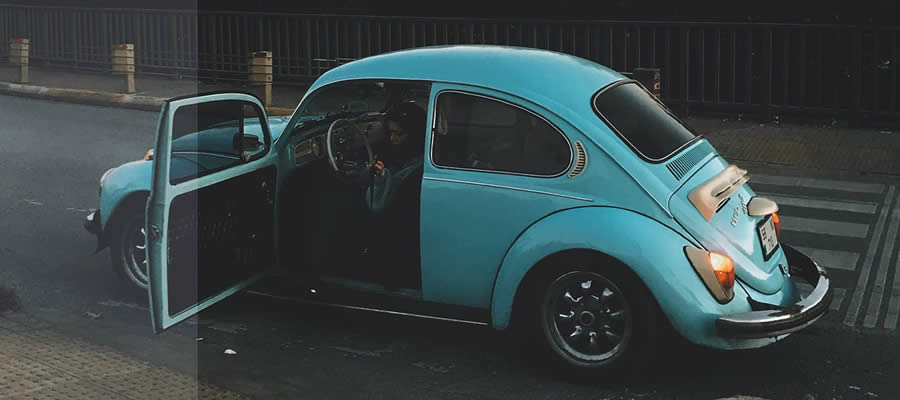
Free to Download
This free Lightroom Mobile preset is designed to add moody brown hues to your photographs. With its matte finish, this preset gives the feel of a cozy café, turning every snapshot into a soulful moment reminiscent of your favorite brew.

How to Install Lightroom Mobile Presets
To install Lightroom Mobile presets, follow these steps:
- Download Presets: Download the preset files to your mobile device. They are typically in
.dngformat. - Open Lightroom Mobile: Launch the Lightroom Mobile app on your device.
- Import Preset Files: Tap the
+icon to add a new photo. SelectFilesto browse and import the.dngpreset files you downloaded. - Open a Preset File: Tap on one of the imported
.dngfiles to open it. - Create Preset: Click the three dots (
…) in the upper right corner. SelectCreate Preset. - Save the Preset: Name your preset and choose a Preset Group (create a new group if desired). Tap the checkmark to save.
- Apply the Preset to Photos: Open the photo you want to edit. Tap
Presetsfrom the menu at the bottom. Select your saved preset group and tap the preset you created to apply it to your photo.
Related Topics
On Accessibility Conformance, Design Systems, and CSS “Base” Units
My brain can’t help but try to make connections between seemingly disparate ideas. And that’s what happened yesterday when I read:
Hidde’s “Can components conform to WCAG?”
Joas’s “Automating Design Systems”
Zell’s “We Might Need Something Between Root and Relative
…
On Accessibility Conformance, Design Systems, and CSS “Base” Units…
The Sequence Opinion #703: Masters of One or Jack of All? The Future of Generalist vs Specialist AI Models
Some thoughts about one of the most important debates in frontier models….
We Might Need Something Between Root and Relative CSS Units for “Base Elements”
I’ve come to realize that perhaps we need to have a unit between root and relative values. This would bring about a whole new possibility when creating reusable components.
We Might Need Something Between Root and Relative CSS Units for “Base Elements” originally published on CSS-Tricks, which…