The artificial intelligence company Perplexity’s audacious offer to acquire Chrome has sent shockwaves through Silicon Valley, but questions remain about whether the move represents a genuine strategy or a calculated publicity stunt. Perplexity AI made an unsolicited $34.5 billion bid for Google’s Chrome browser last Tuesday,…
Anxiety is growing among Chief Information Security Officers (CISOs) in security operation centres, particularly around Chinese AI giant DeepSeek. AI was heralded as a new dawn for business efficiency and innovation, but for the people on the front lines of corporate defence, it’s casting some very…
A client asked me to create a bulging text effect. With a bit of cleverness and some advanced CSS, I managed to get a result I’m genuinely proud of, which is covered in this three-part series.
3D Layered Text: The Basics originally published on CSS-Tricks, which is…
Malaysia’s race to build a homegrown AI workforce has entered a new phase with Huawei’s pledge to train 30,000 local professionals, as the country’s freshly minted National Cloud Computing Policy (NCCP) creates the regulatory foundation for a sovereign yet globally-competitive digital economy. Speaking at the Huawei…
Getting a viewer’s attention is a big challenge for video content creators. The key is to get them hooked from the first few frames. An effective title sequence can do that.
Titles that feature captivating movements are a must. You’ll also want strong visual effects and typography. Each is an ingredient to keeping viewers interested and engaged.
Building a high-quality title sequence from scratch is possible. However, it’s time-consuming and requires advanced video editing skills. It’s not always feasible in a fast-paced environment.
The good news is that you don’t have to do it all by yourself. A video title template includes everything you need to succeed. They provide you with animations, special effects, and a professional layout. Customize, add it to your presentation, and be on your way!
We’ve put together a collection of title templates created for DaVinci Resolve. Each has something unique to offer your projects. Check out them out and find the perfect match for your next presentation.
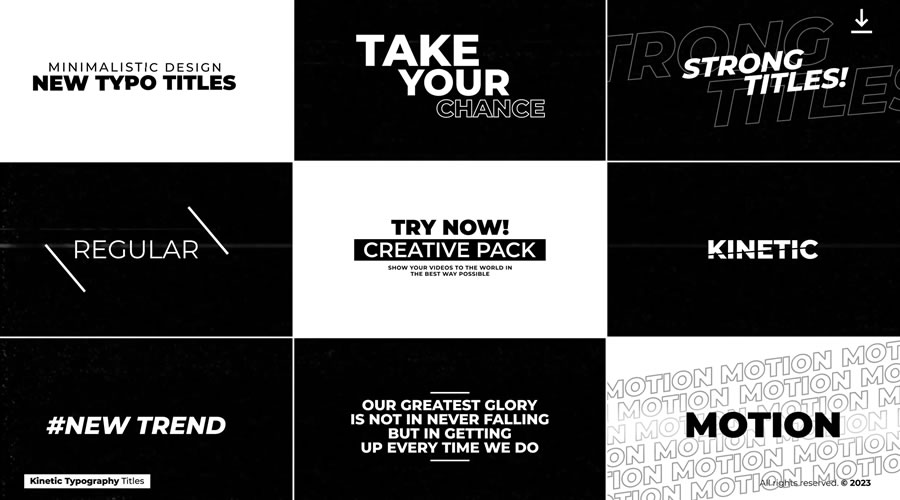
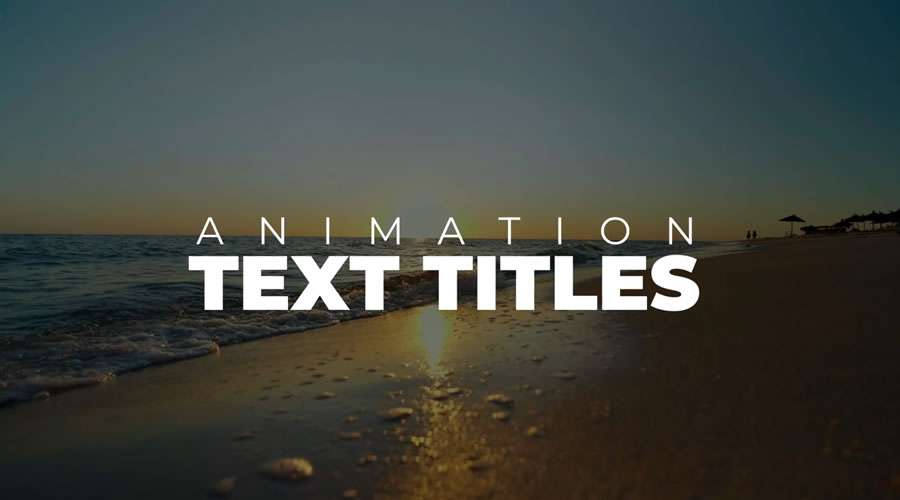
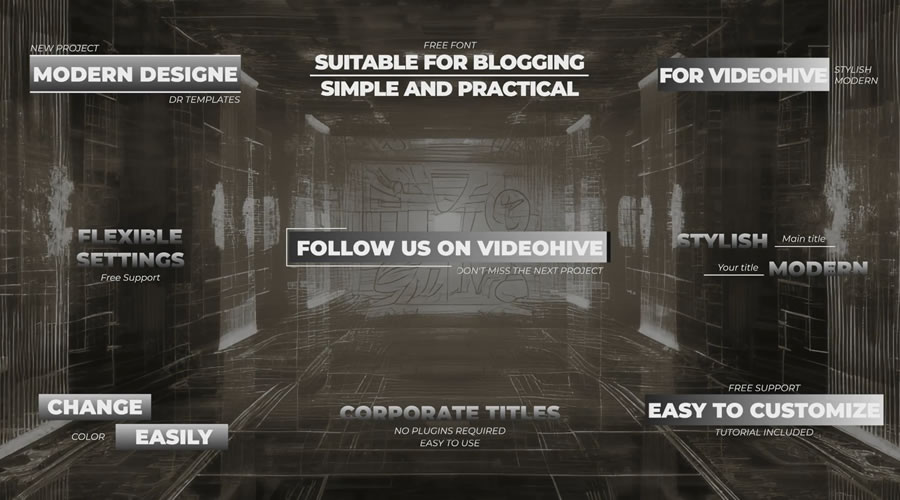
Here’s a stylish and modern collection of titles that are easy to customize. The animation is fluid and sure to draw viewers in. The package includes multiple layouts to help you create a cohesive look.
This template offers a fun elastic text effect. Watch as words bounce in and out of view. Bold typography is used to maximize the impact of each sequence. Subtle shadows add a 3D aesthetic to the mix.
You’ll find lightning-quick animation and bold text in this video title template. A glitchy background sequence is included to enhance the overall effect. Meanwhile, a black-and-white color scheme ties the presentation together.
Fans of geometric shapes and symmetry will want to check out this template. It features strong text styling and makes clever use of contrast. This versatile template would be at home in both corporate and entertainment projects.
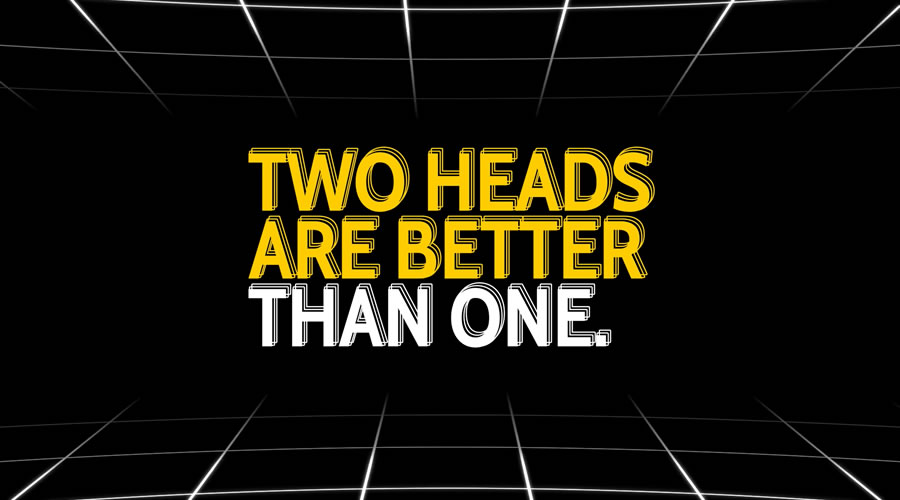
Fast animations and 3D text outlines are the hallmarks of this presentation. An attention-getting color transition effect makes it all the more intriguing. The template includes 12 title sequences that are easy to customize.
Here’s a simple yet compelling way to introduce your video. Bold headlines are combined with quick motion and slick transitions. It’s an excellent choice for projects that promise thrills and a fast-paced presentation.
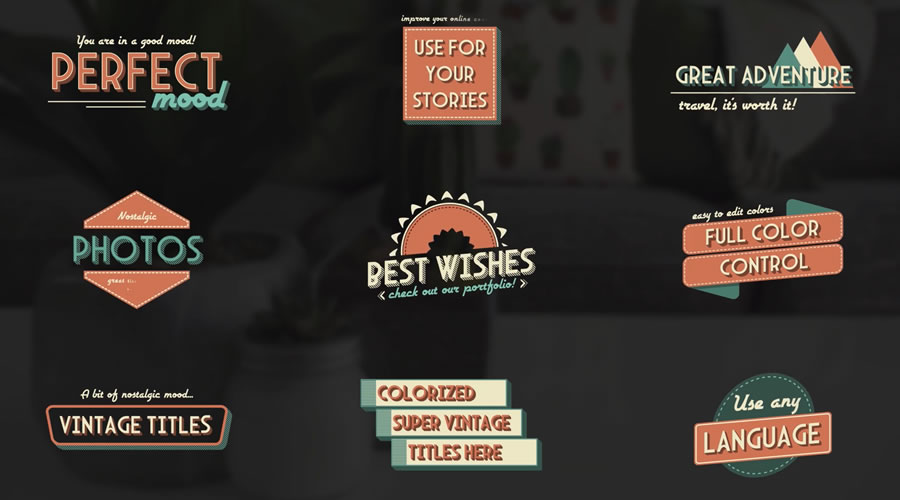
Add a mid-century touch to your video projects with this vintage title template. It features retro looks – but don’t let that fool you. The effects here are professional and smooth. You’ll get the best of both worlds.
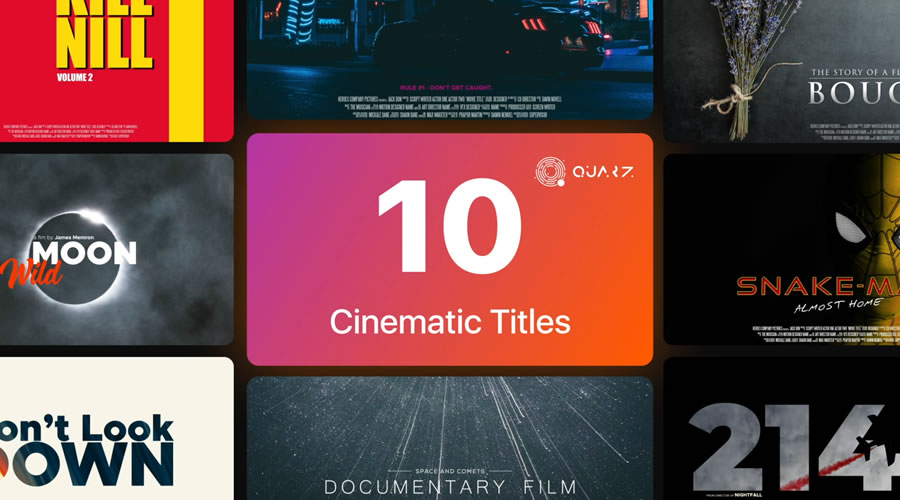
Are you looking to add a classic Hollywood aesthetic to your videos? This package includes multiple styles familiar to movie fans. It covers several film genres, including sci-fi, romance, and action adventure.
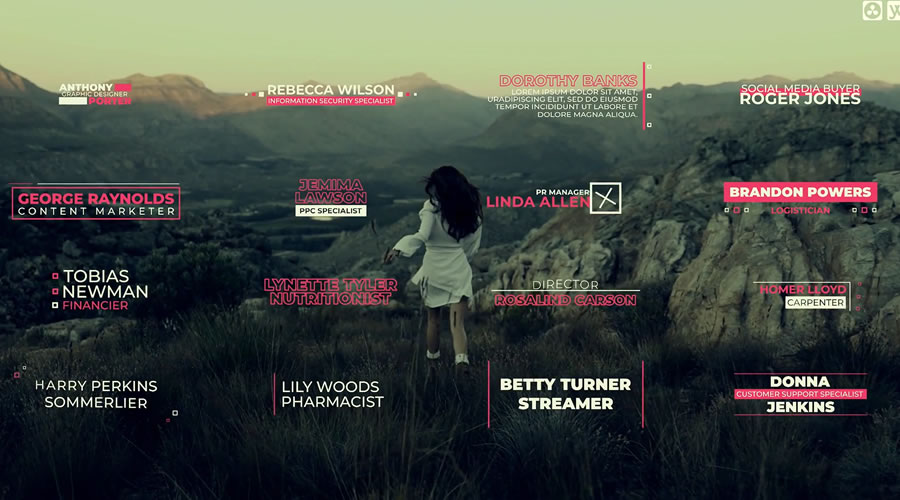
Introduce the stars of your video with these gorgeous lower-thirds titles. You’ll find modern typography and transition effects that will fit seamlessly with your project. Best of all, you can customize it to match your desired look.
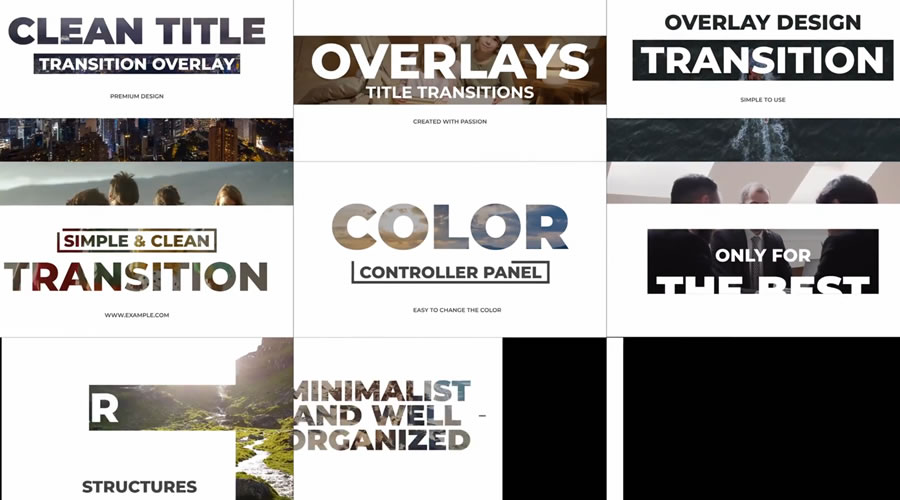
These overlay titles allow your presentation to shine through. Transparent text and backgrounds will add a unique touch to your intro. The look is professional and appropriate for a wide range of uses.
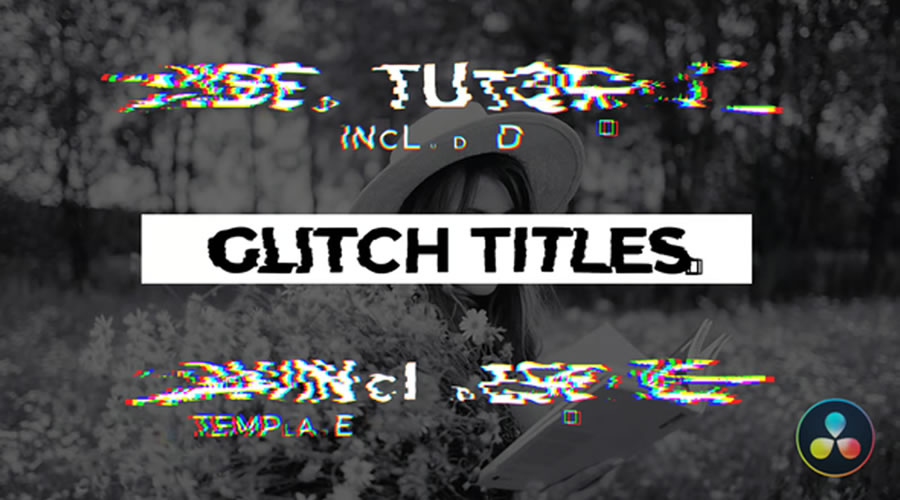
Glitch effects never go out of style. They intersect modern and retro aesthetics. This template is a prime example of glitch effects in action. Beautiful typography transitions out with a colorful flair.
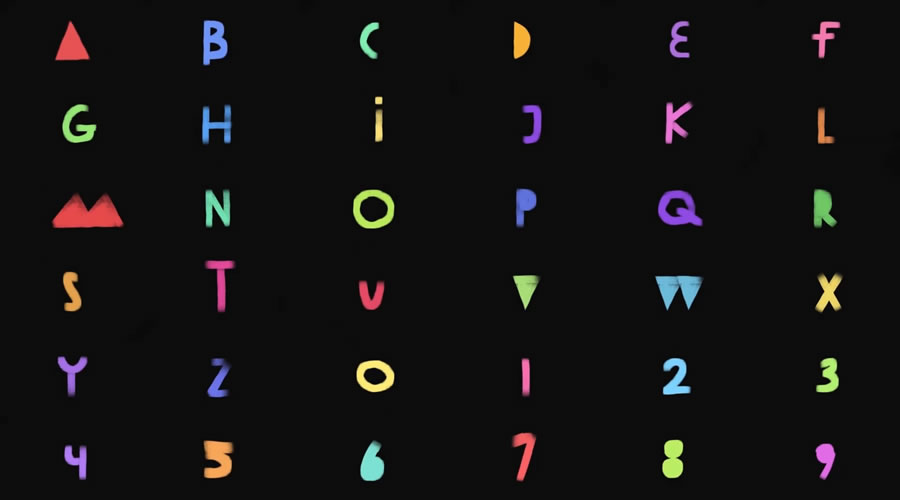
What’s the opposite of a high-tech look? This handwritten brush font is here to give your productions a homemade feel. Use it for videos for kids, crafts, or any project that could use a breath of fresh air.
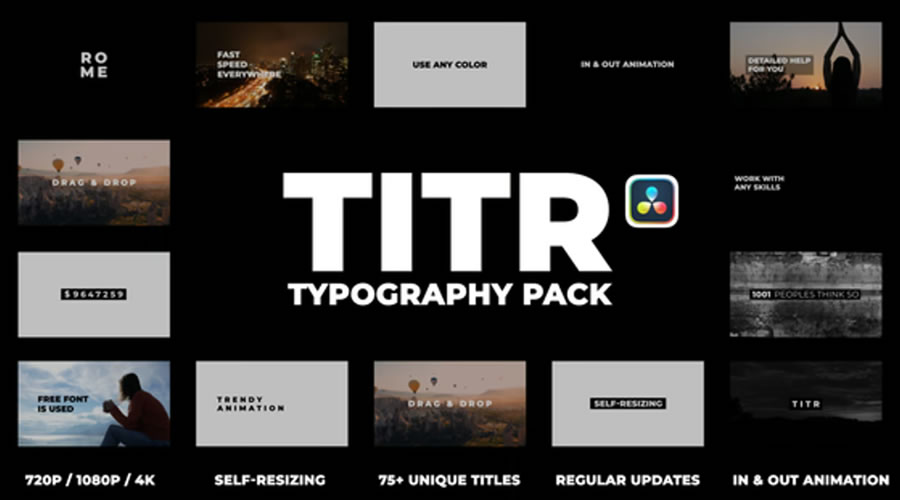
This title template is perfect for those who want plenty of options. There are 75+ dynamic typography titles to choose from in this package. They’re bold and include pro-level animation effects.
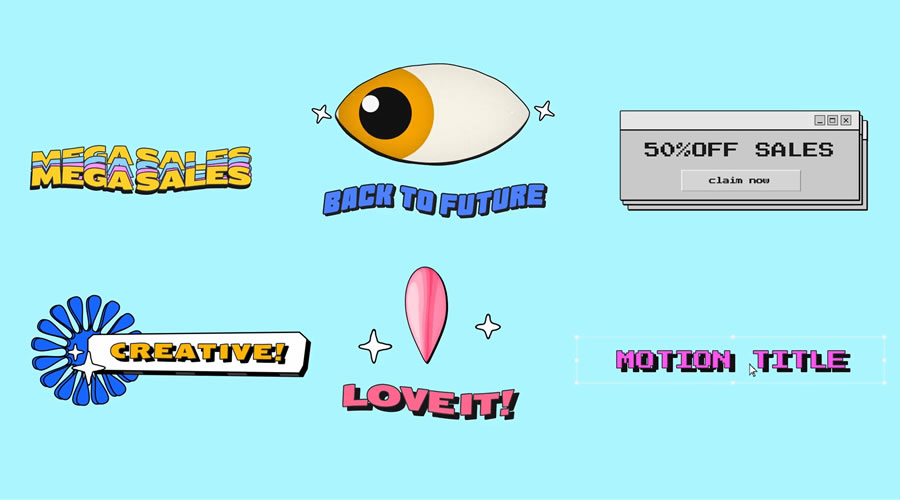
Travel back in time with these retro title templates for DaVinci Resolve. There are hints of the 1970s and ’80s here with groovy graphics and radical colors. Whether you’re looking for a vibe that screams Schoolhouse Rock or MTV, it’s here.
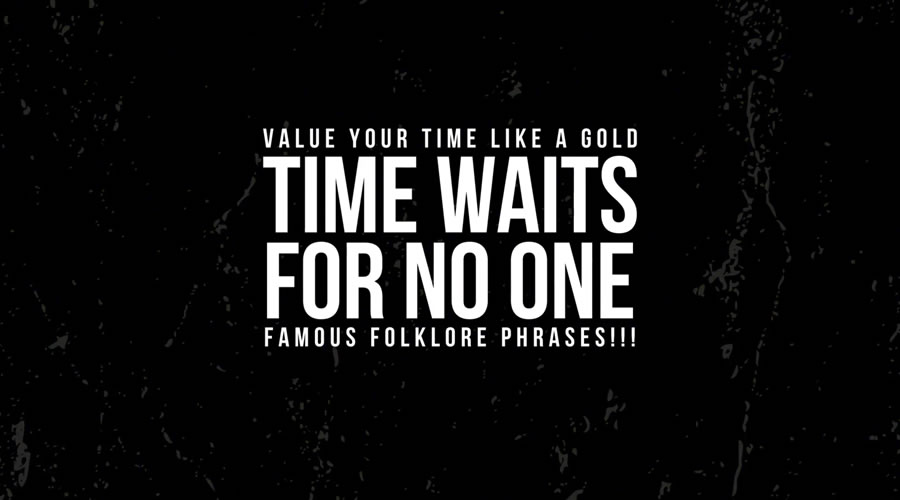
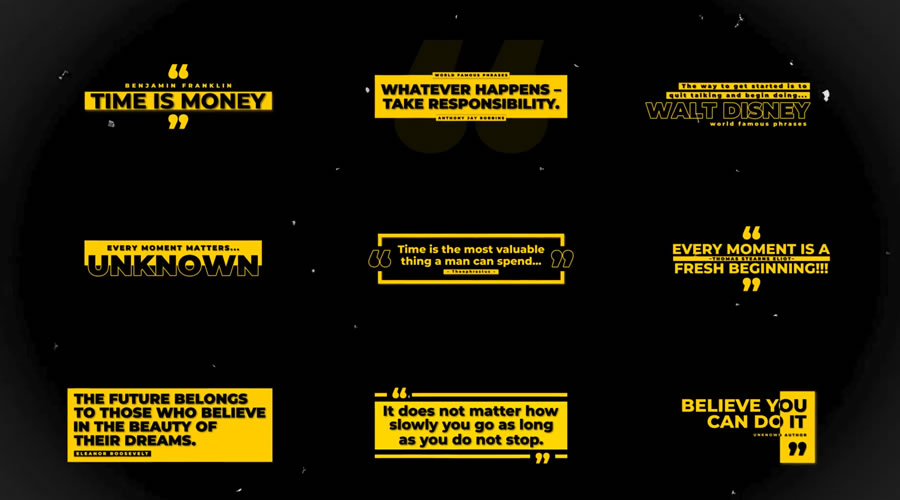
Here’s a template pack designed to bring quotes to life. The animation is lively, and the transitions are energetic. It’s an attractive way to inspire viewers and introduce the subject of your video.
Morph effects are a natural fit for video titles. Here, you’ll find a sequence where each text title transforms into the next with eye-catching motion. It’s great fun and easy to customize.
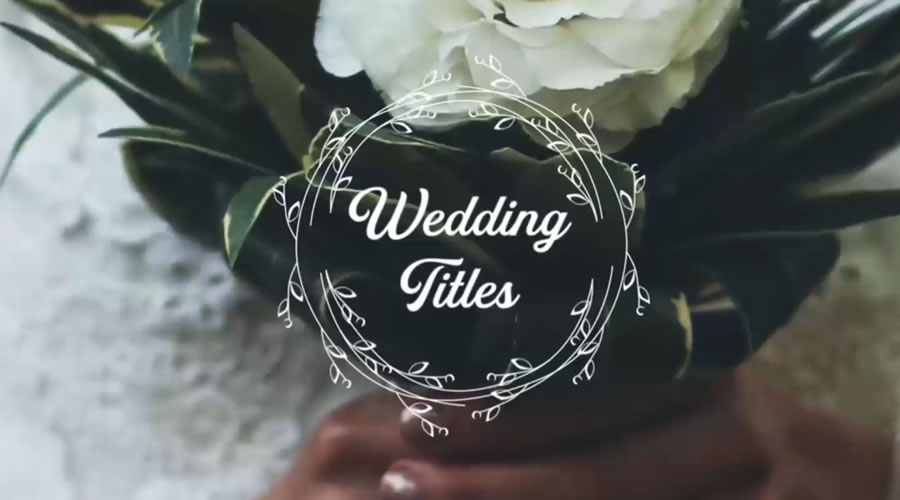
Add a touch of class to a wedding or event video title with this template. The transition effects are intricate and match the subject matter beautifully. Perfect for times when you need a title that captures a moment.
Here’s a thoroughly modern approach to video title sequencing. This template is designed in the style of a text message conversation. Text bubbles are there to help you tell a story.
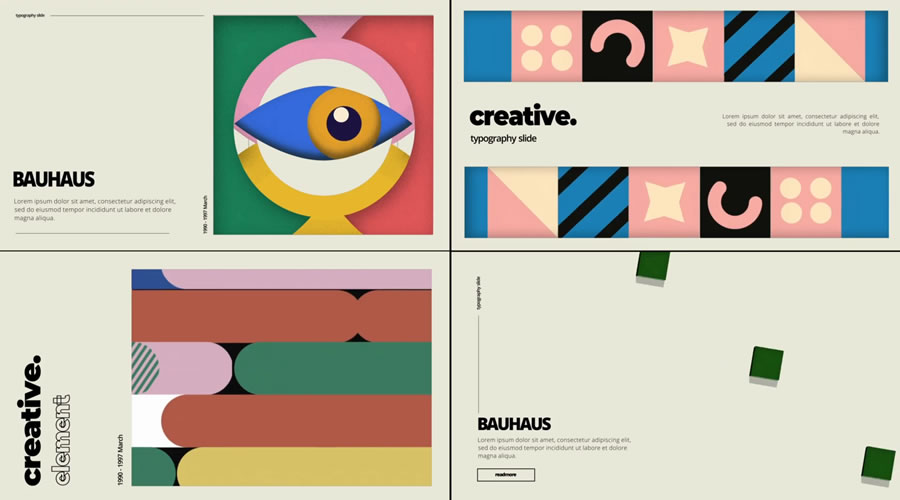
Give your viewers a taste of the classic Bauhaus style with this video title template. The mix of fonts, colors, and shapes is an attention-getter. Use it anywhere where artistry will be appreciated.
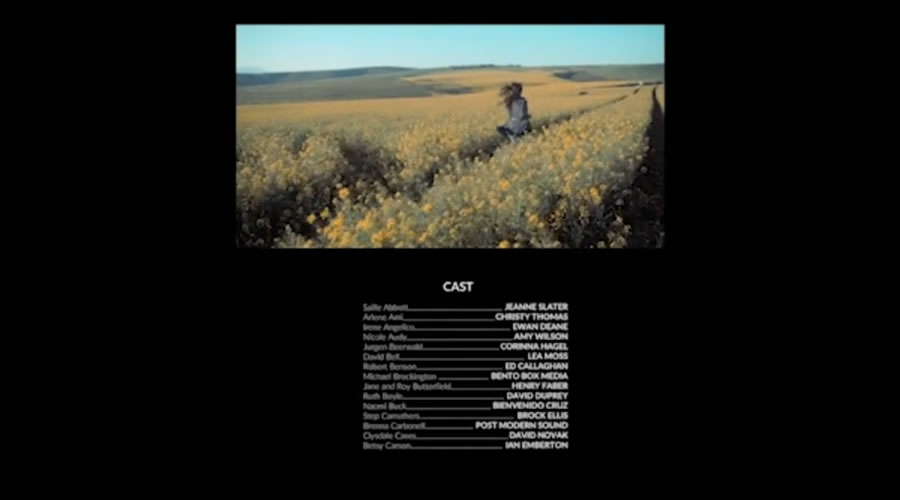
Film credit layouts are perfect for displaying information in an easy-to-read format. This template features 25 layouts to help you share large amounts of text. You’ll also find multiple transition styles to complement your project.
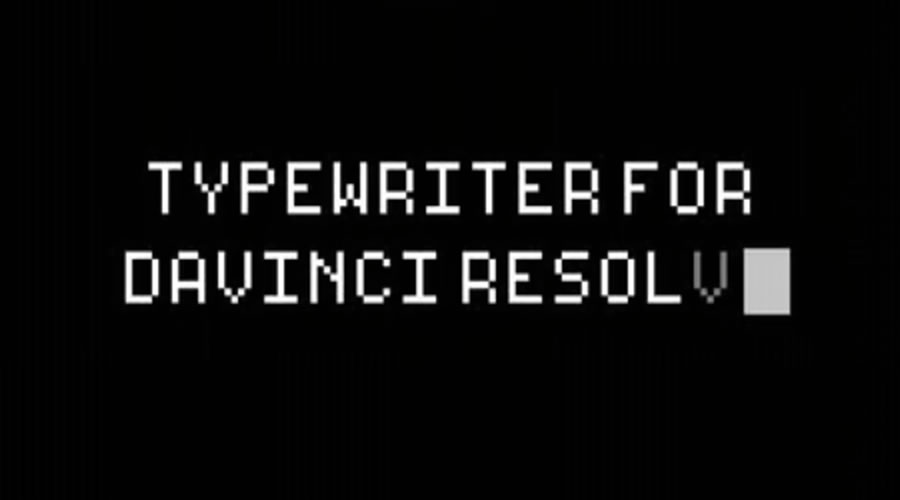
Create a fun and familiar title with this typewriter template. You can use it with any typewriter font – meaning it’s possible to match your project’s aesthetic. Everything from retro computers to old-school paper effects is possible.
Captivate Your Audience with a Top-Notch Title
Titles are an important piece for any video project. They help introduce viewers to your presentation and give them a sense of what’s to come.
The great thing about the title templates above is that they fit a wide range of subjects. There are options for just about any project imaginable. You may find yourself using them again and again.
So, don’t stress over your video’s title sequence. Pick a template above and make it your own! You may be surprised at how easy it is.
Short story: Slapping hidden=until-found on an element in HTML enables any hidden content within the element to be findable in the browser with in-page search.
Covering hidden=until-found originally published on CSS-Tricks, which is part of the DigitalOcean family. You should get the newsletter….
SportStream is a three-day event featuring vendors and experts showcasing how live streaming transforms sports production today. Get tips, tricks, and tools for game coverage, remote production, and live video streaming for sports at every level. We’re here to provide you with the insights and solutions you need to elevate your sports streaming workflow. Your FREE registration gives you access to three days of informative webinars, interviews with industry guests, live demos, chances to win great prizes, and more!
Webinar Schedule
Prizes
Sports Production Today: From Glass to Glass Tues, Sept 9th at 3pm EST Today we will cover the full workflow—from capturing action with PTZ cameras and encoders to delivering stunning visuals on screens and broadcasts—featuring tips, insights, and tools from industry leaders.
BirdDog MAKI Live Camera The ultimate portable live production tool, built from BirdDog’s broadcast expertise. MAKI Live delivers professional 4K video with optical zoom, AI-powered control, and wireless freedom. Valued at $495!
Integration and Optimization – Elevating Your Production Workflow Wed, Sept 10th at 3pm EST “Integration and Optimization – Elevating Your Production Workflow” focuses on connecting your devices for smooth communication and maximizing performance with cutting-edge tools.
Videomaker Plus Membership Videomaker is the go-to magazine for videographers and filmmakers. Get reviews on the latest gear and expert how-to guides to create quality videos.
Fan Engagement: In-Venue and Online Thurs, Sept 11th at 3pm EST Today is focused on Fan Engagement for sports at any level. Learn tools and techniques to excite crowds with in-venue displays, entertainment, and social media integration—creating unforgettable experiences that keep fans cheering.