Landing pages are a great tool for marketers. They introduce your product or service, promote key selling points, and aim to increase conversions. All of that sounds wonderful, but building a great page is easier said than done.
The right WordPress theme can streamline the process. A theme optimized for landing pages includes clean layouts, compelling typography, and top-notch performance. The result is a faster build with all the basics you’ll need.
The advent of the WordPress Block and Site editors adds even more convenience. They reduce the need for custom code and give you more control over design and layout.
We’ve rounded up a collection of ten of the best landing page themes on the market. You’ll find options to fit every need and technical preference. Let’s get started!
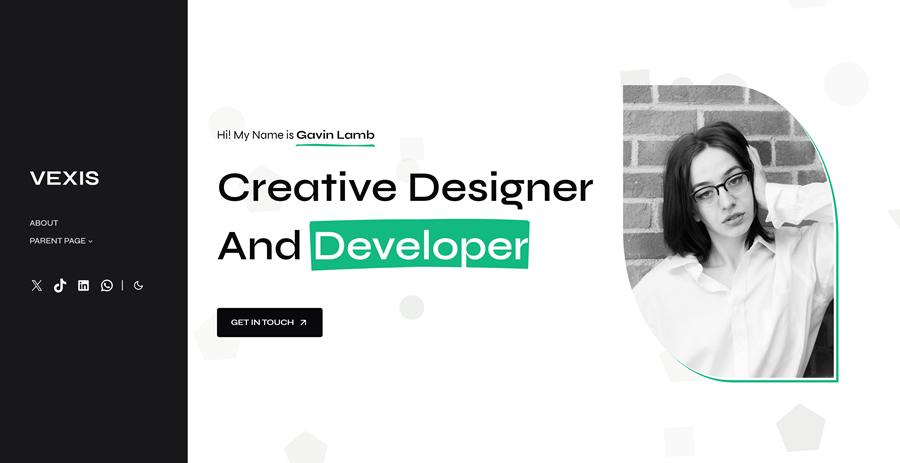
Vexis is a block theme with a clean and modern look. The 20+ included block patterns cover a variety of common design components. You’ll also find a whopping 19 style variations that pair attractive fonts and colors. Note that Vexis is a child theme of Plover and requires that theme to run.
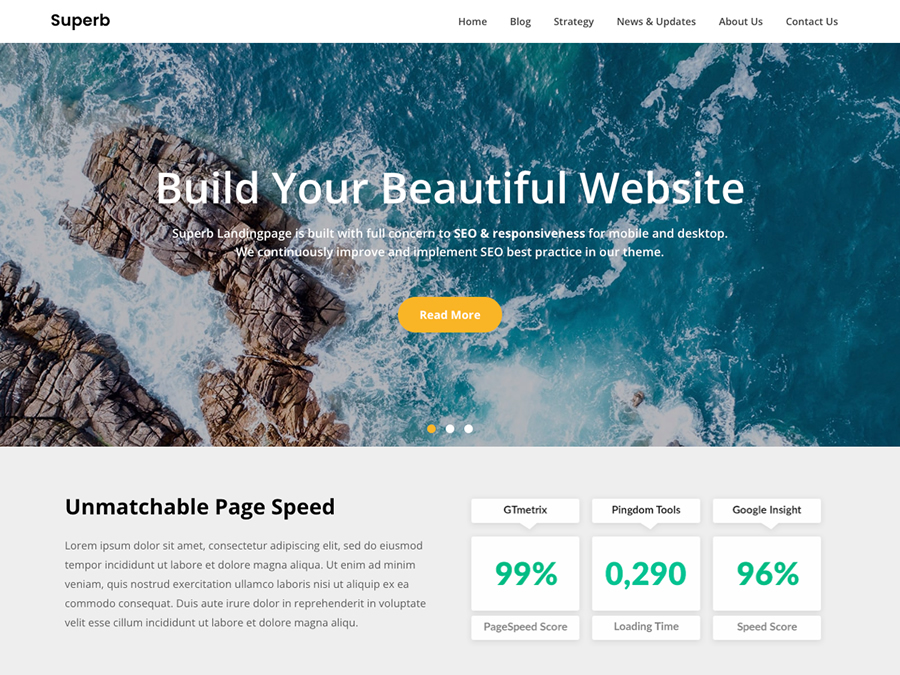
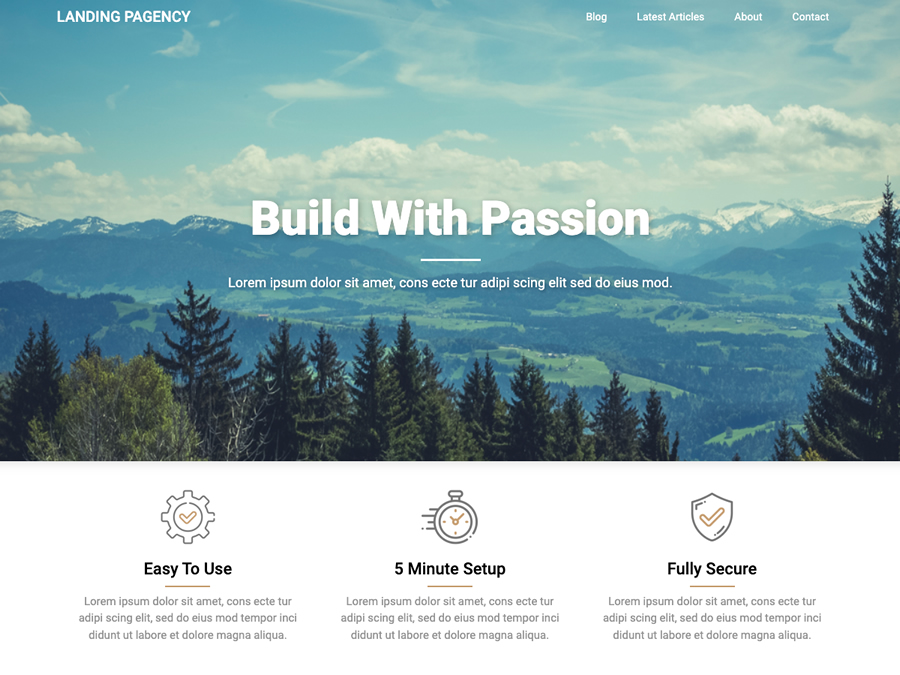
Here’s a classic theme focused on building landing pages. For example, there’s an option to hide the navigation – perfect for one-page sites. There’s also a handsome blog layout to help you keep visitors in the know. It features a responsive layout and is ready for translation into various languages.
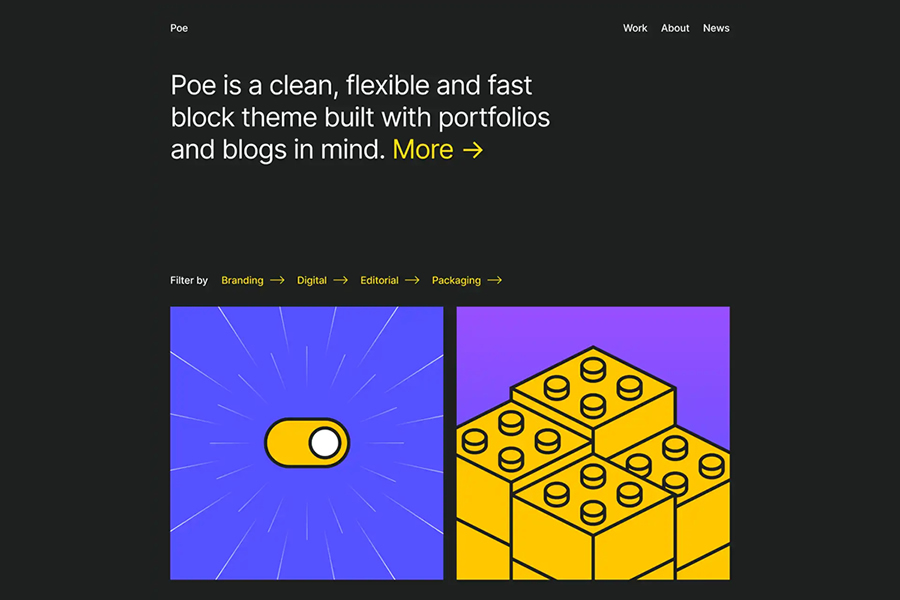
Poe comes loaded with block patterns to make customizing your landing page a breeze. There are multiple post grids, calls to action, headers, and footers to choose from. The theme also includes style variations with light and dark options. There’s enough here to get your project off the ground in short order.
Variations is a multipurpose theme with great potential for landing page design. It includes dozens of block patterns to match just about every need. That level of convenience means you’ll spend less time building and more time optimizing. The theme is also free, which is better for your bottom line.
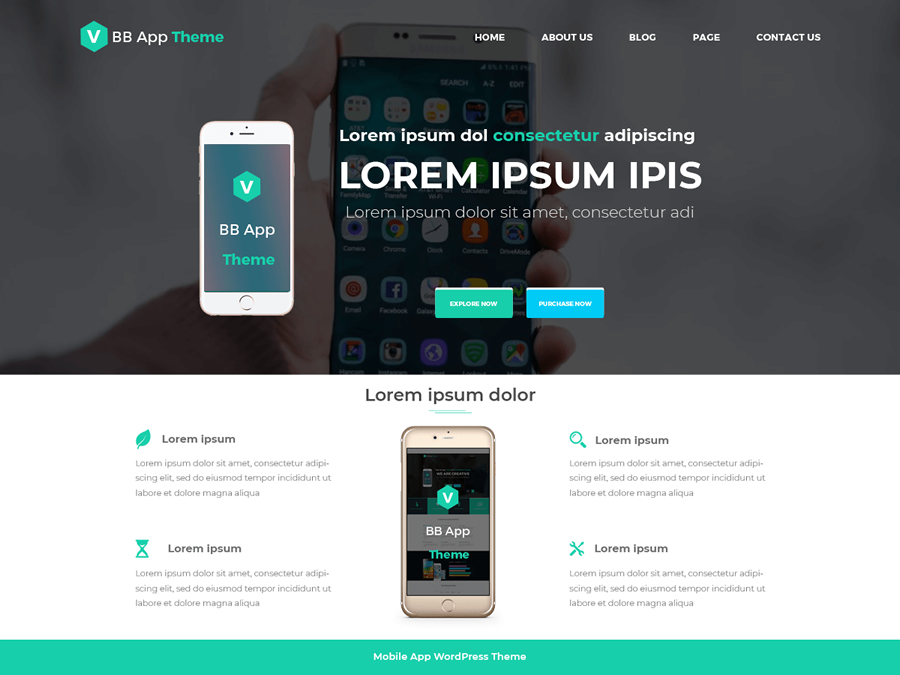
Naming aside, BB Mobile Application is a great theme for showcasing a wide range of products and services. Inside, you’ll find a slider, social sharing features, and helpful page templates. It’s also fully responsive, making it easy to serve mobile users.
Here’s a lightweight landing page theme to help you build quickly and beautifully. It features a responsive layout, custom widgets, and an ultra-clean look. The theme is Gutenberg-friendly and is compatible with all the popular page builder plugins.
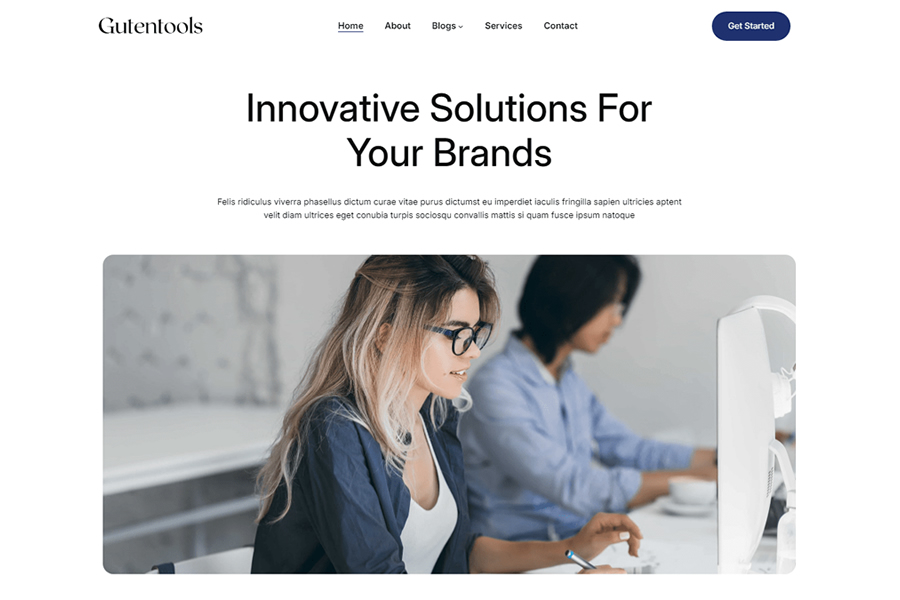
Gutentools has everything you need to build a stunning landing page. The included block patterns and style variations offer convenience and a business-like aesthetic. You can use them to create an informative and easy-to-read page that encourages conversions.
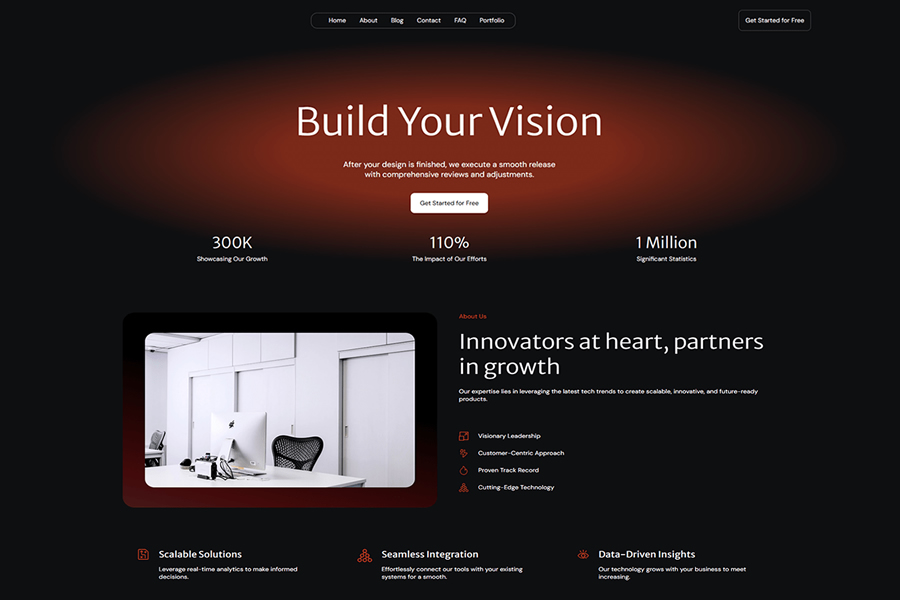
Are you looking for a landing page with a dark and sleek style? Solarium is a theme that comes with a block pattern containing an entire page’s worth of blocks. Tweak the styles, add content, and you’re good to go.
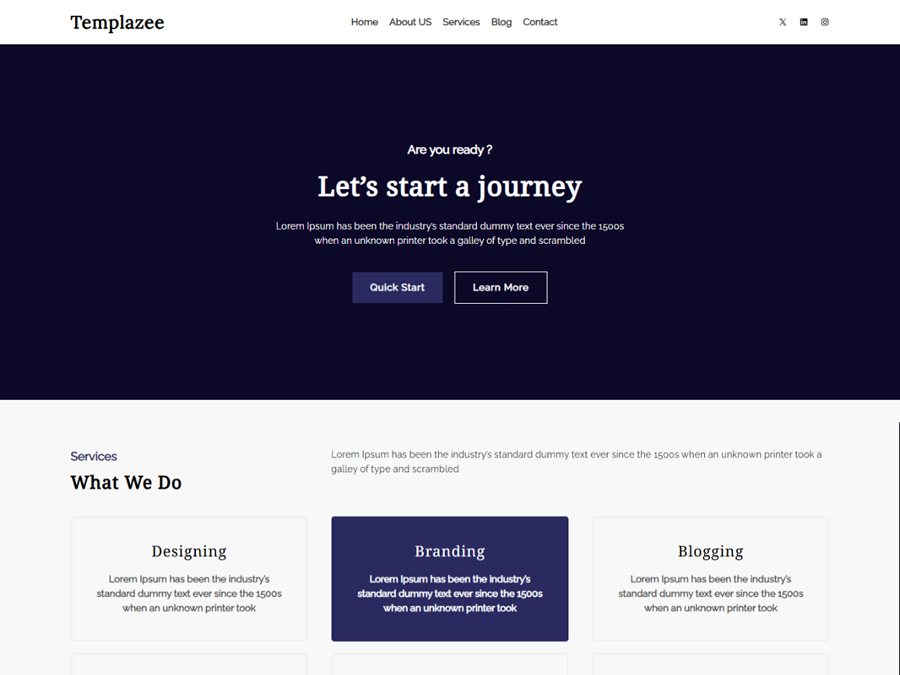
Templazee is a block theme that encourages customization. Use the included block patterns to build the foundation of your landing page. From there, make it your own with custom styles and images. The theme comes with all the basics and lets you add the finishing touches.
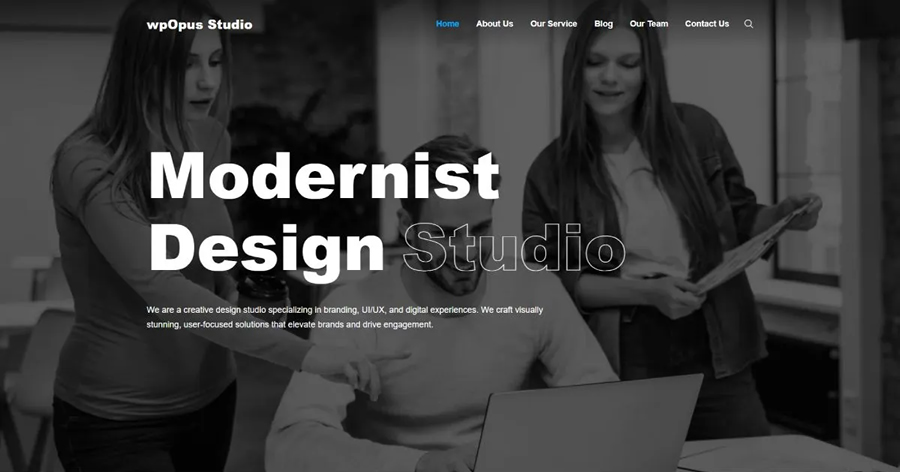
Big and bold, wpOpus Studio brings an array of options for building the ideal landing page. The theme comes with light and dark style variations to match your desired atmosphere. You’ll also find block patterns to give your content a stylish home.
Create a Better Landing Page With WordPress
Building an effective landing page requires creativity and the right tools. A quality WordPress theme will help bring your ideas to life. It makes creating custom layouts and styles easier, leaving you to focus on content.
The themes in this collection provide you with helpful features. However, they differ in how close they get you to the finish line. Some themes offer a near-finished product, while others work best as a starting point. Choose the one that allows you to work your way.
There’s a landing page theme for you, no matter your goals or skill level. So, let your creativity shine and watch your conversion rates rise!
Landing Page WordPress Theme FAQs
What Are WordPress Landing Page Themes?
They are specialized themes designed to create effective landing pages on your WordPress site. They focus on converting visitors into customers or subscribers.
Who Should Use Landing Page WordPress Themes?
These themes are ideal for marketers, businesses, bloggers, or anyone looking to create a focused, goal-oriented page, like promoting a product, event, or service.
How Do Landing Page Themes Enhance Online Marketing Efforts?
They offer clear, persuasive designs and call-to-action (CTA) elements that are essential for successful online marketing and conversion rate optimization.
Are Landing Page Themes SEO-Friendly and Mobile-Responsive?
Many landing page themes are built with SEO best practices and are responsive, ensuring they perform well in search engines and look great on all devices.
Do These Themes Support Integration with Email Marketing Tools?
Most landing page themes are compatible with popular email marketing services and tools, allowing for easy integration of sign-up forms and contact capture features.
Leading AI chatbots are reproducing Chinese Communist Party (CCP) propaganda and censorship when questioned on sensitive topics. According to the American Security Project (ASP), the CCP’s extensive censorship and disinformation efforts have contaminated the global AI data market. This infiltration of training data means that AI…
Branding isn’t just what you do. It’s also how you present yourself. So when you’re creating your next branding strategy for your own products or clients, it’s important to take visuals into account.
Yes, you could create a few versions of the branding materials and call it a day, letting your client pick the ones they like the most. But let’s be real: it’s one thing to see your design on a computer screen, and it’s another to see it in real life.
What would your design look like on stationery? Would the logo fit on the pen your clients are planning on giving away to their customers? Does the business card carry the weight of expertise, backed by professional design and structured information?
If you’re a designer, you know how much a single branding identity material can say. It’s a game-changer. So the next time you prepare branding identity materials, look into mockups.
Realistic representations of what your designs would look like in 3D and when placed in various settings, branding identity mockups help you assess your own designs and convince your clients.
From business cards and coffee cups to stationery and contextual mockups, there’s something for every project you’re passionate about in this beautiful collection of branding identity mockup templates for Photoshop.
Branding identity templates are pre-designed files that allow you to showcase your branding elements in a real-world context. Whether it’s your logo playing the solo on a business card, your color palette painting the background of a website, or your typography setting the rhythm on a letterhead – mockup templates let you visualize the symphony in action!
Logos & Colors: See how your visual elements interact and harmonize on various platforms and materials.
Typography & Imagery: Visualize the rhythm and flow of your text and images across different mediums.
Business Collateral: Business cards, letterheads, envelopes – see your brand melody resonate in every piece.
Digital Presence: Witness the harmony of your brand’s digital footprint – websites, social media, and more.
It’s not just about seeing; it’s about experiencing your brand from the audience’s seats, feeling the vibes, the beats, the highs, and the lows of your brand’s symphony.
In Photoshop PSD Format
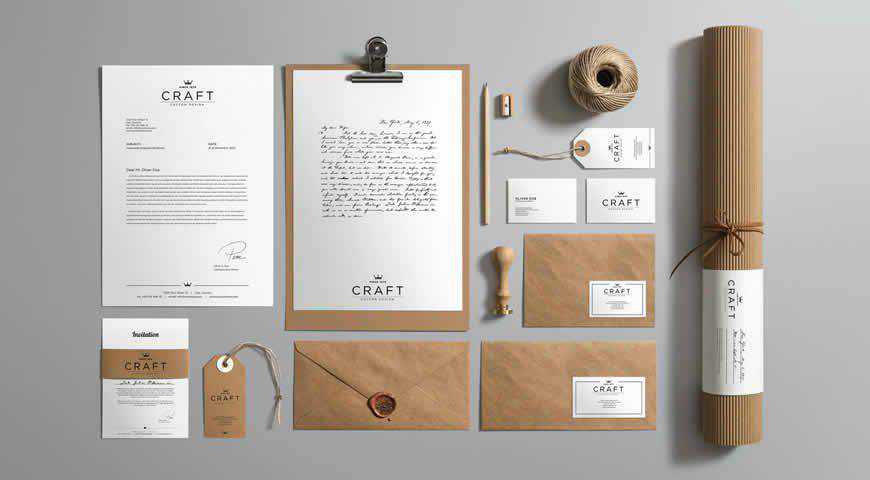
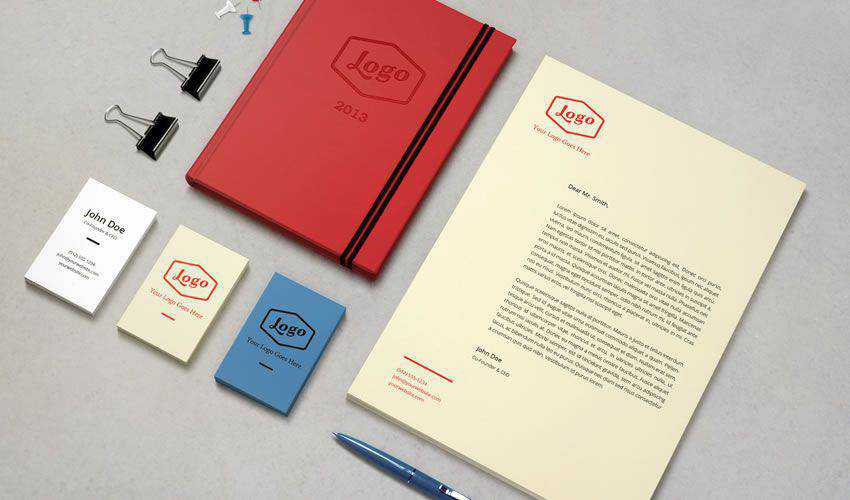
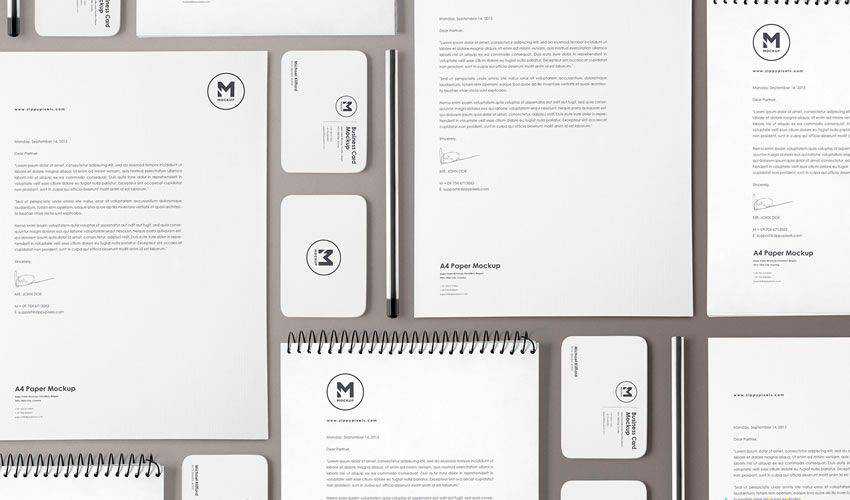
Natural and versatile, this craft branding mockup template set lends itself perfectly to your artistic vision. You’ll get ten different mockups to create a professional stationery branding kit in Photoshop, from envelopes to business cards. You can completely adjust colors, backgrounds, and shadows to get beautiful, photorealistic results.
In Photoshop PSD Format
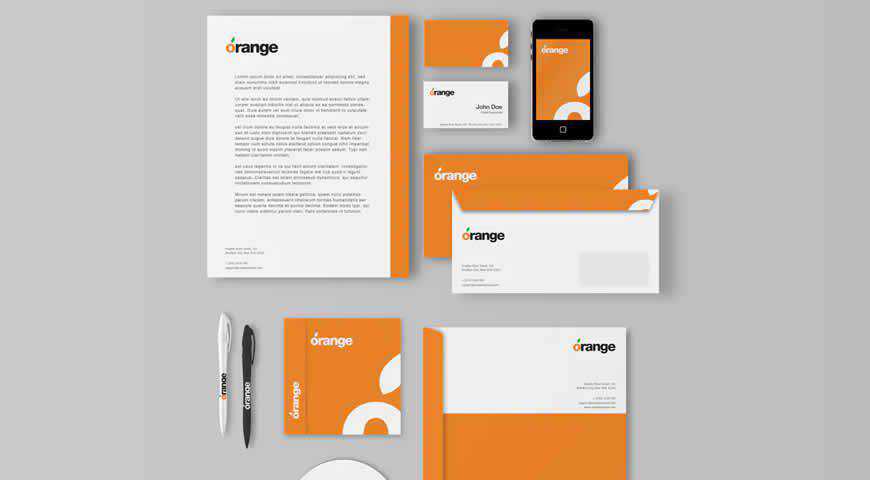
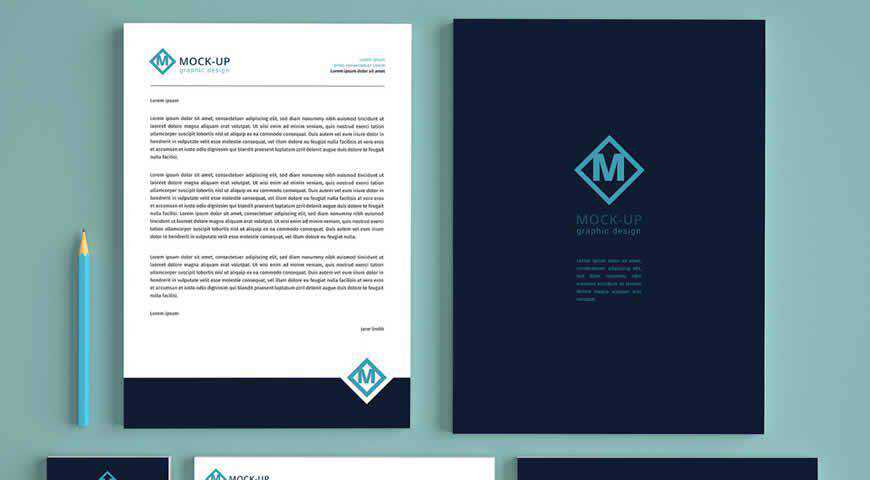
Simple and professional, these branding identity mockup templates are perfect for companies and corporations. You can pick from 3 different styles for phone, envelope, business card, and other mockups. You can hide the ones you don’t want and easily win over your audience with a photorealistic presentation!
Free to Download, in Photoshop PSD Format
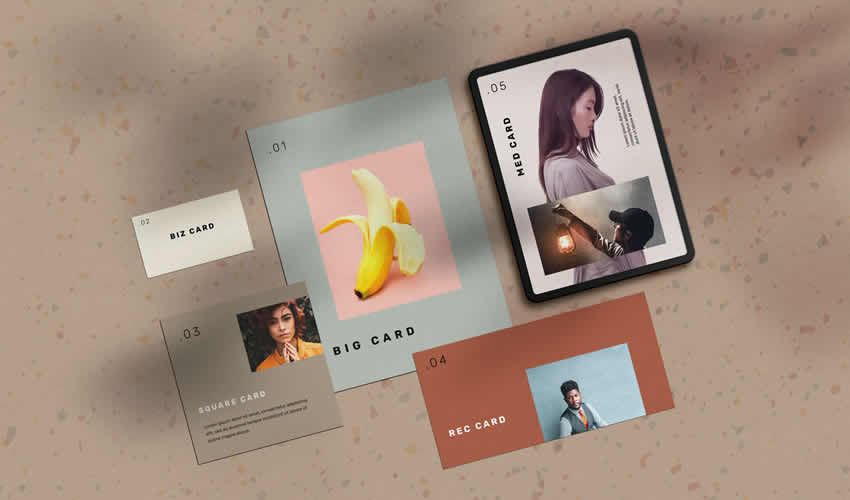
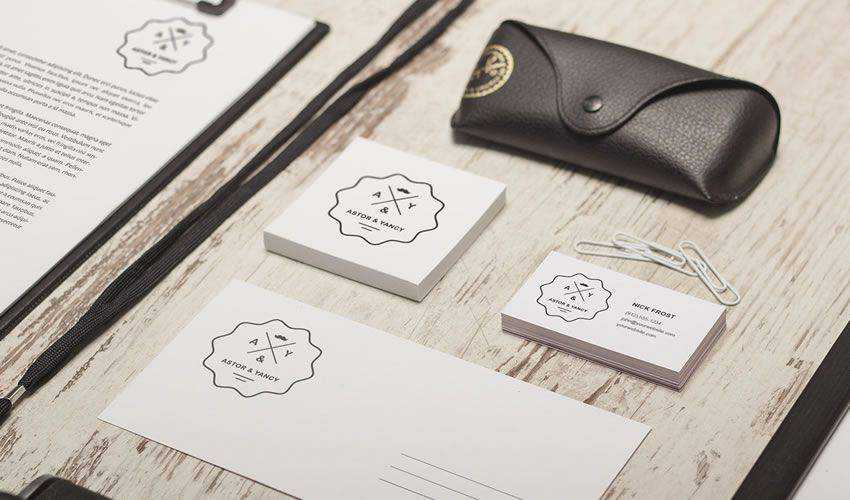
The Stationery Cards Mockup Scene is a template that allows you to showcase your branding elements in a natural and minimalist setting. With customizable objects and high-resolution images, you can create a stunning presentation that beautifully showcases your brand identity.
Free to Download, in Figma Format
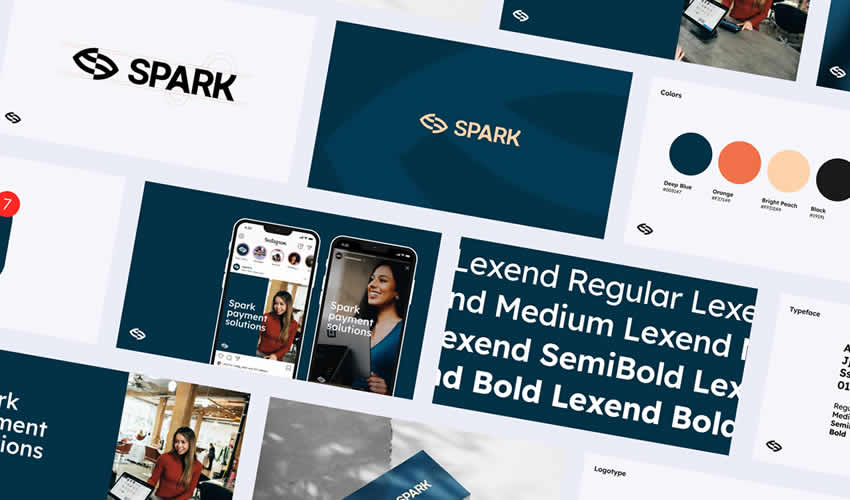
Spark is a free collection of branding and corporate identity mockup templates for Figma that can help you showcase your design in a professional and polished way. With various templates for different branding elements, you can create a diverse range of presentations.
Free to Download, in Photoshop PSD Format
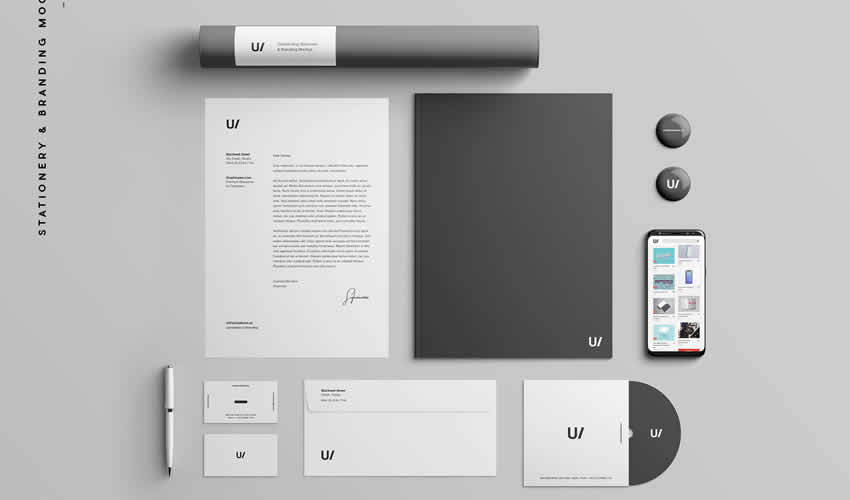
The Stationery Branding Identity Mockup is a customizable, realistic, and professional presentation template for your brand identity. You can showcase your branding elements in different contexts and ensure your brand identity is consistent and impactful.
Free to Download, in Photoshop PSD Format
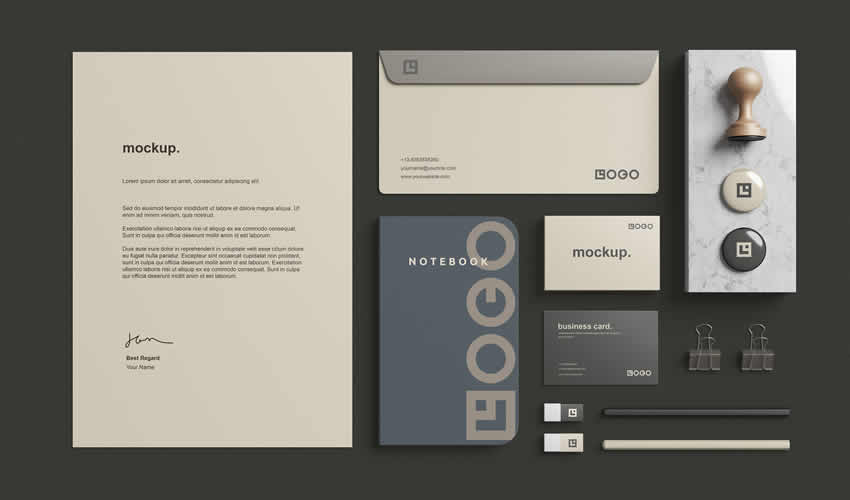
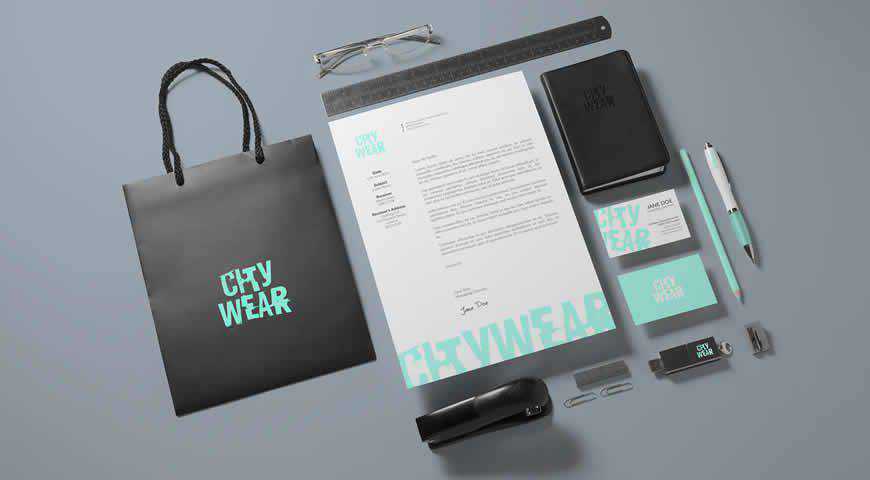
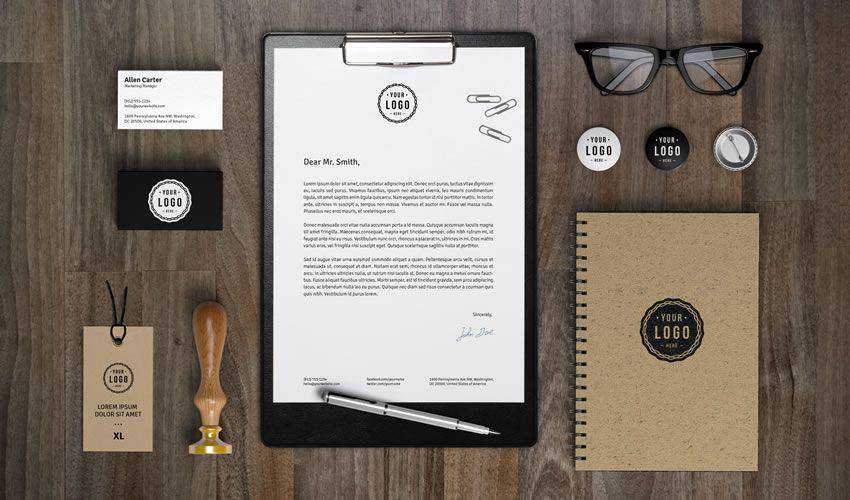
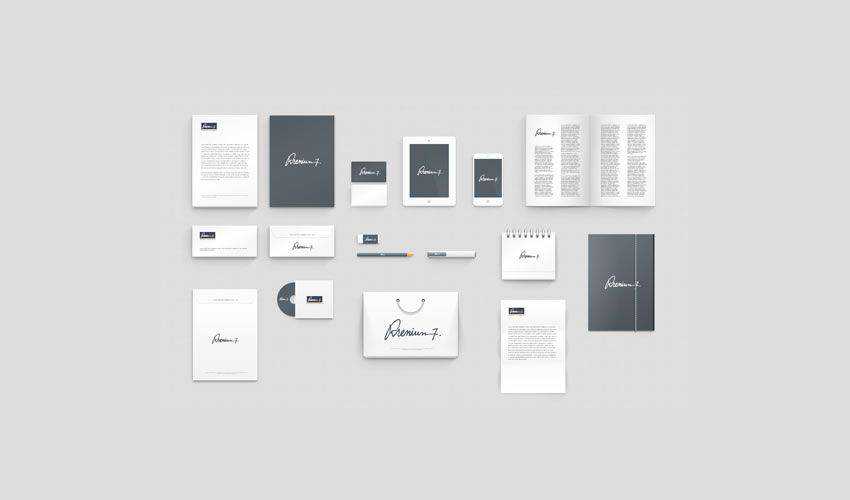
This Stationery Branding Mockup will help showcase your branding elements professionally and realistically. And with its various objects, including documents, business cards, pencils, stamps, notebooks, and more, you can create a stunning presentation.
In Photoshop PSD Format
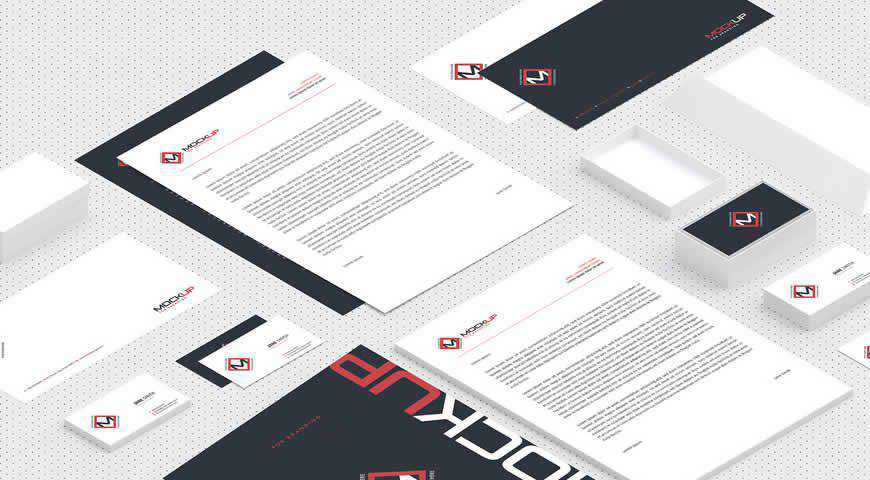
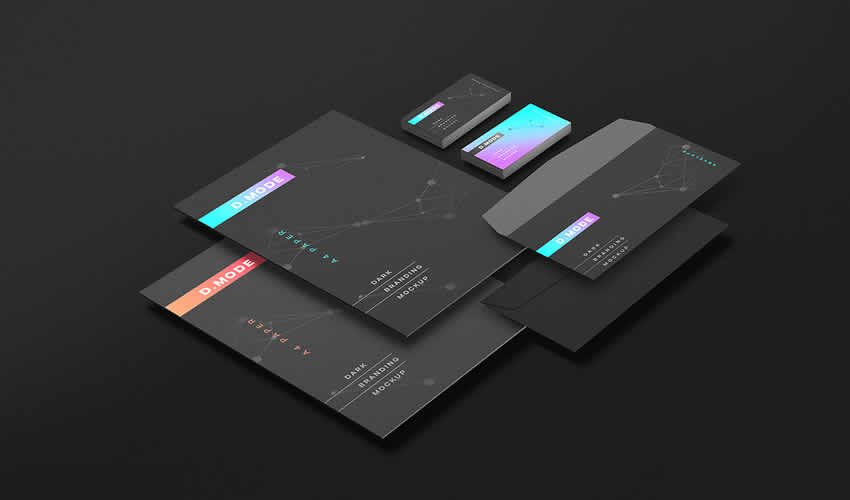
Minimalist and incredibly professional, these isometric corporate branding identity mockups for Photoshop are perfect for B2B audiences! Composed of crucial mockups such as stationery, business cards, small boxes, and envelopes, this set offers a simple way to showcase your design. Add it to your branding toolkit, and wow your clients!
In Photoshop PSD Format
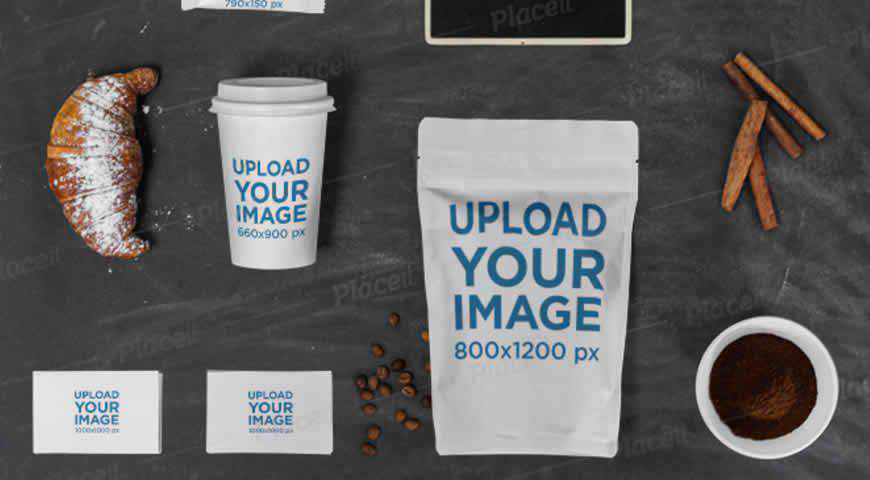
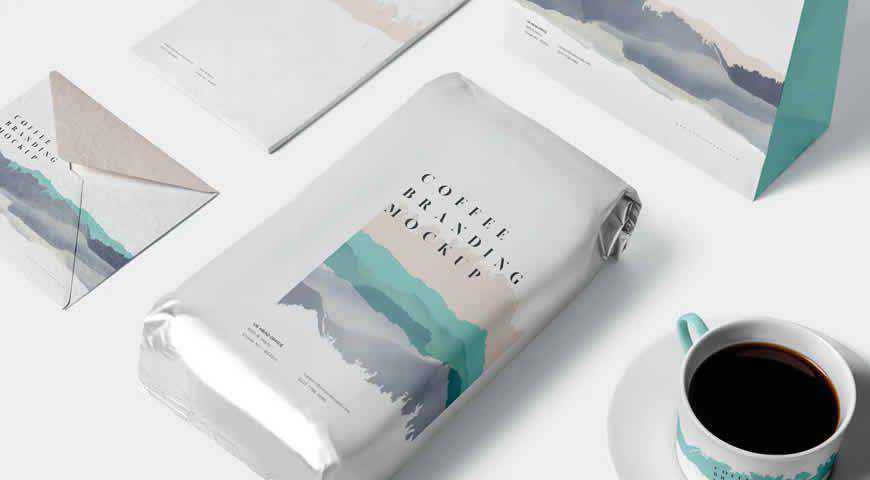
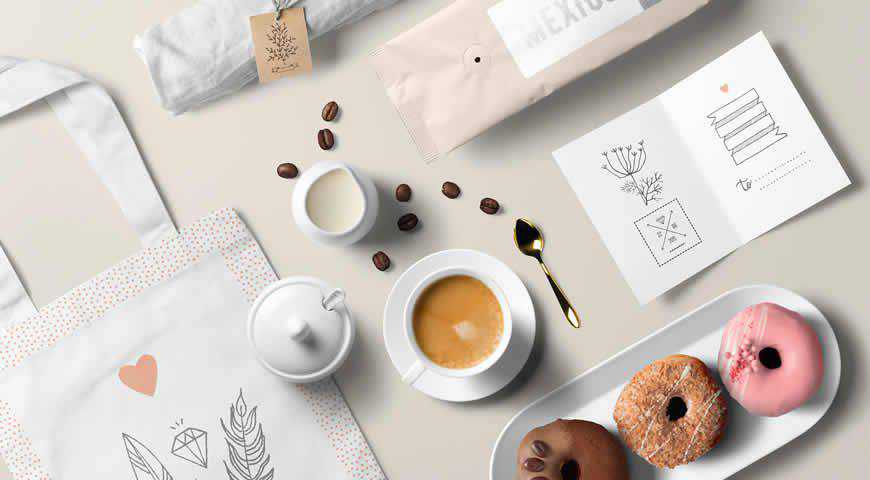
There’s nothing like the smell of coffee in the morning, like this beautiful coffee cup and business cards mockup template set! It’s easy to customize both the colors and designs of business cards, coffee cups and bags, and sugar packets.
In Photoshop PSD Format
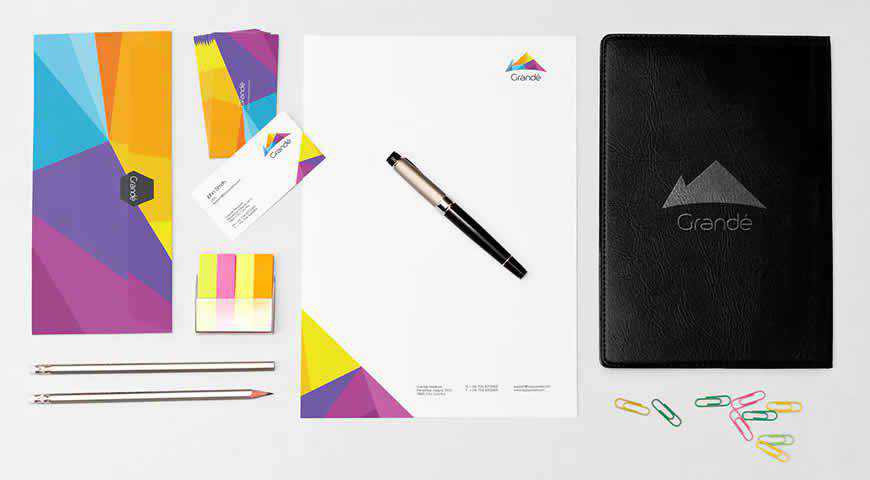
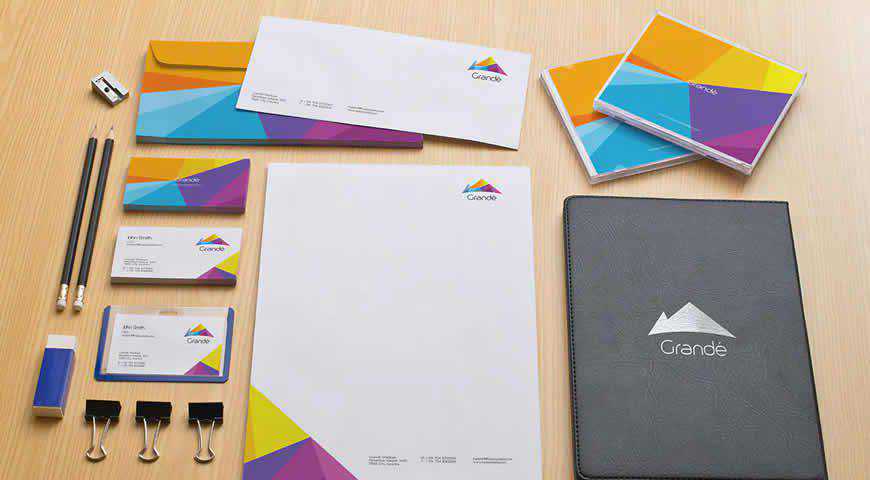
Elegant and sophisticated, this stationary branding mockup template set is perfect for your next presentation. Pick from various elements, from standard branding mockups such as business cards and letterheads to leather files and CDs. You’ll also get five different PSD scenes – there really is something for everyone!
Free to Download, in Figma Format
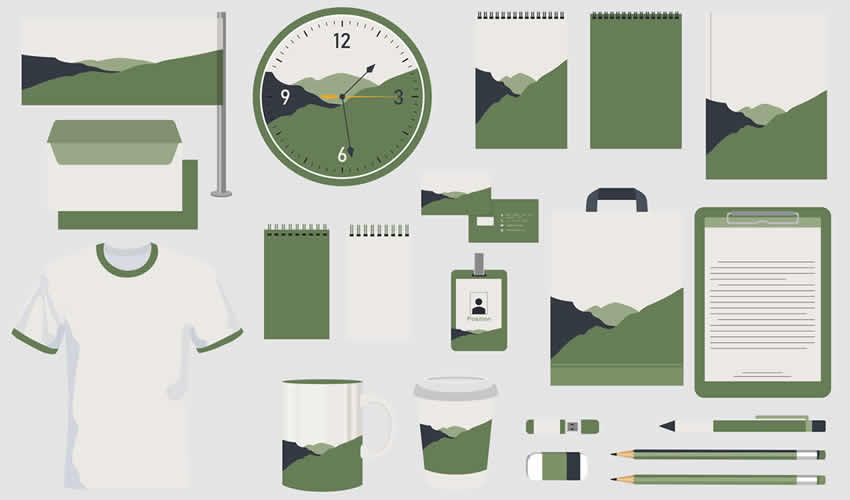
This free Figma file is a branding mockup template with an extensive collection of items, including a mug, clock, pen, pencils, notepads, tote bag, flag, and more. This mockup template will allow you to create diverse branding presentations for clients.
Free to Download, in Photoshop PSD Format
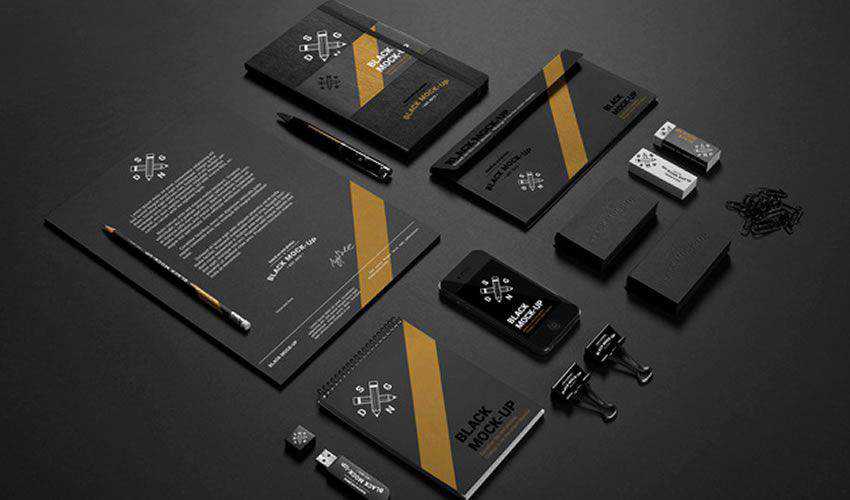
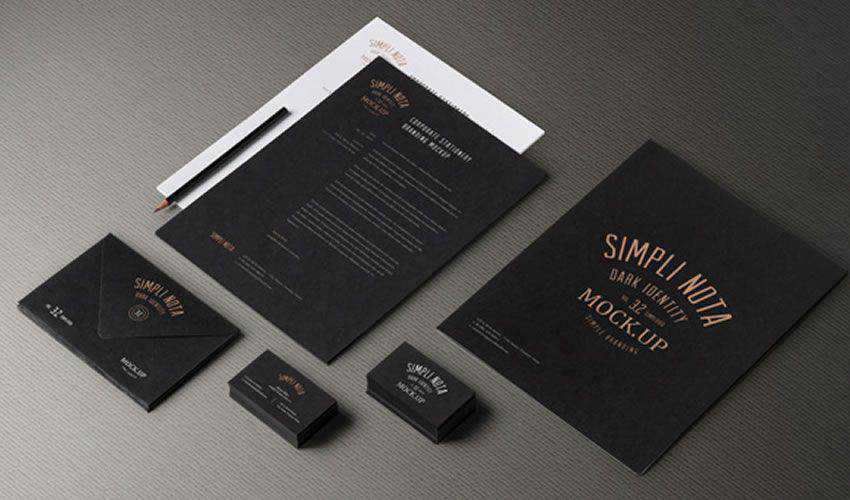
This free dark branding mockup is a photorealistic template that allows you to showcase your branding elements in a professional and modern way. With easy-to-use smart object layers, you can customize the template to fit your brand identity and create an impressive presentation.
In Photoshop PSD Format
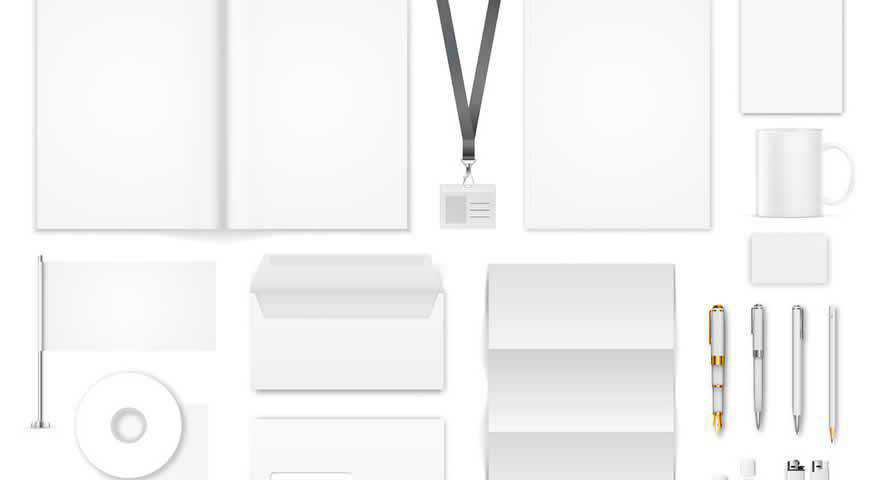
If you want your branding identity to shine, choose this corporate identity mockup set. With plenty of elements (which also include lanyard straps, flash drives, lighters, and more), you can make sure that your design fits your clients’ needs. Easily add your work in Photoshop, and delight your audience!
Free to Download, in Photoshop PSD Format
This free photorealistic stationery branding mockup set is a collection of eight Photoshop PSD templates that can help you showcase your branding elements realistically and professionally.
Free to Download, in Photoshop PSD Format
This free corporate branding identity mockup is a customizable template that can help create stunning presentations for your corporate brand identity and showcase your branding elements professionally.
In Photoshop PSD Format
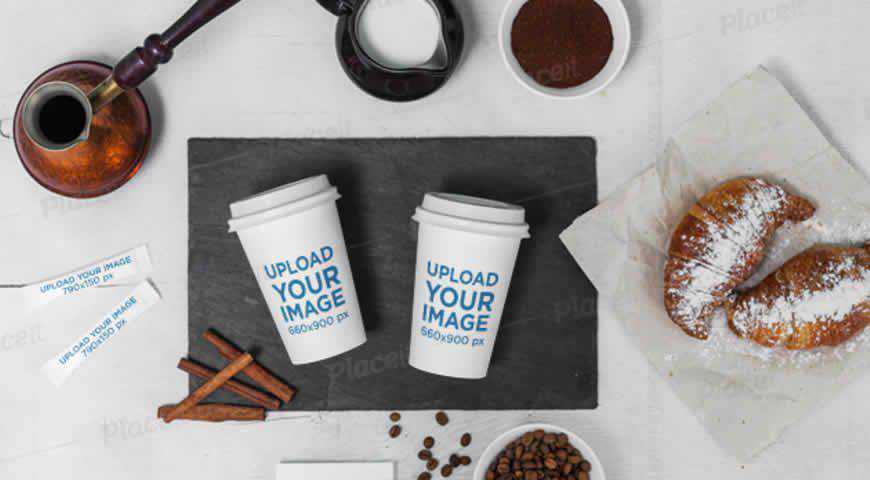
Pull your audience into the atmosphere of your designs with this adorable branding identity mockup template set. Featuring two paper cups, sugar bags, and business cards, you’ll get everything you need for a simple branding presentation! And the professionally-lit and set scene promises beautiful, photorealistic results for your presentation.
In Photoshop PSD Format
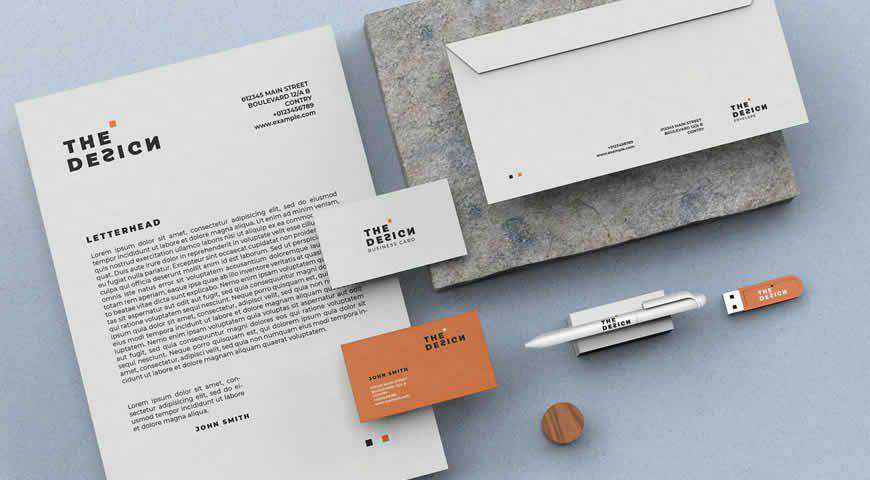
Photorealistic and elegant, this minimal stationery branding mockup template comes with everything you need to share your vision with the world. From flash drives and business cards to letterheads, and pens, you’ll get plenty of options to showcase your design. You can even edit background textures and colors!
Free to Download, in Photoshop PSD Format
For an elegant corporate identity, check out this business stationery mockup set. The template is free for commercial and personal use and can be edited via smart objects in Photoshop.
Free to Download, in Photoshop PSD Format
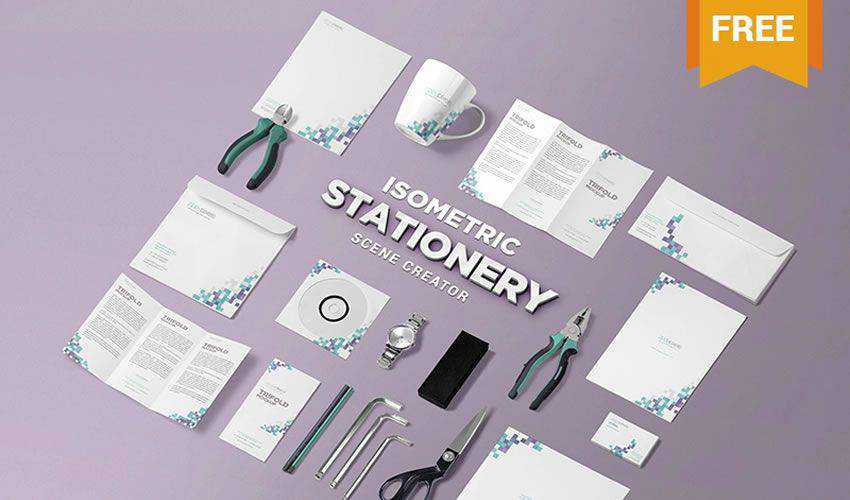
This free PSD stationery scene creator comes with 18 different items that you can place on the canvas as you please to create a unique presentation for a corporate identity.
In Photoshop PSD Format
Perfect for tech brands, this corporate branding identity mockup set for Photoshop has everything you need: 8 photorealistic PSD scenes, elements such as business cards and letterheads, as well as shopping bags and diaries with decorative elements. Mix and match to get beautiful results that seamlessly combine professional and practical!
Free to Download, in Photoshop PSD Format
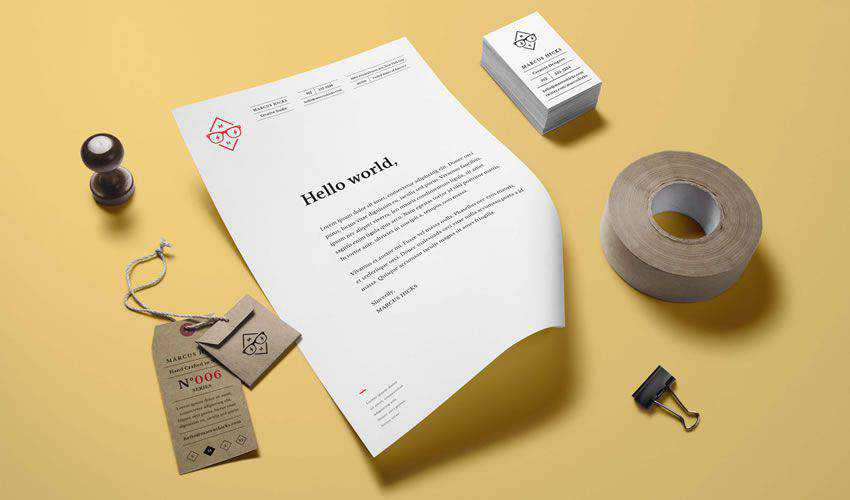
This classic branding identity mockup includes a set of stationery items as well as product tags that you can use to present a complete brand identity. The mockup includes smart layers and individual items that you can arrange to your liking.
Free to Download, in Photoshop PSD Format
Try this free mockup if you’re looking for a unique way to present a brand identity. With it, you will be able to show your client how his brand will look on laptops, smartphones, and tablets.
In Photoshop PSD Format
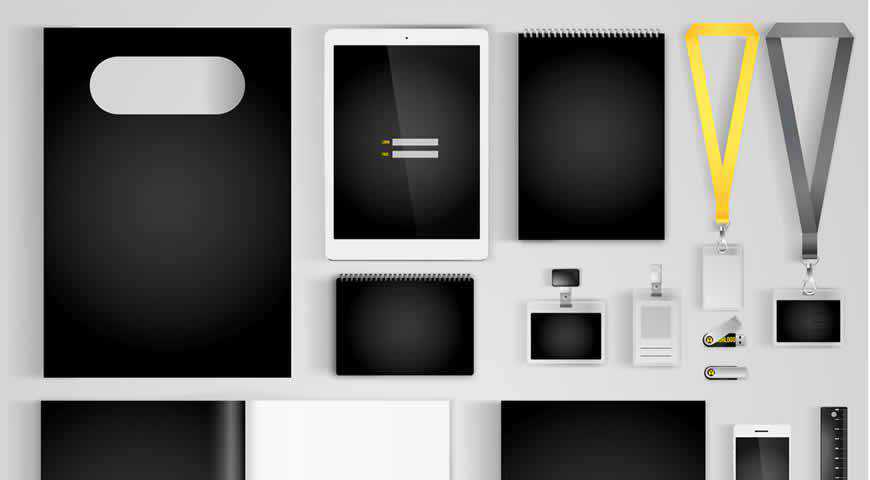
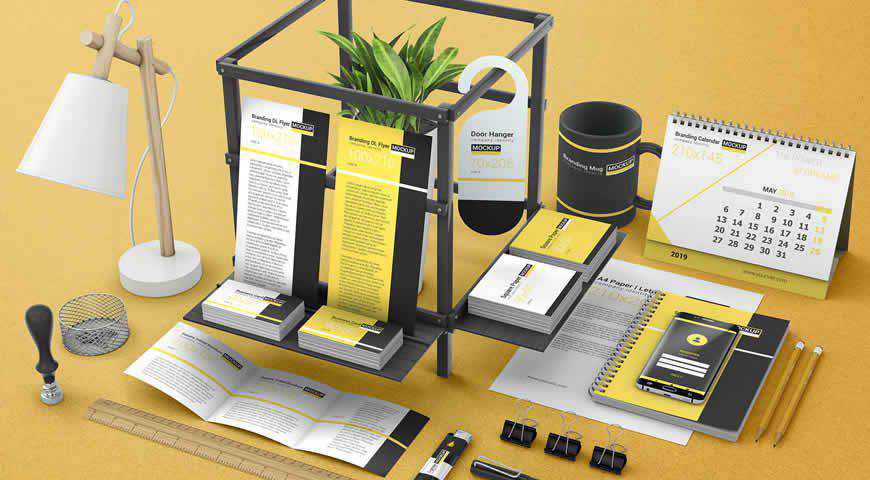
Make your branding stand out with this corporate branding identity set! It’s a perfect fit if you’re working on a corporate project and want to showcase bold logos in colors complementary to black and yellow. Add your branding to mugs, lanyards, envelopes, flash drives, and more!
Free to Download, in Photoshop PSD Format
Thanks to this branding and corporate identity mockup, you will be able to easily present any brand that needs a classic presentation. A number of different items are included that you can arrange as you like.
Free to Download, in Photoshop PSD Format
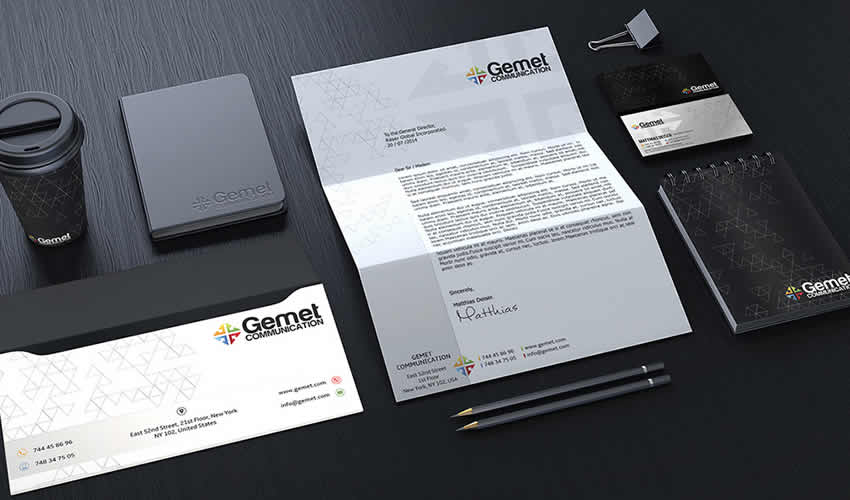
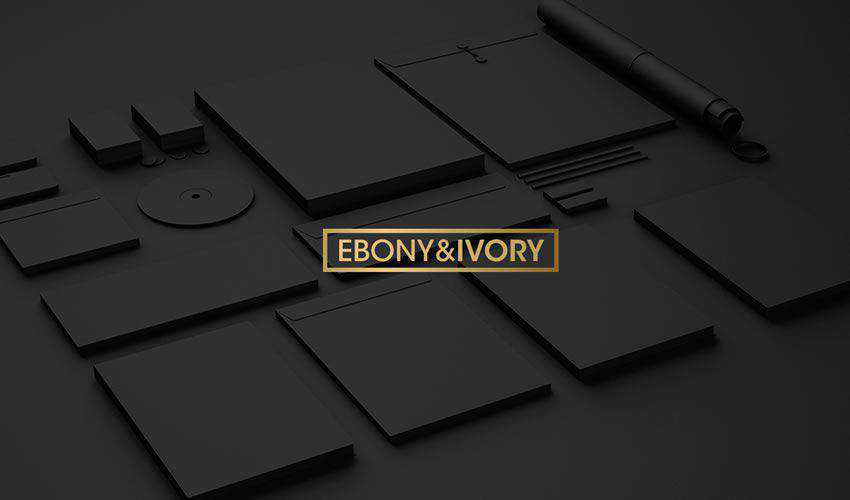
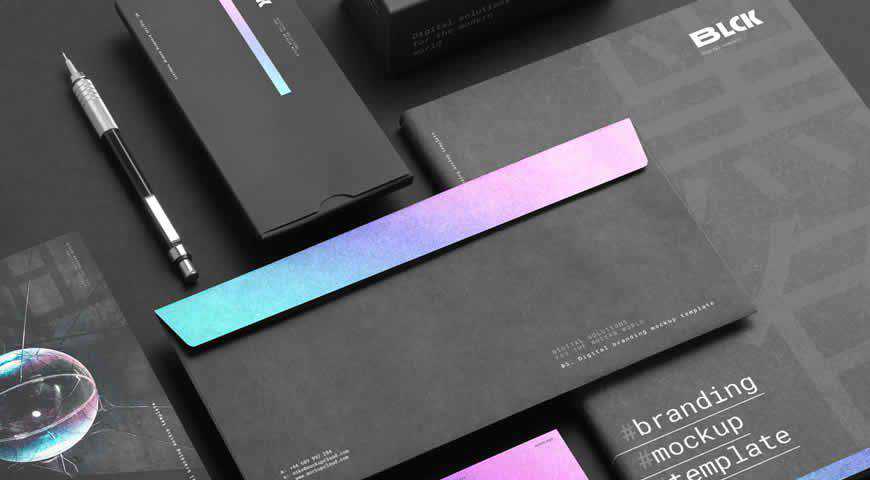
Check out this stationery branding mockup if you’re looking for a dark and elegant mockup file. The template includes a variety of stationery items and smart objects for easy editing.
In Photoshop PSD Format
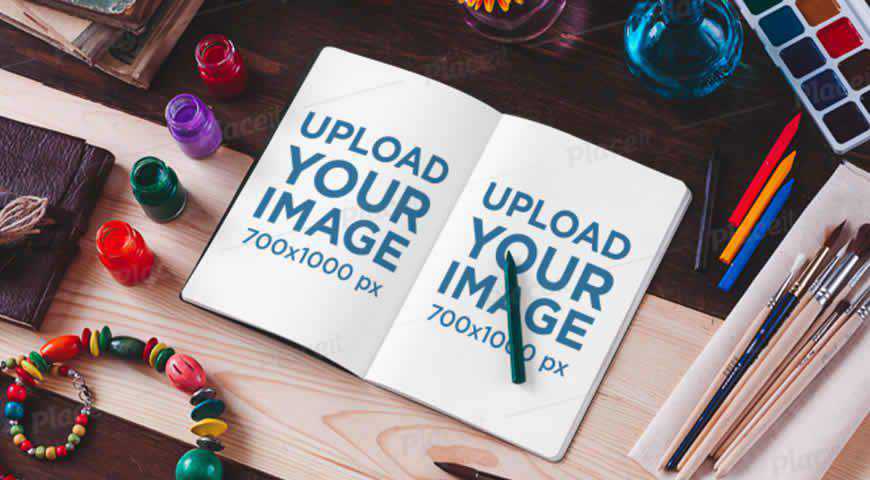
Perfect for showcasing your art, this sketchbook mockup with decorative watercolors and brushes will delight you! It’s really easy to customize; in just a few clicks, you’ll add two designs, your logo, and even customize the notebook color. Let the world see how talented you are!
In Photoshop PSD Format
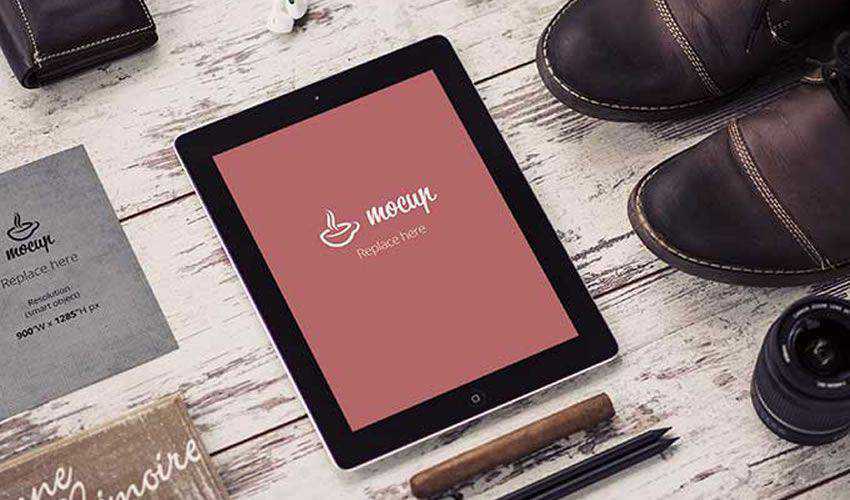
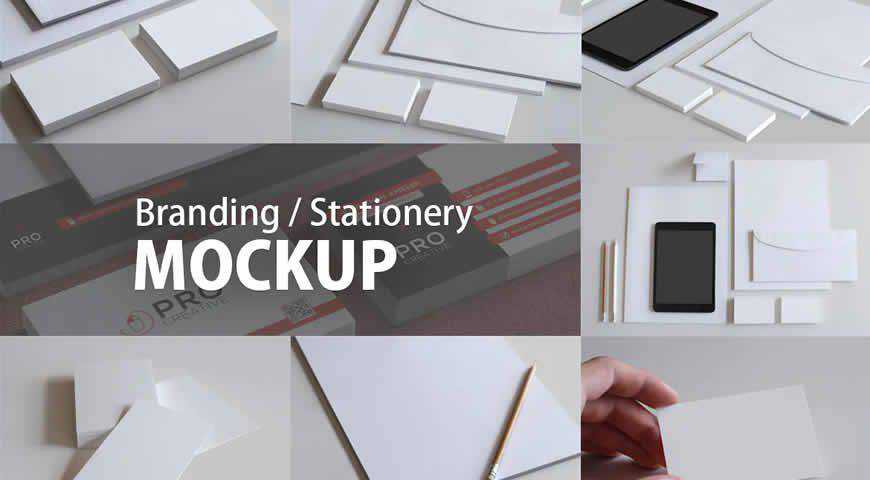
Photorealistic and effective, these branding and stationery mockup templates for Photoshop are perfect for putting your designs in the spotlight. Featuring elements such as business cards, pencils, and tablets, this branding identity set offers incredibly photorealistic results. You’ll get seven distinct mockups and replaceable backgrounds for beautiful presentations!
Free to Download, in Photoshop PSD Format
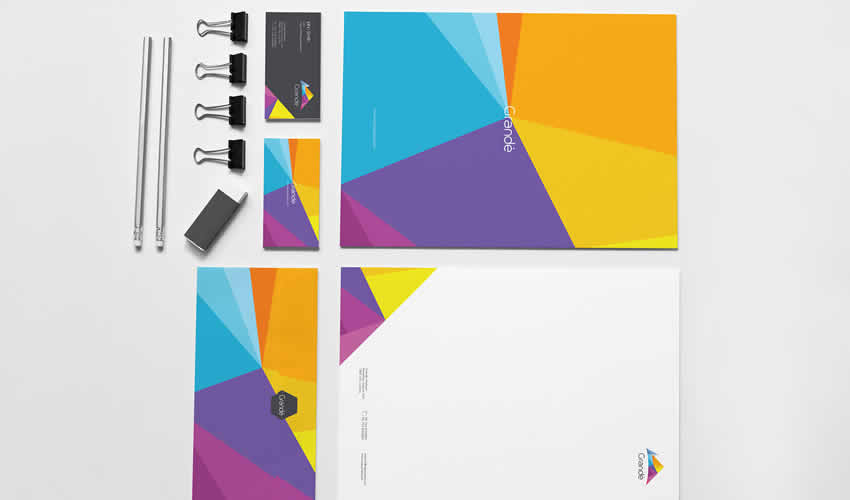
This colorful branding mockup is an excellent choice for a vibrant and bold brand with a retro feel. Thanks to smart objects, the template is easy to edit, and you can even customize the shadows for a more realistic look.
Free to Download, in Photoshop PSD Format
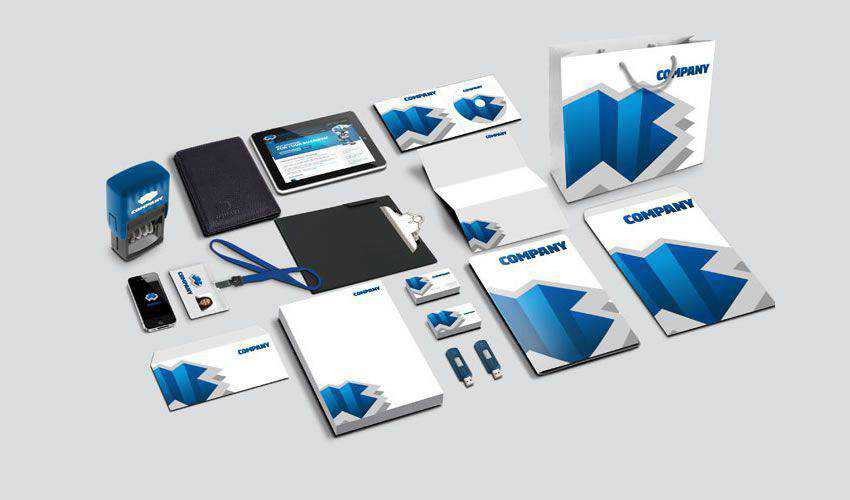
Use this corporate identity mockup to give a holistic overview of your brand design. The template is easily editable with smart objects and includes a complete stationery set as well as a stamp, shopping bags, USB keys, and more.
In Photoshop PSD Format
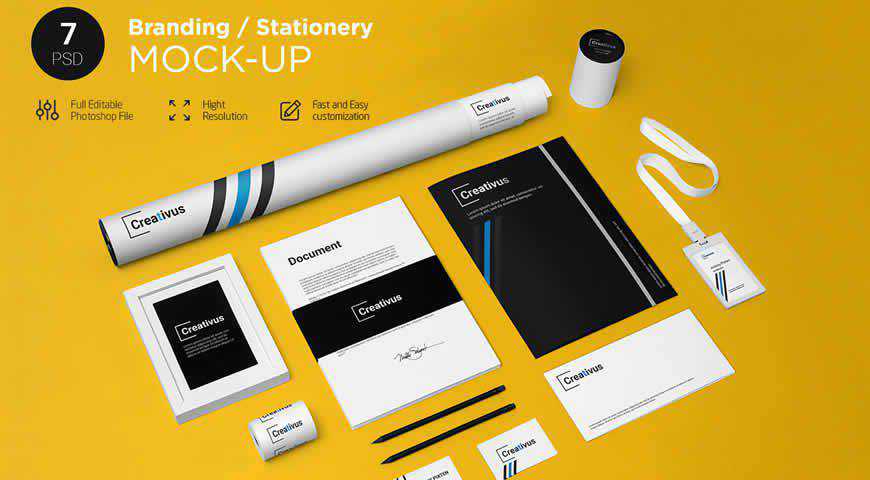
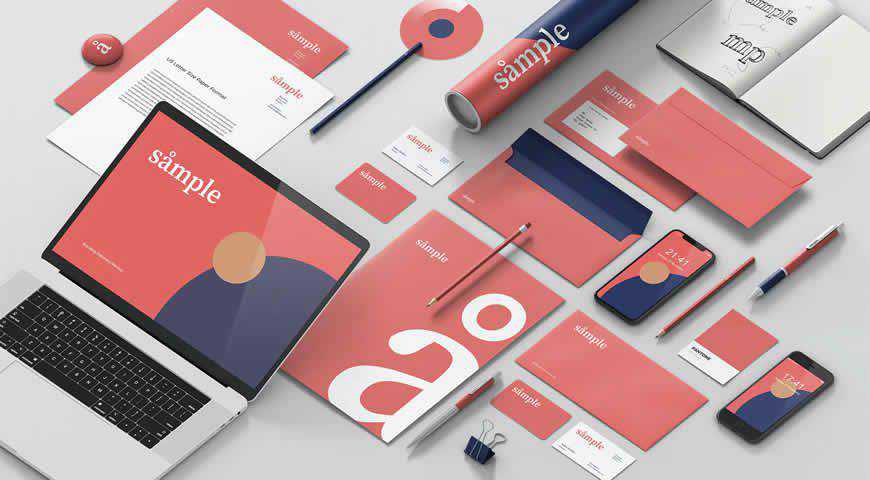
Fun yet professional, these branding stationery mockup templates offer everything you need to amaze your clients! With 7 PSD files, and plenty of elements such as papers, folders, envelopes, badges, tubes, and pencils, you’ll love showcasing your designs. You can easily change the color of backgrounds and elements!
In Photoshop PSD Format
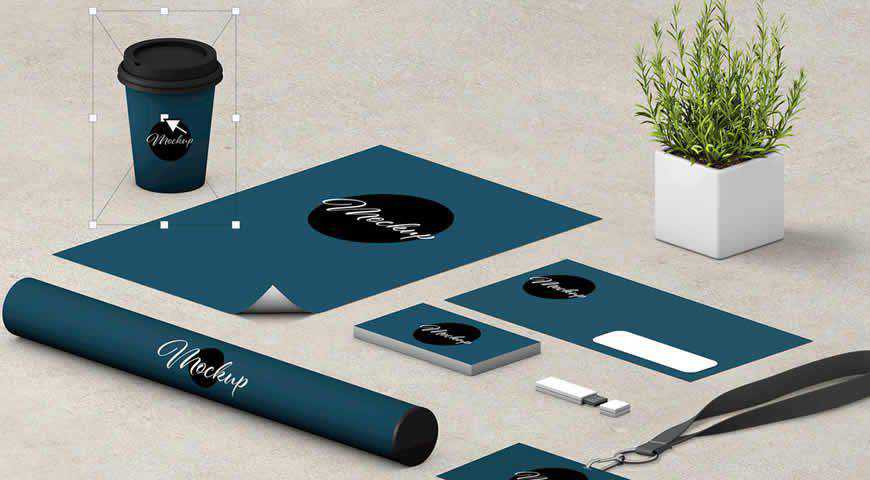
With an already set scene and endless combinations, these branding identity mockup templates are easy to customize in Photoshop. Pick from a plethora of elements such as coffee cups, letterheads, tubes, and flash drives. Then, combine them as you see fit, replace the background texture, and have fun while presenting!
Free to Download, in Photoshop PSD Format
This stationery mockup set includes a complete stationery set designed with a minimalistic approach. The template includes smart objects for easy editing, and you can even edit the shadows and the backgrounds.
Free to Download, in Photoshop PSD Format
Take a look at this modern corporate identity mockup. It features a complete stationery set with a modern design and includes smart objects that make it easy to customize.
In Photoshop PSD Format
With photorealistic scenes and over 60 elements, this versatile stationery branding identity mockup creator is an absolute dreamboat. Add your designs, change the background textures and colors, add layer styles (unlimited foil stamp colors), and more! Add this set to your kit – you can use it for every project!
In Photoshop PSD Format
Realistic and personable, these office stationery branding mockup templates are perfect for friendly, down-to-Earth brands that want to emphasize their personality. With elements like letterheads and CDs and five different scenes, you can easily bring your designs closer to your audience. All it takes is a few clicks in Photoshop!
In Photoshop PSD Format
A professional flat-lay business stationery mockup set, this asset is perfect for presenting your branding identity designs in a simple and straightforward manner. You’ll get a few key elements set against a blue backdrop, such as letterheads, business cards, and envelopes, all easily customizable with Photoshop smart objects.
Free to Download, in Photoshop PSD Format
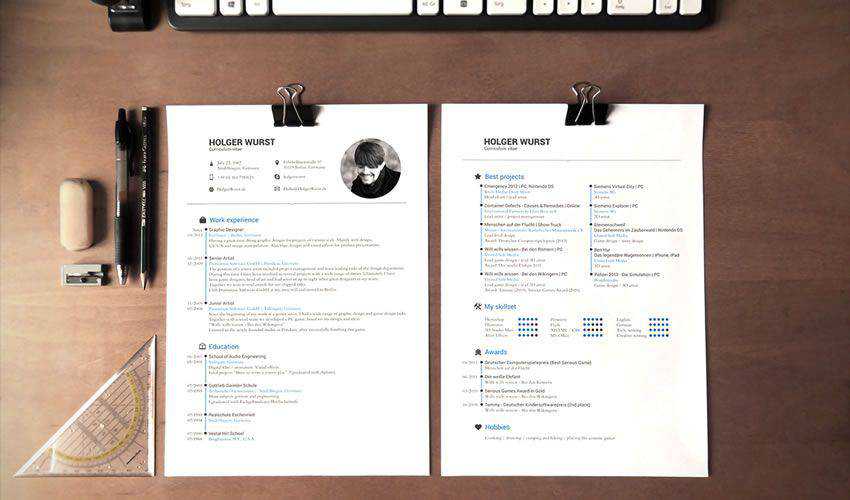
This template is an excellent choice if you need a simple CV mockup. You can easily place your design via smart objects and then customize fonts, colors, and other aspects of the CV.
Free to Download, in Photoshop PSD Format
Try this corporate mockup template if you need an elegant way to present your brand. The template includes a light and a dark version with a complete stationery set.
Free to Download, in Photoshop PSD Format
With this retro business card mockup, you will be able to showcase your retro business card designs with ease. The template can be edited via smart objects, and it includes two different business card sizes.
In Photoshop PSD Format
Coffee branding and merchandising have never looked this good! This gorgeous set of photorealistic coffee branding mockups comes with all the elements you need: coffee and sugar bags, cups, shopping bags, brochures, and more! And with five beautiful PSD scenes, your audience will really wake up and smell the coffee!
In Photoshop PSD Format
You’ve never seen a set of branding identity essentials as comprehensive as this one! With five different PSD mockups, and every element under the sun (from lanyards and tubes to professional business cards and journals), you’ll get everything you need for a perfect corporate branding presentation!
In Photoshop PSD Format
If you’re working with a beer brand, it’s time to display your designs in an informal setting. And nothing works better than this mockup template featuring two people clinking beer mugs. You can customize the tablet illustration, as well as the beer bottle labels. Have fun!
In Photoshop PSD Format
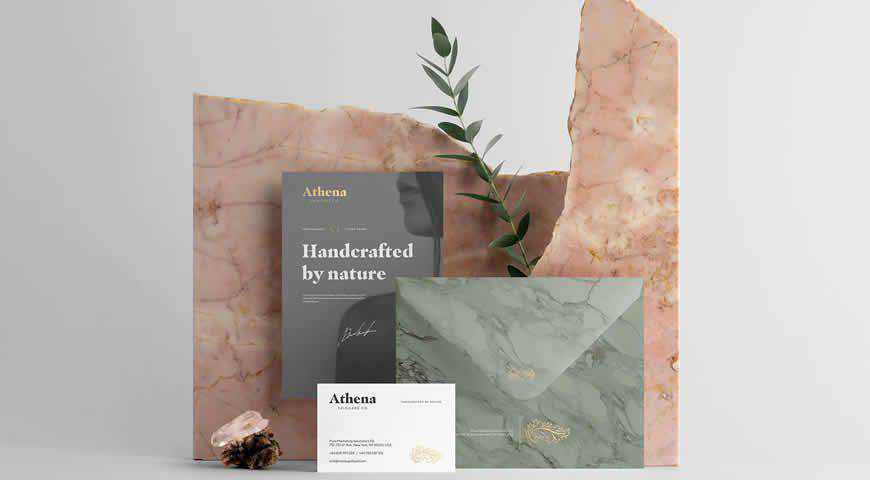
Elegant and depicted in earthy tones, Athena branding identity mockup templates are a perfect fit for fashion, beauty, and other aesthetically-conscious brands. You can completely customize the 11 branding mockups: adjust colors, replace the background, and add foil stamping. Make your designs shine with these stunning, photorealistic branding identity templates!
In Photoshop PSD Format
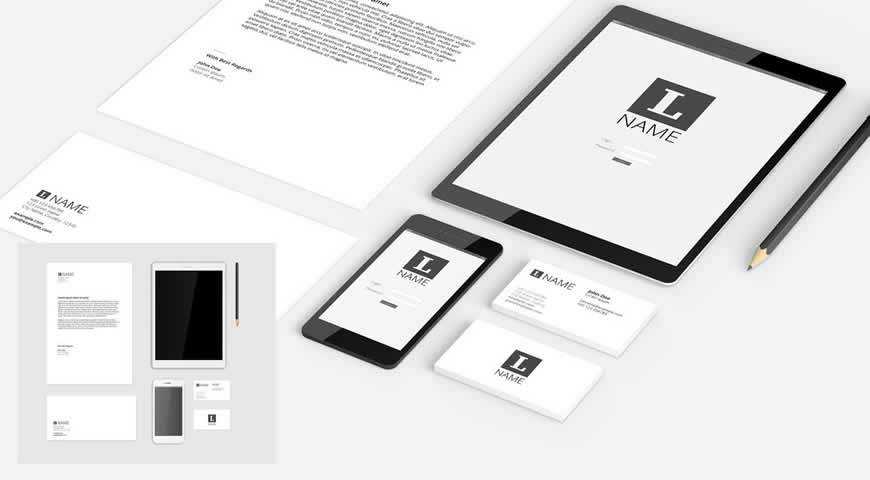
A pristine 2D and 3D corporate identity mockup templates for Photoshop, this set comes with all the essentials (tablet, phone, letterhead, business cards, envelopes, and more). You can easily customize these branding identity mockup templates with Photoshop smart objects to create professional and photorealistic presentations your corporate clients will adore.
In Photoshop PSD Format
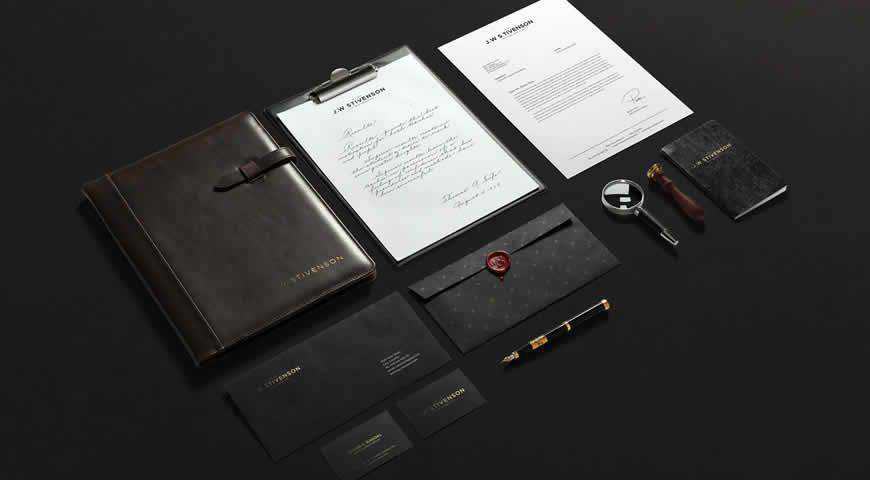
Nothing says luxury more than this branding identity mockup set! With six high-quality background textures and 11 Photoshop elements, you can paint an atmospheric picture with your designs depicted on leather file covers, crisp envelopes, and business cards that send a clear message: this is a brand you can trust.
In Photoshop PSD Format
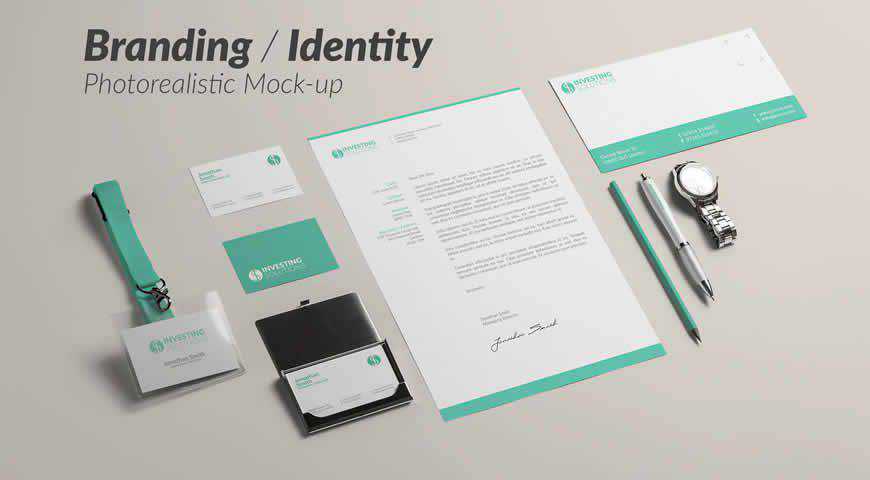
This simple, photorealistic branding identity mockup template set will help you create a convincing presentation! Pick from 9 incredible mockups, change the background color, and add your designs to lanyards, envelopes, business cards, and other corporate identity essentials. Save time, and showcase your work with these phenomenal corporate identity mockups!
In Photoshop PSD Format
Let your audience get up close and personal with your design through this atmospheric branding mockup kit. The scene is staged – and it’s time for your designs to shine! Change colors and backgrounds, experiment with foil stamping, and make this mockup work for you and your brand.
In Photoshop PSD Format
Envision your designs in their true environment: a desk. This corporate branding mockup allows you to add your logos and other graphics to elements such as screens (laptop, tablet, phone, and Mac), letterheads and envelopes, coffee cups, tubes, and more! Add designs in Photoshop, and your clients will love you!
In Photoshop PSD Format
Dynamic and interesting, these branding identity mockup templates are a perfect fit for engaging brands! Easily add your designs to letterheads, tri-fold brochures, calendars, hangers, and more! You’ll definitely get plenty of options, including two photorealistic scenes. Not even the sky is the limit with these branding mockups!
In Photoshop PSD Format
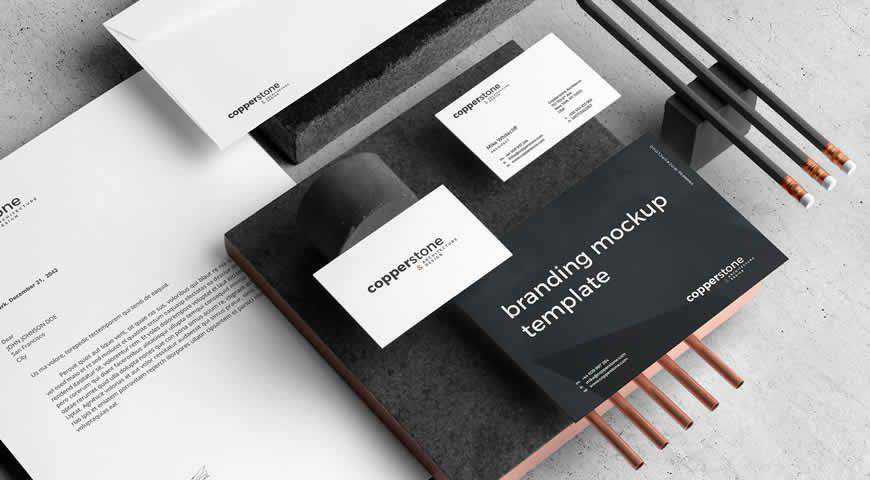
Create a stunning brand presentation with these beautiful branding identity mockups. Copperstone branding templates for Photoshop contain 10 PSD files, as well as plenty of options such as selective foil stamping, customizable backgrounds and colors, and more! Professionally lit, these mockups offer incredibly photorealistic results that your clients will love.
In Photoshop PSD Format
Working with a coffee brand, or just designing a visual identity for coffee lovers? These coffee branding mockup templates are the perfect choice! With plenty of elements (including coffee bags, shopping bags, and labels), and customization options for shadows, backgrounds, and colors, you’ll love creating your next branding presentation!
In Photoshop PSD Format
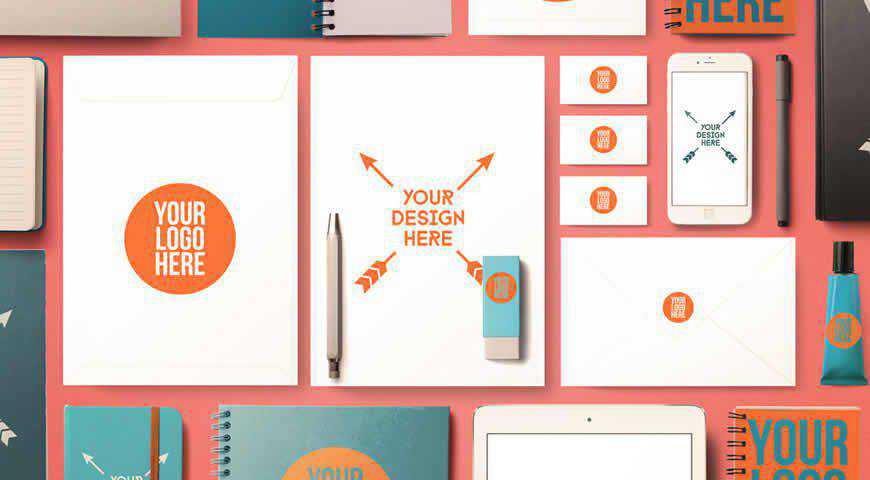
Can school actually be cool? You bet! These back-to-school and office supplies mockups prove that everything is possible with a design as gorgeous as yours. Pick from plenty of elements (notebooks, screens, envelopes, erasers, glue, and more), adjust the background and colors, and get ready to amaze with your presentation!
<!–
Branding Identity Template FAQs
What can designers do with these branding identity mockup templates?
Designers can use these templates to present branding concepts to clients, create portfolio pieces, or test out how different branding elements work together in a cohesive way.
Who are these mockup templates for?
They’re perfect for graphic designers, branding specialists, marketing professionals, and anyone involved in creating or presenting brand identities.
Are these mockup templates compatible with all design software?
Most mockup templates are designed for use with popular software like Adobe Photoshop. It’s important to check the software requirements for each template.
Are these templates easy to customize?
Yes, they are generally user-friendly. Most come with smart layers in Photoshop, making it easy to insert your designs into the template.
Do I need advanced design skills to use these mockup templates?
Not necessarily. Basic knowledge of software like Photoshop is usually enough to effectively use these templates.
–>
Show your brand’s personality! Your design is the first gateway to your brand. And when you’re creating branding identity materials, you have to make sure that they’re enticing and keep the prospect interested in your products.
Fortunately, you no longer have to rely on your hunch. Instead, pick one of these beautiful mockups, and show your clients how they’ll win over their customers. From coffee cups to stationery mockups, you’ll get plenty of incredible options.
Even in the digital age, business cards continue to play a hugely important role in professional networking. This simple exchange of contact information is about making a memorable impression and offering a lasting reminder of a connection. The design of your business card can have an influence on your professional image and how others remember you, so it’s important to get it right.
Adobe’s InDesign is the go-to choice for many creatives when designing business cards. It is an application that gives you precise control over the layout and design of your business card while offering a high level of customization. This level of control and customization makes it much easier to meet industry standards.
InDesign allows you to simplify the business card design process by allowing you to use pre-designed templates. Templates can give you a great starting point for creating your own business card. They help ensure your final design is polished and ready for printing.
Below, you will find a curated collection of InDesign business card templates. All of the templates are highly customizable, have been professionally designed, and are suitable for many different industries and uses.
Minimal Business Card Templates
With clean lines and understated designs, these InDesign business card templates offer an uncluttered look, making them perfect for anyone looking for a minimalist aesthetic that will make a strong impression.
Clean Business Card Templates
These business card templates are perfect for anyone who prioritizes clarity and readability in their branding. Whether you’re a freelancer, entrepreneur, or corporate entity, these InDesign templates offer a clean option for making an impression in any business context.
Colorful Business Card Templates
With their bold colors and vibrant layouts, these business card templates will add energy into your brand. They are perfect for businesses that want to make a bold statement.
Typography Business Card Templates
From elegant serifs to modern sans-serifs, these business card templates make beautiful typography the focal point of their designs. All professional and stylish.
InDesign Business Card FAQs
What is the best size for a business card?
The most popular size for business cards is 3.5×2 inches. 3.3×2.1 inches or square formats, can also work depending on your needs.
How customizable are these InDesign templates?
They are all highly customizable. You can edit the typography, color schemes, and layouts to fit your professional needs.
What should I include on my business card?
Include your name, job title, company, phone number, email, website, and social media channels.
What’s the best way to print my InDesign business card?
Use a professional printing service. They will ensure your design meets the highest printing standards.
Can I print business cards at home using these templates?
Yes, you can print them at home if you have a high-quality printer. For best results, make sure you use high-quality paper.
Creating Professional Business Cards
InDesign allows you to create high-quality cards that look professional and meet industry standards. By using templates, you can make your design process faster, allowing you to focus on customizing the finer parts of your design.
Download multiple templates and try different design options to see what works best for you. A well-designed business card can help you make a strong impression and build better connections in any professional setting.
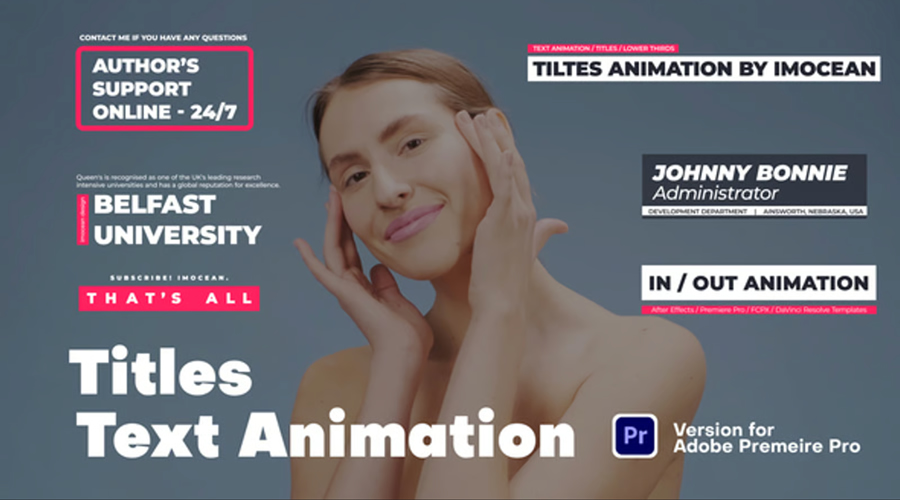
Text animation is more than decoration. It controls pace, holds attention, and adds rhythm to the edit. A well-timed word hitting the screen can do more than a fancy transition. Whether you’re making YouTube content, detailed tutorials, product promos, reels, vlogs, or title sequences, good animated typography can make the difference between flat and finished.
But building every animation from scratch takes time. These templates solve that. They drop straight into Premiere Pro. No After Effects, no plugins, no extra setup. Just clean controls, editable text, and motion that actually looks like it belongs.
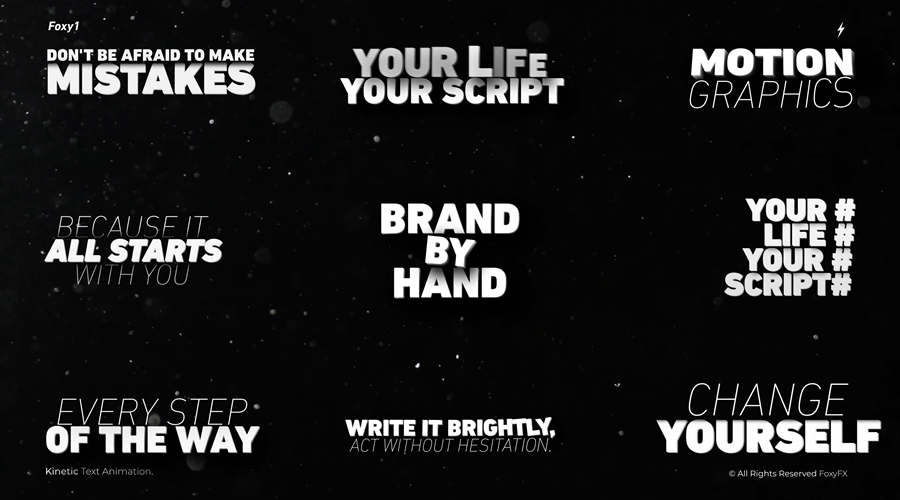
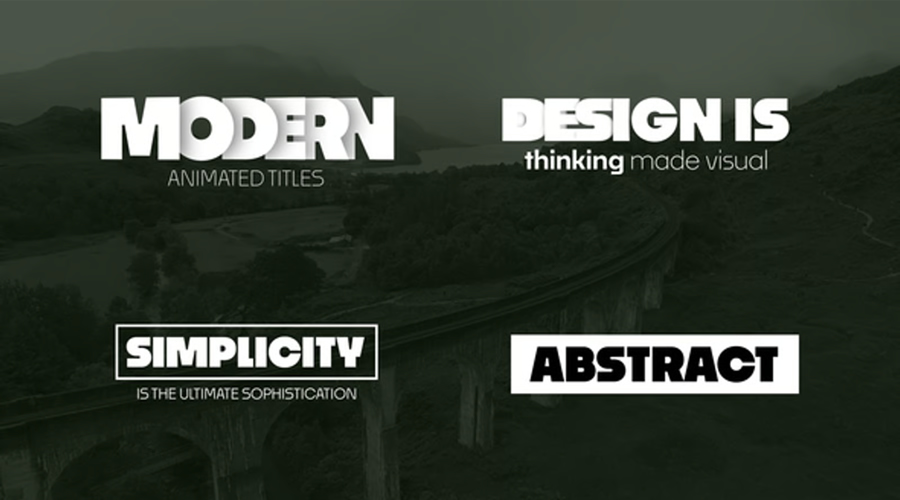
This collection of text animations covers a varied mix of styles, from clean and minimal to bold, kinetic, retro, and 3D. All of the templates are customizable with fonts, colors, sizes, and timing quickly editable inside Premiere Pro.
Whether you’re new to Premiere Pro or just want to speed up your workflow, these templates offer a quick and simple method for improving animated text. No plugins. No learning curve. Just drop, edit, and go.
What to Look For in a Text Animation Template
Not every text preset will suit your project, so it helps to know what to look for before downloading. The best ones are flexible, cleanly built, and easy to customize.
Here are a few things to keep in mind:
Built for Premiere Pro: Stick with MOGRT files or template projects that work natively in Premiere. Avoid anything that requires After Effects unless you’re comfortable switching between apps.
Editable in the Essential Graphics panel: Make sure you can change the text, colors, font, size, and timing without digging into complicated menus.
Resolution and format support: Look for 4K or HD presets that scale well across horizontal, vertical, and square formats.
Style that fits your content: A corporate video might need clean fades and lower thirds. A music video might need something with punch and rhythm. Pick templates that suit your editing style.
No plugins or extra installs: All templates here work straight out of the box inside Premiere Pro.
Having a mix of templates ready to go can save you hours. Once you find a few that work for your content, they’ll become a regular part of your workflow.
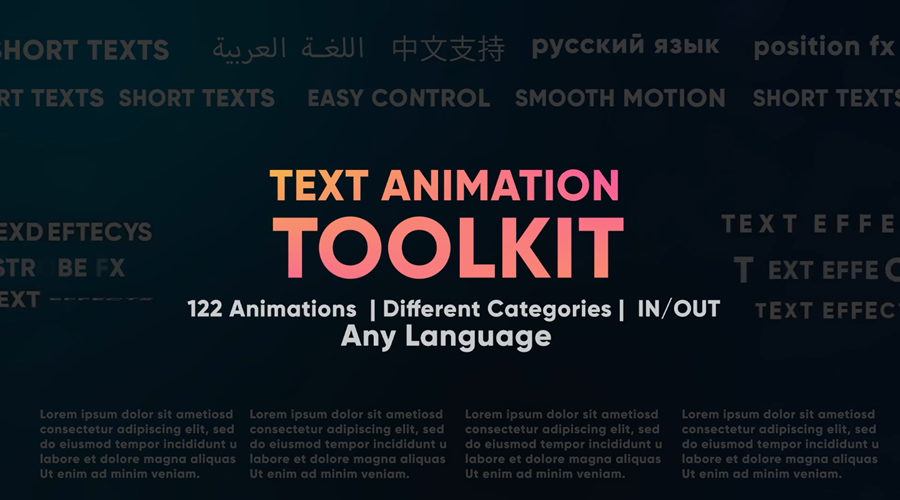
This Premiere Pro toolkit includes a large selection of animated titles, lower thirds, and callouts. The animations are clean and flexible, making them a good fit for corporate videos, YouTube intros, or tutorials. You can change text, color, and layout using built-in controls.
It’s a practical set if you need a consistent look across a project or want to speed up your workflow without having to build animations from scratch.
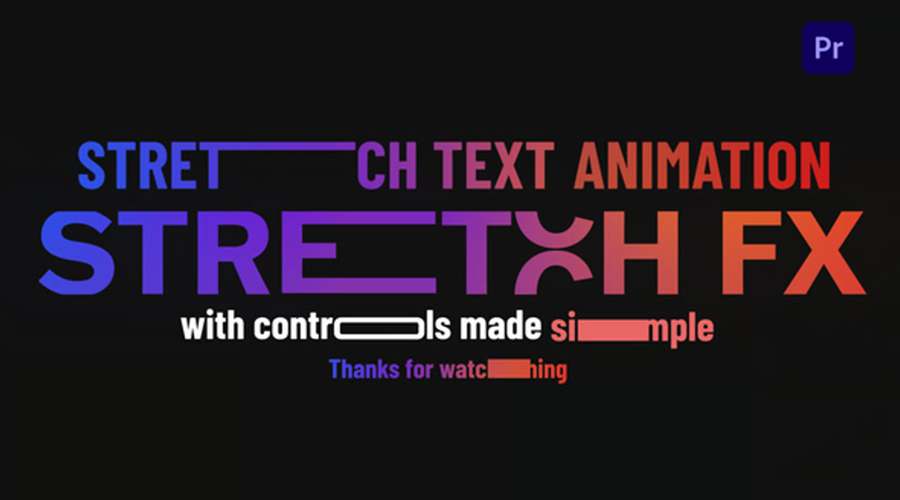
These text templates use stretching and compressing motion to bring words on and off the screen. The animations are smooth and timed perfectly, so they work for fast edits like product reels, highlight cuts, or social clips. All presets are built for 4K timelines and are ready to drag into your project without any extra setup.
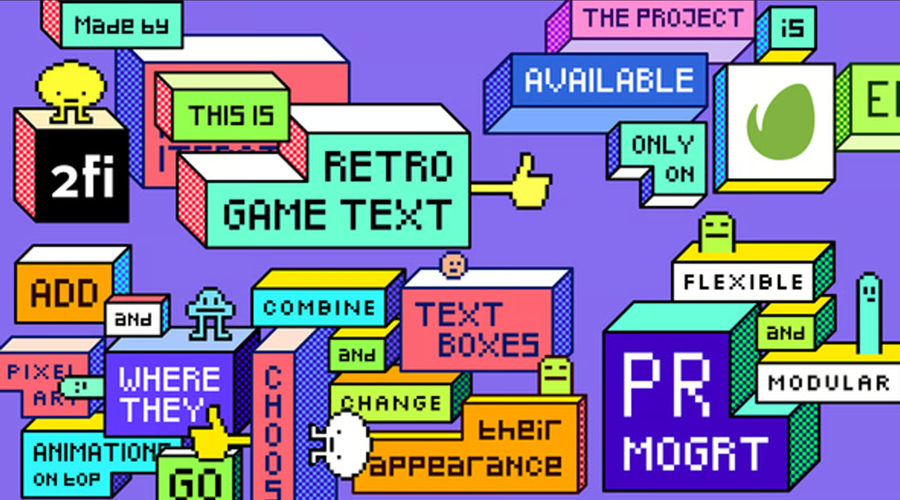
It’s a good choice for game content, nostalgic intros, or any video that needs a retro feel. The animations come with sound effects already synced. You can drop them straight into Premiere Pro and change the text without touching any other settings.
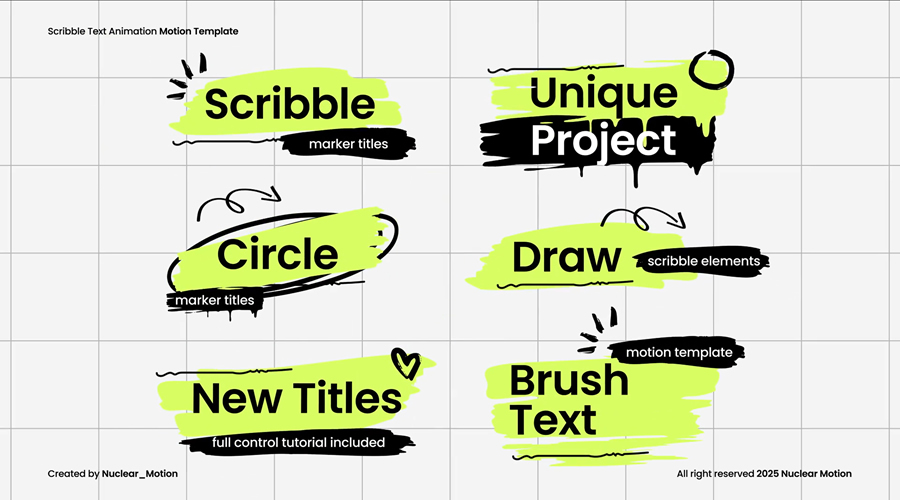
These text animations look hand-drawn, with marker-style strokes and playful movement. The scribble effect gives each title a personal feel, which works well for explainer videos, casual vlogs, or anything that needs a less polished style.
You can change the color, speed, and fonts inside Premiere Pro. The animations include in and out movement and don’t need any third-party tools or plugins.
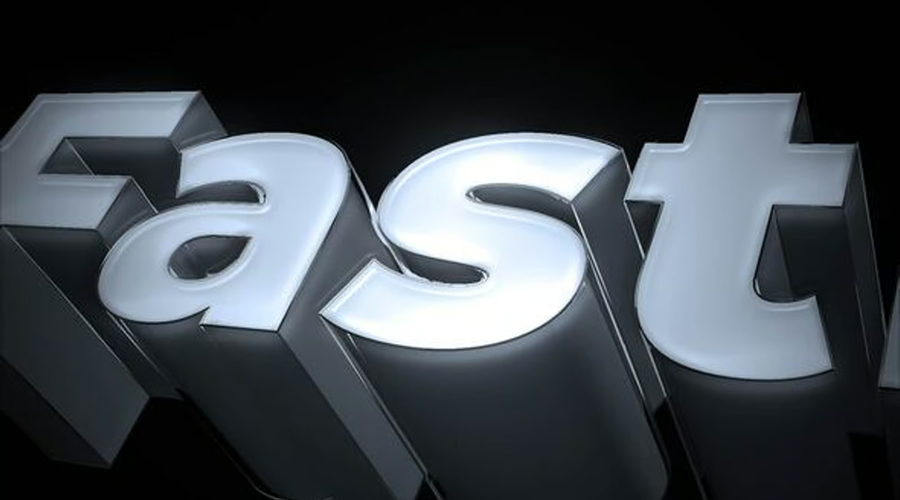
This pack features animated 3D-style text with smooth movement and built-in depth. The shadows and perspective are already baked in, so you get the look of 3D without any setup.
These templates work well for intros, logo reveals, or scene openers where you want the text to stand out. Everything is simple to edit in Premiere Pro, including font, color, and timing.
These kinetic animations use quick motion, scaling, and rotation to add rhythm to your text. Each movement is tight and timed, making them a solid match for music videos, trailers, or high-energy edits.
Built in 4K and easy to edit, you can control the layout and speed right inside Premiere Pro. The pack includes in and out animations that help you cut between scenes cleanly without slowing down the pace.
This title pack includes a wide range of animated styles, from simple fades to more detailed motion sequences. It’s a flexible option if you work on a lot of different content types and want to keep things consistent.
You can use it for lower thirds, openers, or section headers. Each preset is easy to edit inside Premiere Pro. The designs are clean, so they work well with both commercial and creative projects.
These 4K templates are built for oversized titles that fill the screen. The animations are slow and deliberate, giving each word time to land. This makes them useful for trailers, promos, or social videos where the message needs space to stand on its own.
This 4K Premiere Pro pack includes a clean set of animated text templates designed for general use. The motion is simple and smooth, making it easy to work into all kinds of edits. You can use them for intros, lower thirds, quotes, or section headers.
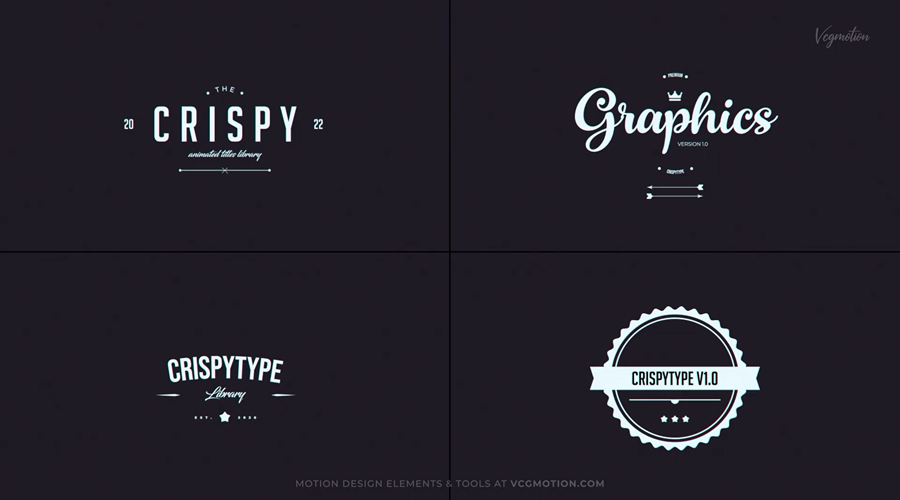
These presets give your text a vintage look with motion that mimics classic typography but with a modern twist. Fonts, colors, and effects can be easily customized, and the animations are already timed for quick use.
This Premiere Pro set works well for retro-themed edits, documentary openers, or music videos that lean into a throwback look. Everything is editable in Premiere Pro and designed to be dropped straight into your timeline.
This pack focuses on number-based animations like countdowns, timers, and stat reveals. The motion is clean and minimal, keeping the focus on the numbers themselves.
You can use it for infographics, progress tracking, or scoreboards in sports content (these sports fonts would be perfect for that). The presets include in and out animations and are easy to customize with your own values.
Use What Works
Animated text helps make your edits look more polished, but it shouldn’t slow you down. These templates give you clean, professional results with almost no setup.
Whether you want something bold and eye-catching or subtle and clean, there’s a preset here that fits. They all run inside Premiere Pro, so you don’t need to leave your timeline or install anything extra. Just import, customize, and keep editing.
Building a small library of go-to text animation presets is worth the effort if you work with video regularly. It speeds up your workflow, keeps your style consistent, and gives you more time to focus on the actual video content.
‘The OpenAI Files’ report, assembling voices of concerned ex-staff, claims the world’s most prominent AI lab is betraying safety for profit. What began as a noble quest to ensure AI would serve all of humanity is now teetering on the edge of becoming just another corporate…
Choosing a managed WordPress hosting plan can make running a website much easier, especially for those who aren’t overly familiar with WordPress. They will handle server maintenance, security updates, backups, migrations, and performance optimization. This means less work and fewer technical concerns for you.
Managed hosts also offer expert WordPress support, which can be helpful when looking for a quick fix to keep your website running smoothly.
The downside of a managed hosting plan is the price. They’re usually a little more expensive than a shared or an unmanaged hosting option. Some managed plans may limit traffic, storage, or the number of websites you can host. For smaller websites or those with lighter traffic, those extra features may not justify the cost.
Every hosting provider on this page includes the key features expected from a managed service — automatic updates, security, backups, and optimized performance. Some plans focus on affordability, while others cater to high-traffic businesses needing advanced infrastructure.
The best approach is to determine what your website needs — storage, bandwidth, support level — before comparing plans. A lower-cost managed hosting plan might work for a personal blog, while a larger business may need something more powerful. Take your time and choose the best managed plan for you and your website or business.
Prices may change based on discounts, renewal rates, and contract length.
WordPress.com Business Plan
This host is built and maintained by Automattic, the team behind WordPress.org. WordPress.com removes almost every technical task from your plate. Software updates, performance tuning, daily backups, and security monitoring are all included. You also get access to Jetpack features like CDN, downtime monitoring, and advanced SEO tools.
The support team is highly trained in WordPress and available 24/7. If you run a business or blog and just want everything to work without constant tweaking, this is one of the most stable managed hosting options.
However, it has limitations on certain plugins and themes, which may frustrate advanced users or developers who want more control.
Pressable offers a reliable and easy-to-use platform specifically built for WordPress. The Personal plan includes one site with generous bandwidth and storage, along with daily backups, free migrations, and staging.
What sets Pressable apart is the thoughtful, consistent support. The team understands WordPress inside and out, and you can often get quick answers without being bounced between departments.
Their dashboard is clean, and performance is fast enough for small business sites, portfolios, and local service providers.
Cloudways acts as a middle layer between you and infrastructure providers like DigitalOcean, AWS, and Vultr. You choose your server location and size, and Cloudways adds a management panel, automated backups, one-click staging, server monitoring, and caching via their Breeze plugin.
This option isn’t beginner-friendly. Support is available, but more technical. For developers or users with some experience, the control and scalability are a big plus. You can install multiple WordPress sites on one server, configure settings, and scale resources as traffic grows.
WP Engine is one of the longest-running names in managed WordPress hosting. Its platform is well-optimized for speed, using EverCache and integrated CDN. Daily backups, malware scanning, free SSL, and one-click staging are all included.
The dashboard is clean and functional. You can easily manage site settings, access logs, and roll back if something goes wrong. Support is strong across chat and ticket systems, with staff who know WordPress intimately.
Resource limits are strict, so you’ll pay overage fees if your site exceeds visits or storage. However, the trade-off is strong infrastructure and real reliability.
Kinsta is built on the Google Cloud Platform and optimized with isolated containers for each site. The result is excellent performance, especially under load. Their MyKinsta dashboard is polished and easy to navigate, with access to staging, logs, analytics, and more.
You get daily backups, free migrations, hack fixes, and server-level caching that’s automatically handled. Kinsta’s support team is quick to reply and often includes former developers, which shows in the quality of responses.
Kinsta feels like it’s built for agencies or businesses with high expectations. The only drawback is pricing. They are a premium service, and that’s reflected in the cost.
Starting Price
*PER MONTH
Our Rating: 9.8/10
Flywheel Tiny Plan
Flywheel’s interface is clean and approachable. The Tiny plan supports one small site, making it great for personal portfolios or brochure-style business websites. You get nightly backups, managed plugin updates, a free staging site, and Flywheel’s own caching system.
Flywheel also offers collaboration tools that make it easy for designers to hand off sites to clients. Performance is solid for smaller projects, and support is friendly and accessible.
Visitor and storage limits exist, so this plan isn’t built for high-traffic sites. But if you value simplicity, and your site is lightweight, it’s a good place to start.
Starting Price
*PER MONTH
Our Rating: 9.6/10
Liquid Web Nexcess Spark Plan
Nexcess, a brand of Liquid Web, focuses heavily on WordPress and WooCommerce. The Spark plan supports one site with 15GB storage and built-in caching, CDN, and automatic image compression. It also includes staging, free SSL, and plugin performance monitoring.
What makes Nexcess unique is its focus on resource-heavy websites. It handles larger plugin stacks and eCommerce functionality without slowing down.
If your store runs a lot of extensions, this is one of the better-value options. Support is helpful and responsive, especially around WordPress and plugin issues.
Starting Price
*PER MONTH
Our Rating: 9.6/10
SiteGround StartUp Plan
SiteGround’s StartUp plan allows multiple sites and offers more server resources than their lower-tier plans. You get built-in caching, a staging environment, on-demand backups, and WP-CLI support.
Support is solid (available via chat or ticket), and the knowledge base is deep. Performance is fast and reliable, especially if your visitors are in Europe or North America.
Renewal prices are a downside, as they nearly triple after the first year. However, the initial value is high, especially if you need to manage more than one WordPress install.
DreamHost’s DreamPress plan is an affordable option for managed WordPress hosting with just enough features to keep most users happy.
It includes daily backups, a staging environment, and caching built for WordPress.
It uses its own panel instead of cPanel, which is simpler but may take some getting used to. Performance is solid for personal blogs, brochure sites, and small business websites.
Hostinger offers an entry-level experience with managed-like features at shared hosting prices. The Premium plan includes WordPress-optimized servers, staging, caching, automatic updates, and daily or weekly backups.
It’s a shared hosting platform with good speed for its price range. Support is improving and available 24/7. While not a full managed WordPress experience, it offers enough tools to build and maintain a site without much hassle.
To keep things fair, each hosting provider was evaluated using the same criteria:
Speed: How quickly does the host load real WordPress sites?
Uptime: Is the site available when visitors need it?
Support: Is help actually helpful when something breaks?
Pricing: Are you getting value for the monthly cost?
Final Thoughts
There’s no perfect host for everyone. What matters is choosing one that fits your needs right now.
Best for hands-off hosting: WordPress.com Business.
Best balance of performance and support: Kinsta.
Best for budget-conscious users: Hostinger.
Best for developers: Cloudways.
Best for WooCommerce: Nexcess.
If you’re running a client site, agency, or your own growing business, it’s worth paying a bit more for stability and real support. But if you’re just starting out or rebuilding, some lower-cost options will still give you a solid foundation.
Pick based on what your site needs today—not where you think it’ll be years from now. It’s always possible to migrate later.
Prices are accurate as of June 2025 and may change.
This page may contain affiliate links. At no extra cost to you, we may earn a commission from any purchase via the links on our site. You can read our Disclosure Policy at any time.
Ask Huawei CEO Ren Zhengfei for his take on AI in China and the mountain of difficulties facing his company, and you get surprising answers. “I haven’t thought about it,” says Ren, in a Q&A with Chinese media outlet People’s Daily. “It’s useless to think about…
Hugging Face has added Groq to its AI model inference providers, bringing lightning-fast processing to the popular model hub. Speed and efficiency have become increasingly crucial in AI development, with many organisations struggling to balance model performance against rising computational costs. Rather than using traditional GPUs,…
WordPress Freelancers and agencies often do more than design and development. A full-service company may also maintain and host its clients’ websites.
Providing web hosting has several benefits for freelancers. First, it’s a vehicle to add recurring revenue to your business via reselling or an affiliate program from an established host. That steady flow of money can improve your financial health.
You’ll also have more control over each site’s environment. That helps ensure compatibility and keeps things running smoothly. Plus, you’ll know what to expect regarding performance, security, and support.
However, hosting client sites is also a serious responsibility. It puts you on the hook for technical difficulties. In addition, managing multiple WordPress websites is challenging. One false move could mean a string of crashed or hacked sites.
With that in mind, we have some tips for hosting your client’s WordPress websites. We’ll show you how to keep a watchful eye on each site without breaking your budget.
Keep Each Client Website Separate
Web hosting costs run the gamut from insanely cheap to, well, insanely expensive. It’s tempting to go the inexpensive route with a shared hosting account.
Hosts often allow multiple WordPress installs on an account. It makes sense from a business perspective. You pay for a couple of hosting packages and run all of your client sites on them.
This strategy has a couple of serious flaws. The first is that server downtime could impact every site you host. It’s bad enough when one site is down, let alone a few dozen.
Malware is the other major concern. Malicious code can easily spread from one site to another in a shared hosting environment. Once a site is compromised, it’s only a matter of time until the others are hit.
The lesson here is to keep each website on a separate hosting account. Make sure your host isolates sites via a container or other barrier. That will help prevent a security nightmare. Again, it’s easier to deal with one hacked site than having multiple infections.
And it doesn’t have to be inconvenient. Many hosts offer a centralized dashboard to access each site, and there are also third-party services that do the same.
Lock Down Your WordPress Installs
On many hosts, the famous “5-minute WordPress install” has been replaced with a one-click process. Still, older sites may have been installed manually via SFTP. Thus, it’s important to check each install to verify its integrity.
WordPress file permissions are an area of concern. For instance, allowing public access to the site’s wp-config.php file is an invitation to hackers. The file includes your database login and other sensitive information. A lot of damage can be done if it falls into the wrong hands.
The WordPress developer documentation has a handy guide for setting the correct file permissions. Follow its advice and ensure files only have the required permissions.
You might also want to disable file editing within the WordPress dashboard. That will prevent a malicious actor (or adventurous client) from editing theme or plugin files.
Add the following line to each site’s wp-config.php file: define( 'DISALLOW_FILE_EDIT', true );
Other ways to secure the sites you host:
The goal is to enhance each site’s security, which provides peace of mind for you and your clients.
Ensure You Have Enough Server Resources
Every website you host will have different needs. For example, a brochure site’s functionality isn’t as complex as a WooCommerce shop. Plus, some will inevitably receive more traffic.
That’s why hosting is not a one-size-fits-all proposition. Hosts offer tiered services that account for storage and bandwidth. They may also limit the number of domains, dashboard users, or site visitors. Crossing these thresholds can be costly.
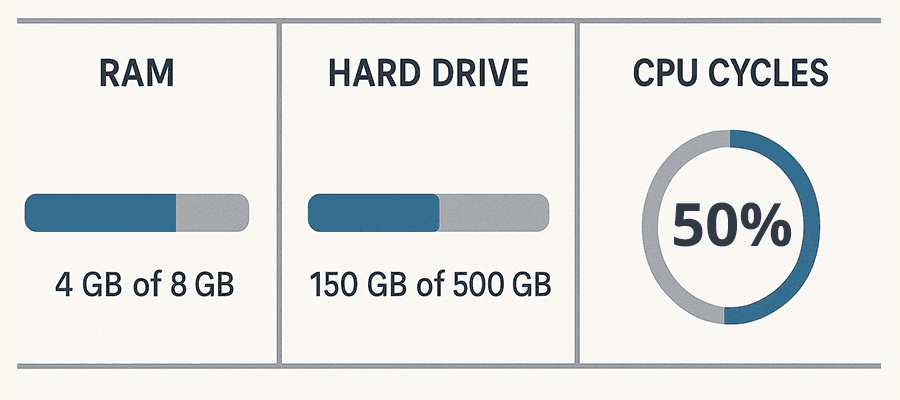
Also, pay attention to server resources like memory, CPU cycles, and PHP workers. Shared hosting environments don’t usually guarantee a minimum. More expensive accounts, such as VPS and dedicated servers, assign these resources to your account.
It pays to understand what your host offers and how it impacts your websites. A site with too few resources won’t perform well and may break. Meanwhile, hosting a small site on a higher tier could be wasteful.
You can avoid problems by assessing each site you host. Pay particular attention to the following factors:
Security risks (online transactions, user accounts);
The amount of content;
Special functionality (shopping carts, members-only areas, resource-intensive plugins);
Site stability, performance, and security are vital to success. Using the right hosting will go a long way toward ensuring it.
Keep an Eye Out for Hosting Changes
We know that WordPress, themes, and plugins all require regular maintenance. That’s something we often manage for our clients. But hosts also maintain their infrastructure.
A host will apply new software versions and security patches to their servers. They’ll also upgrade hardware from time to time. You’ll want to know when this happens.
PHP upgrades are a prime example. An outdated theme or plugin could be incompatible with the latest version, which leads to a buggy or broken site.
Staying in the know can help prevent these types of issues. Web hosts often announce maintenance plans ahead of time. They may publish to a blog, add a dashboard alert, or send an email.
Make an effort to inform yourself of what’s happening. It can save you from a future headache or two.
Be a Good Host
Hosting your client’s WordPress websites keeps you in the loop. You’ll be able to watch over each site and ensure its health. It’s also a path to making some extra money.
When things run smoothly, the burden on your time should be minimal. Ensuring things stay that way is part of the job, though.
The first step is to choose your hosting provider wisely. Look for a host that follows best security practices and has a deep understanding of WordPress. They should also offer enough resources to run each site without issue.
From there, it’s all about being proactive with the sites in your portfolio. Keep them updated and take extra security measures. In other words: control the things you can.
Some things are beyond our control. We can’t predict downtime or a host being sold. However, we can put ourselves and our clients in a position to succeed. We hope the tips above will help you get there.