
If you’re building with AI, or trying to defend against the less savoury side of the technology, Meta just dropped new Llama security tools. The improved security tools for the Llama AI models arrive alongside fresh resources from Meta designed to help cybersecurity teams harness AI…
Baidu ERNIE X1 and 4.5 Turbo boast high performance at low cost
Baidu has unveiled ERNIE X1 Turbo and 4.5 Turbo, two fast models that boast impressive performance alongside dramatic cost reductions. Developed as enhancements to the existing ERNIE X1 and 4.5 models, both new Turbo versions highlight multimodal processing, robust reasoning skills, and aggressive pricing strategies designed…
Last-Minute Interview Prep: When Can It Actually Help You Land The Job? Answers From An Expert
You’ve just landed an interview for your dream job… tomorrow morning. Is last-minute prep worth it?
Career coach Sarah Chen says yes, focusing on high-impact areas can boost confidence. Quickly review the job description to tailor your answers, and identify key skills they seek. “Having those stories fresh in your mind can make a huge difference,” Chen advises.
Also, understand the company’s recent activities. “Mentioning something specific you learned… can demonstrate genuine interest,” she notes.
But, don’t cram. “Focus on understanding the big picture and identifying a few key talking points,” Chen says. Authenticity is crucial.
Last-minute preparation can sharpen your focus and help you present your best self, if you direct your limited time strategically.
RAGEN: AI framework tackles LLM agent instability
Researchers have introduced RAGEN, an AI framework designed to counter LLM agent instability when handling complex situations. Training these AI agents presents significant hurdles, particularly when decisions span multiple steps and involve unpredictable feedback from the environment. While reinforcement learning (RL) has shown promise in static…
8 Best Free Security WordPress Plugins — Speckyboy
Keeping your website secure is a 24/7 job. The right tools help keep watch – even when you can’t. They could be the difference between a hacked site and business as usual.
WordPress security plugins are one part of that equation. Along with quality hosting and users practicing secure habits, a plugin can thwart common attacks. They act as the last line of defense against hackers.
Adding an extra layer of protection is important, as WordPress is a preferred target due to its popularity. Legions of bots are scanning sites, looking for flaws to exploit. A vulnerability in WordPress core, a theme, or a plugin puts you at risk. Custom code that isn’t sanitized is also a major concern.
Thankfully, there is a variety of security plugins available. They cover different niches and use cases. We’ll introduce you to the eight best free options that help lock down your website.
This plugin includes a firewall to prevent malware exploits and brute-force login attempts. However, its comprehensive malware scanner is the real star of the show. The scanner will look inside and outside your WordPress installation to find suspicious code.
Donate to the plugin and receive premium features like a WordPress core file integrity check. It’s worth installing if you suspect your site has been compromised.
Wordfence aims to be a complete security solution for WordPress. The plugin scans for malicious files, detects suspicious user activity, and blocks brute-force login attempts.
It also improves login security with two-factor authentication (2FA) and reCAPTCHA integration. The premium version offers a security audit log, a real-time IP blocklist, and a more robust firewall.

Jetpack has long been a do-it-all plugin suite. Jetpack Protect is a separate plugin for those who only want its security features. It scans your site daily for WordPress, plugin, and theme vulnerabilities.
You’ll also receive brute-force attack protection from botnets and other malicious actors. Upgrade to premium and receive email alerts, one-click malware fixes, and priority support.

The plugin formerly known as “iThemes Security” has plenty to offer in its free version. It protects against brute-force attacks at the local and network levels. Multiple types of 2FA can be added to user accounts, while strong password requirements keep users safer.
The plugin will detect file changes and scan your site for known vulnerabilities. The pro version adds trusted device recognition (to prevent session hijacking), passwordless login, and automated vulnerability patching.

Really Simple Security helps to fill common gaps in WordPress security. First, it ensures your site takes advantage of SSL via 301 redirects from non-HTTPS URLs. It also prevents code execution in your site’s uploads folder, disables the often-hacked XML-RPC feature, and enables 2FA.
You’ll also be notified of any known vulnerabilities. The pro version adds content security policy (CSP) generation, a firewall, and more security customizations.

A single-purpose plugin, Two-Factor adds 2FA to your WordPress website. It supports various methods, including email, Time Based One-Time Passwords (TOTP), and FIDO Universal 2nd Factor (U2F).
TOTP support means you can use it with apps like Google Authenticator. Note that you’ll need to assign 2FA to users individually. This makes it more suited for sites with a small number of users.
Brute force attacks are a problem for virtually every WordPress website. Even small sites can be swarmed by bots attempting to compromise your site. You can use this plugin to mitigate malicious login attempts.
It blocks offending IP addresses and covers all WordPress logins, including WooCommerce and XML-RPC. It’s also compatible with other security plugins. The pro version adds cloud-based IP blocking to the mix.

A safe website starts with securing user accounts. MelaPress Login Security helps by letting you create a custom login security policy. Options include setting a minimum password length, disabling recycled passwords, and forcing a password reset on first login.
You’ll also find brute-force login protection and the ability to limit logins to specific IP addresses. Upgrade to the pro version and gain trusted device recognition, disabling inactive users, and custom user session timeouts.

An Easy Way to Improve WordPress Security
Website security is complicated. It requires several measures to protect against attackers, many controlled by your web host. So, it’s up to us to take extra steps when possible. A WordPress security plugin is an easy way to do so.
The plugins on this list all have different strengths. Some are all-purpose, while others focus on a single aspect of security. Choose the ones that are right for your situation. But beware of combining multiple security plugins – they don’t always play nicely together.
Also, note that a plugin is only part of an overall security strategy. They can help, but won’t make up for an insecure hosting environment.
Now that you know some of the best free security plugins available, take a moment and determine how they fit into your strategy. Stay safe out there!
WordPress Security Plugin FAQs
-
What Are WordPress Security Plugins?
They are plugins designed to protect your WordPress site from security threats like hacking, malware, and unauthorized access. They add extra layers of security to your site.
-
Who Should Use WordPress Security Plugins?
Anyone with a WordPress site, from bloggers and small business owners to large organizations, should use security plugins. They’re essential for protecting your website and user data.
-
Why Are Security Plugins Important for WordPress Sites?
They safeguard your site against various cyber threats. They help prevent data breaches, protect user information, and make your website is safe and trustworthy.
-
How Do Security Plugins Improve a WordPress Site’s Safety?
They offer features like firewalls, regular security scans, protection against brute force attacks, and alerts for any suspicious activity. Some also help with secure backups. -
Can Security Plugins Affect the Performance of My WordPress Site?
While some plugins might slightly affect site speed, most well-designed security plugins are optimized to minimize any impact on your website’s performance.
-
Should I Use Multiple Security Plugins on My Site?
It’s usually not necessary to use multiple security plugins. One comprehensive, well-rated plugin is often enough to cover most security needs.
More Essential Free WordPress Plugins
Related Topics
Top
30+ Best Lightroom Presets for Stunning Portraits — Speckyboy
The purpose of portrait photography is to capture the unique likeness, character, and personality of an individual or group of people. It involves using various techniques such as lighting, posing, and post-processing to create a visually compelling image.
When it comes to portrait photography, beauty may be in the eye of the beholder, but sometimes, it takes some coaxing to show its true nature. And by coaxing, we mean editing. While we have a lot of tech at our disposal (and it has come far), our cameras may not quite capture the essence of the moment and all the little things that make it magical, sometimes, you may need a Lightroom preset to do that for you.
To help you create perfect portraits every time, take a look at the Lightroom presets we have for you here. Many are free, and you’ll get plenty of options for creating authentic and unique moods that your clients and social media followers will love. From Lightroom presets inspired by Instagram effects and sepia tones to presets for bright and colorful portraits, you’ll get plenty to pick from.
Bright and stylish, these Lightroom presets are perfect for professional photographers. Your photos will get a bright, airy, and glossy atmosphere that’s perfect for highlighting the beauty of your subjects. This incredible collection offers 11 Lightroom presets for portrait photography.

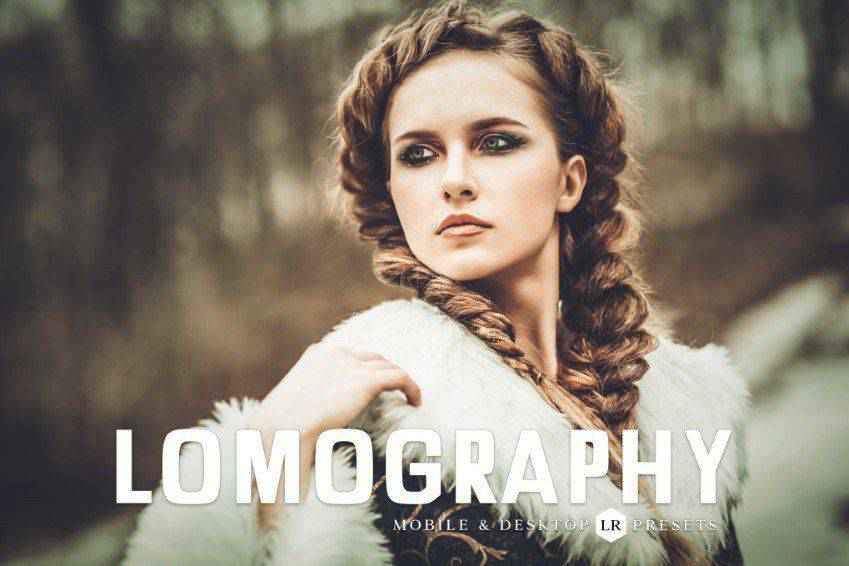
You don’t need an analog camera to get stunning results! Give your photos an authentic and vintage feel with Lomography, a collection of 11 Lightroom presets. These beautifully toned Lightroom presets are perfect for professional photoshoots, as well as portfolio and social media photography.
Free to Download
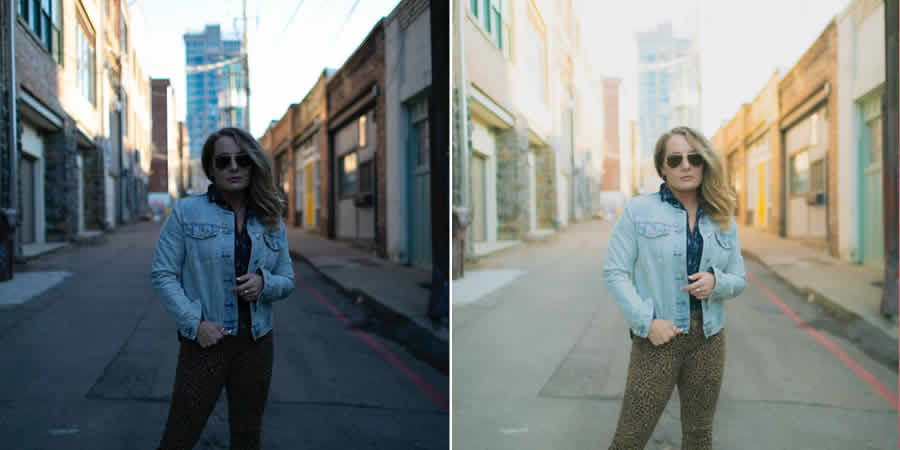
Slumberland is a Lightroom preset that gives a light and airy look to your portrait photos. This preset is especially useful if you have shadowy, dark images that you want to improve. Try it out for fresh summer shots, album cover portraits, or any other creative projects where you want to add a touch of lightness and vibrancy to your photos.
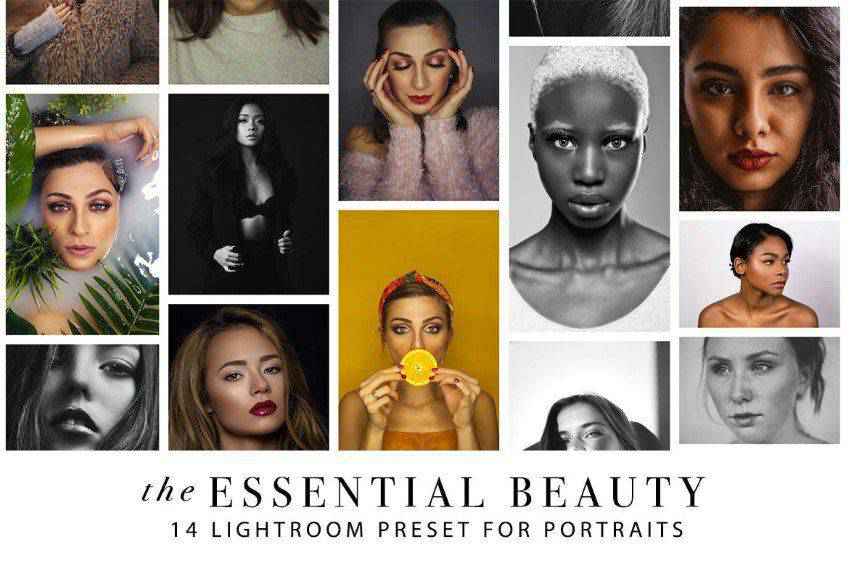
Create diverse and beautiful portraits with these Lightroom presets. You’ll get 14 presets that will help you create flawless and professional results, no matter the lighting. From black and white to minimalist presets, you’ll get plenty of options for the perfect shot!
Free to Download
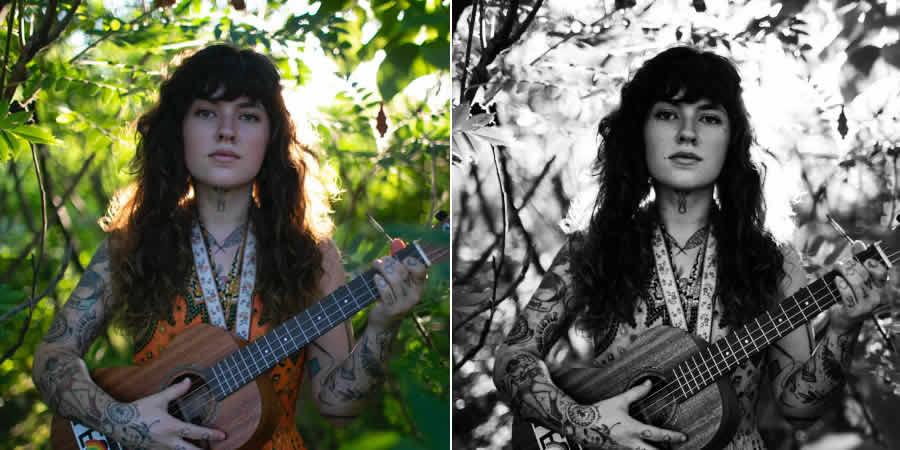
Contrast Noir is the free preset that challenges the misconception that black and white portraits are dull and uninspiring. By working on contrasts, this preset adds a stylish touch that makes portrait subjects stand out from their backdrops.
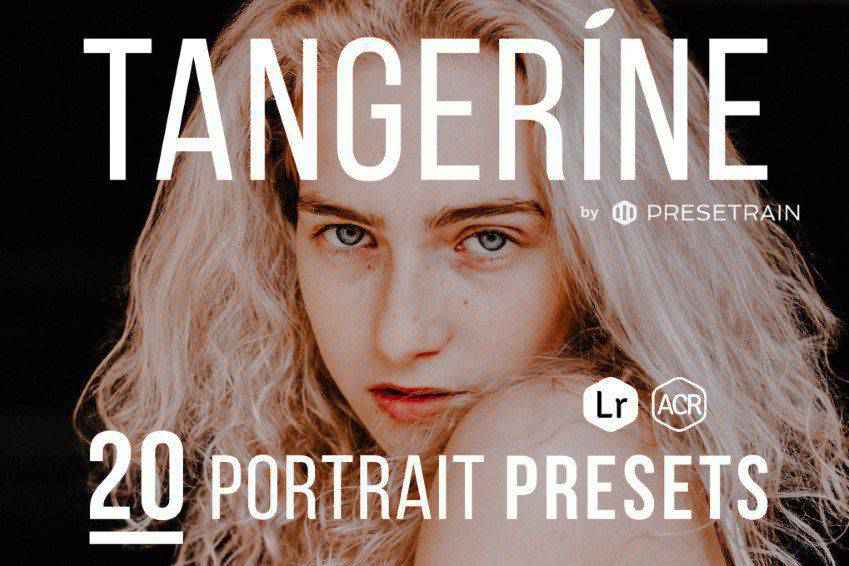
Stunning and authentic, Tangerine portrait presets are a fantastic choice. You’ll get 20 portrait presets that play with golden and warm tones and give your photos a matte feel with quick editing in Lightroom or Photoshop. They’re great for professionals and newbies alike!
Free to Download
Cosmic Dancer is a versatile Lightroom preset designed to make colors pop in portrait photography. This preset is perfect for adding a bit of excitement to your flatter images, making them stand out.

Free to Download
If you’re looking for a touch of retro styling for your portraits, look no further than this preset. It delivers exactly what you’re after, with warm, matte tones applied throughout. It is perfect for warming up colors while keeping them soft.

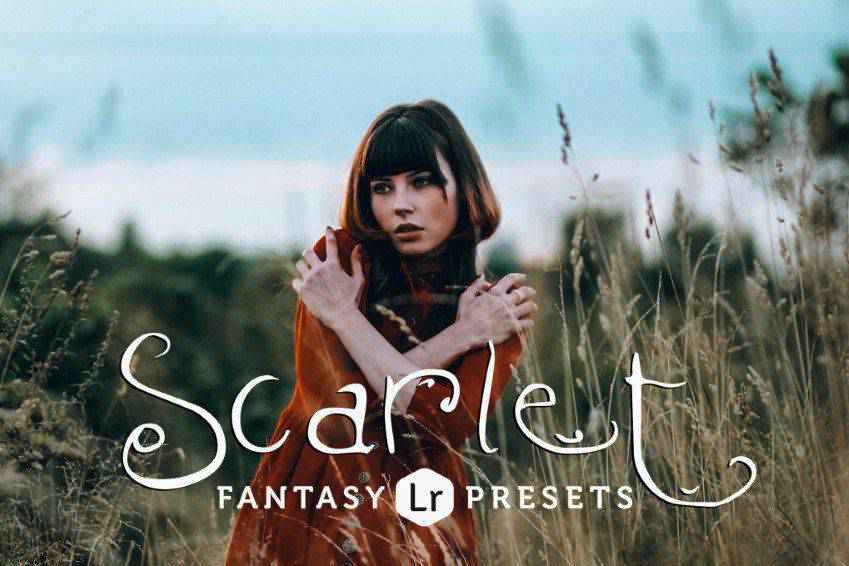
Bring out the right tone in your photos to create a unique feeling with Scarlet Fantasy, a collection of 16 Lightroom presets for portrait photography. You’ll get five toning presets for cold, warm, and sepia tones, as well as 11 preset variations that optimize saturation, contrast, and exposure.
Free to Download
The timeless, brown, and yellow faded sepia tones often found in old and historic photos can now be added to your modern portraits. With this free Lightroom preset, it’s easy to achieve this classic style in just a few clicks.

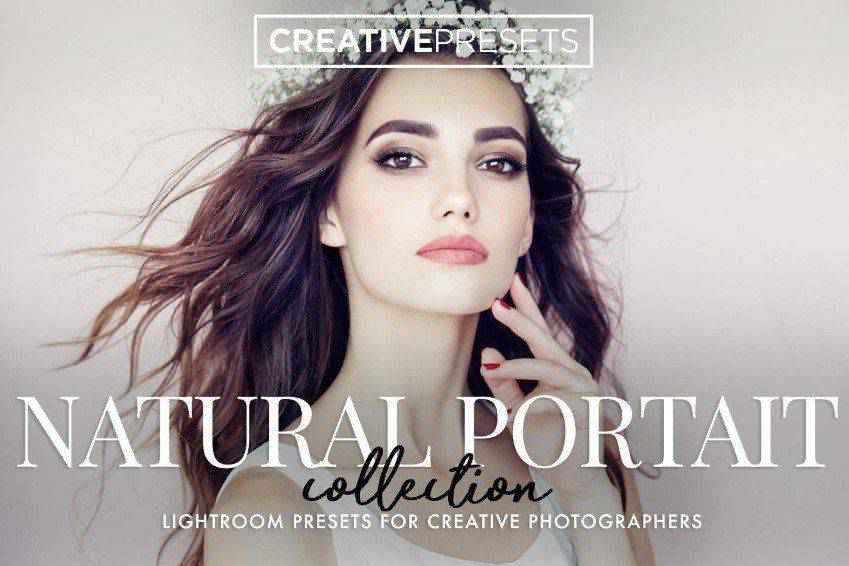
Perfect for bringing out the natural beauty of your models, these Lightroom presets offer flawless results. You’ll get 60 professional Lightroom presets, so this collection is an excellent addition to your standard editing kit.
Free to Download
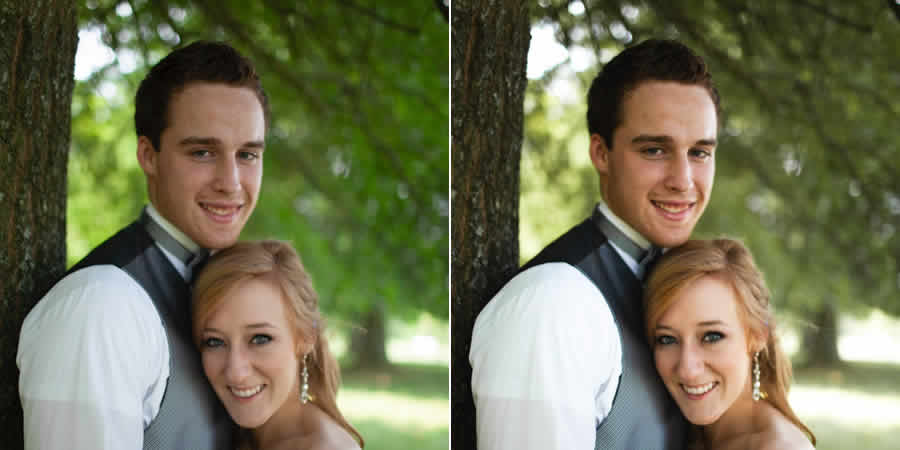
Wedding photos are some of the most memorable portraits you’ll ever capture, and they deserve the best possible editing treatment. The Take a Vow preset is tailor-made for wedding shots, helping the happy couple stand out by fading background colors to avoid distractions.
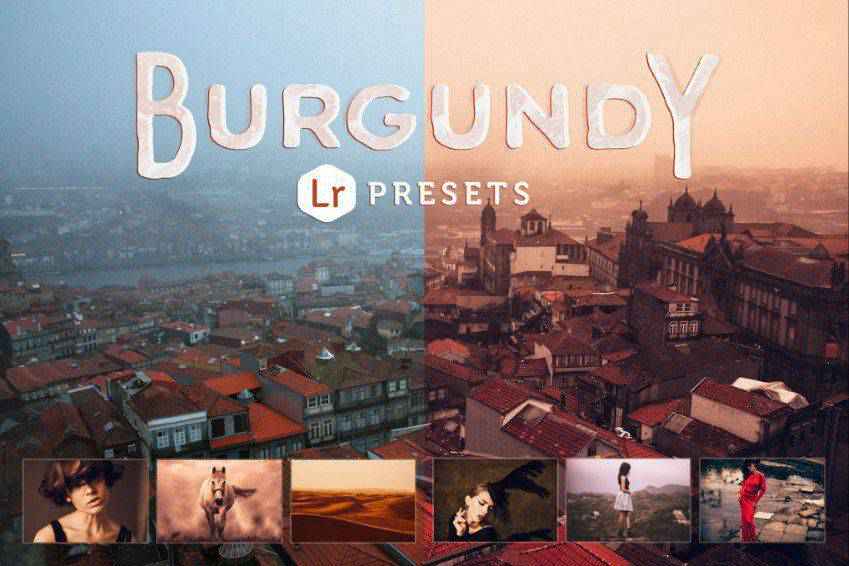
Give your photos a rich and deep atmosphere with Burgundy, a collection of 14 Lightroom presets. These presets bring out the reds in your photos and create a stunning and authentic vintage atmosphere. These Lightroom presets are perfect for portfolio photography and establishing a distinct style!
Free to Download
Are you looking for a bold styling for your portrait photos? The Hopscotch Lightroom preset can deliver just that. Whether you’re looking to create funky, artsy shots or simply need to make the colors pop, Hopscotch offers a range of options to choose from.

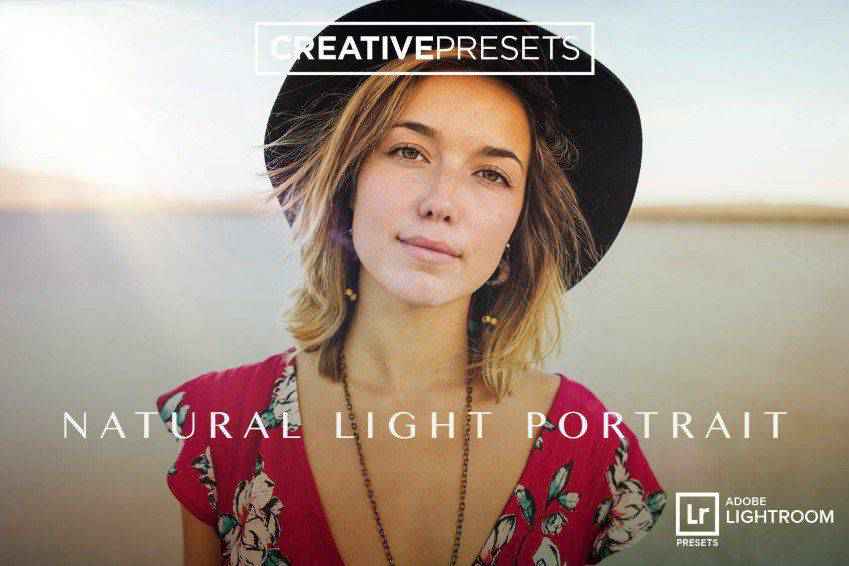
If you leveraged natural light for your portrait shots, you’ll love these Lightroom presets! Made with natural lighting in mind, these 30 Lightroom presets give your photos an airy and warm feeling. They’re perfect for professional shoots.
Free to Download
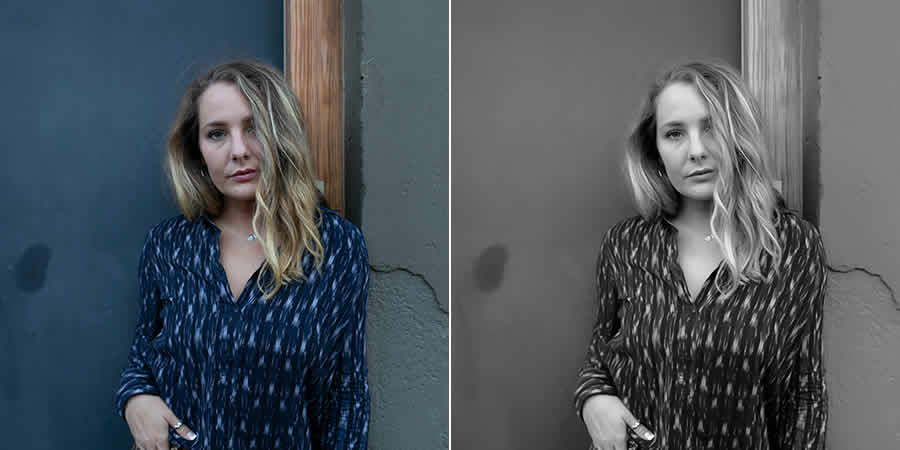
Classy and elegant black and white portraits never go out of style, but shooting in black and white can limit your creative options. With the Limograph Lightroom preset, you can convert your color photos into black and white later and preserve your creative flexibility.
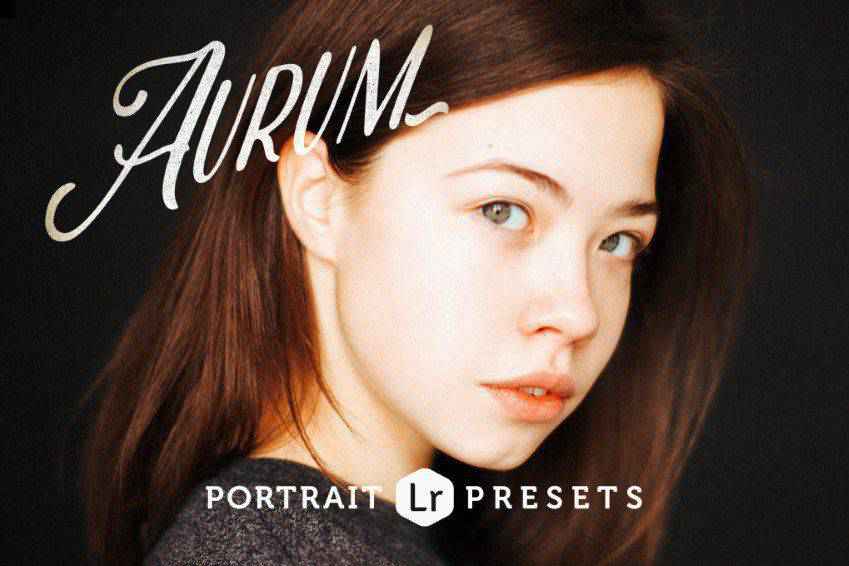
No glitter, but plenty of gold! Aurum is a stunning collection of 14 presets and their variations for portrait photography. They’ll give your photos a warm color boost, no matter the conditions. Aurum presets make every photo beautiful, even if it was shot in a cold studio.
Free to Download
For a black and white portrait preset that emulates the look and feel of film photography, look no further than Shadowze. This Lightroom preset presents photos in a high-contrast yet flat way, without many sharp tones, making it ideal for any subject.
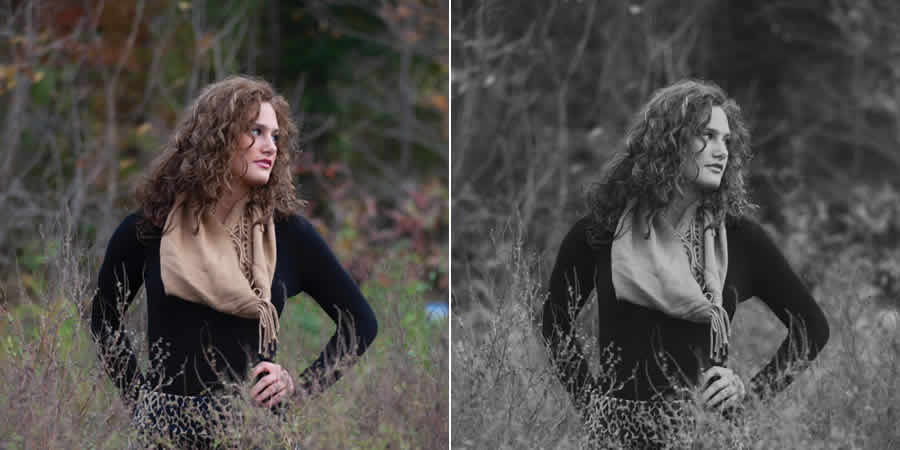
Free to Download
Vintage-styled images can be colorful, stunning works of art that are far from uninteresting. Transform your photos into just that with this free Lightroom preset. It makes full use of yellow and orange tones for a classic, bright look that’s impossible to match with a camera alone.
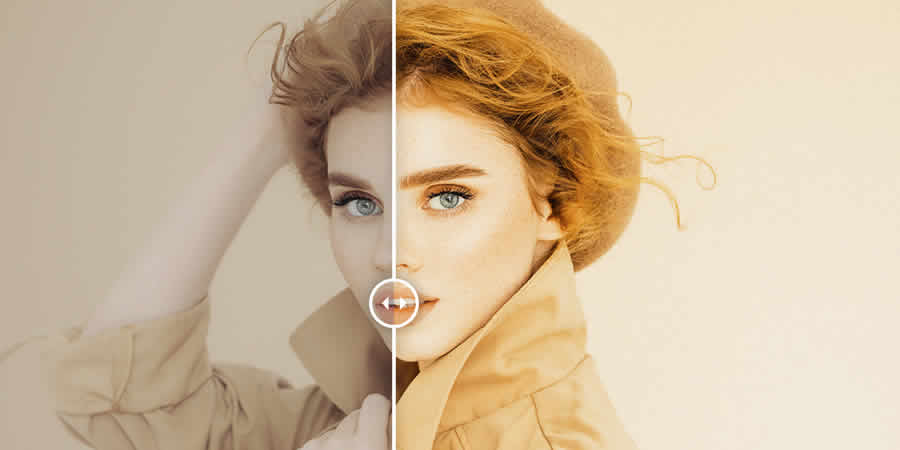
Add a dash of gold to your standard portrait photography with Yolk, a collection of 31 Lightroom presets. From natural tones that improve professional photoshoots to presets that turn every photo into a masterpiece of fine art, there’s plenty to pick from in this stunning preset collection.
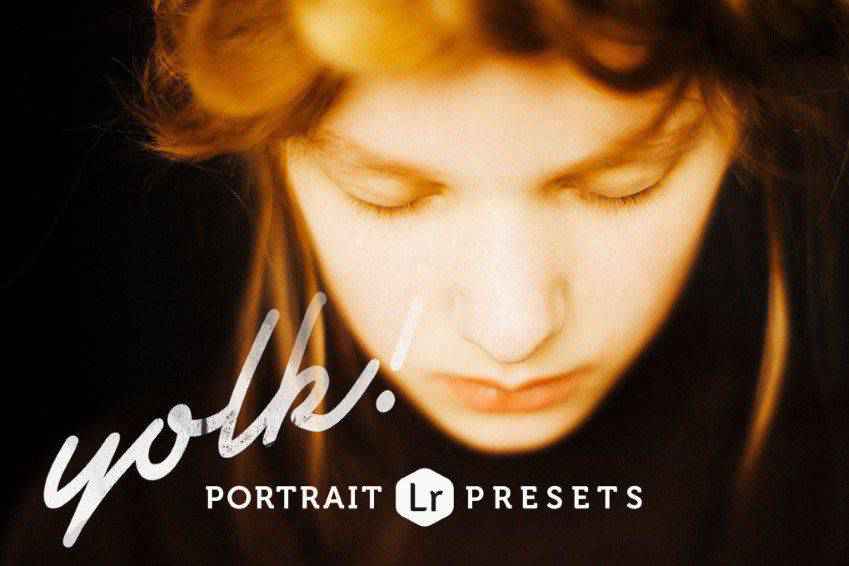
The ultimate bundle for all your portrait photography Lightroom needs! You’ll get 80 presets for rich and moody, vintage black and white, as well as glossy editorial and magazine atmospheres. Add them to your photos for stunning results.

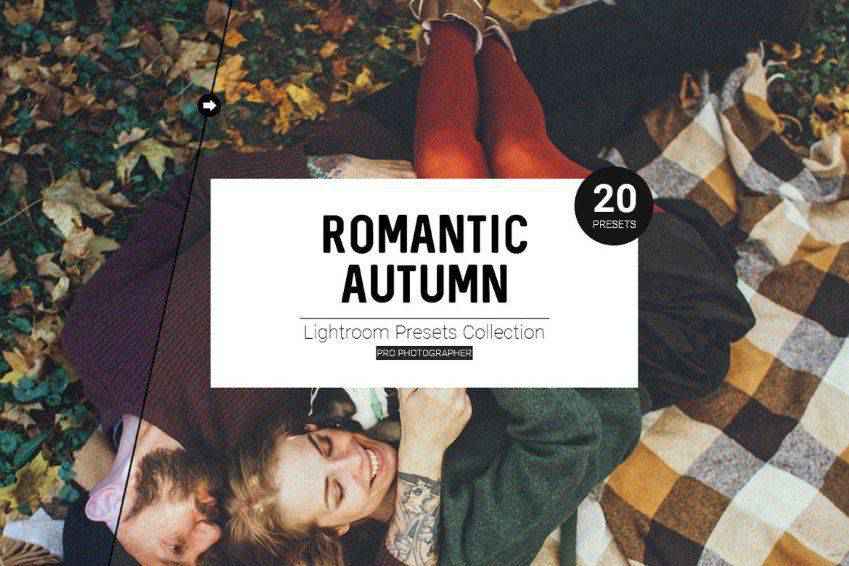
Convey the romantic and cozy atmosphere of autumn with these Lightroom presets. This stunning collection offers 20 Lightroom presets, with effects that vary from soft matte effects to presets with dramatic and deep orange tones. There’s plenty to pick from for your next shoot!
Turn your original shots into works of art with these Instagram-effect Lightroom presets. You’ll get 11 presets that will work on a variety of images, conditions, and lighting environments. You can easily adjust the effects to suit your preferences and create a consistent style.

Save time and get gorgeous, consistent results with these 10 Lightroom presets for portrait photography. These presets offer gentle improvements to your original shots that beautifully convey the unique atmosphere of each moment. You can easily edit the effects to suit your style, and give your original images more depth.
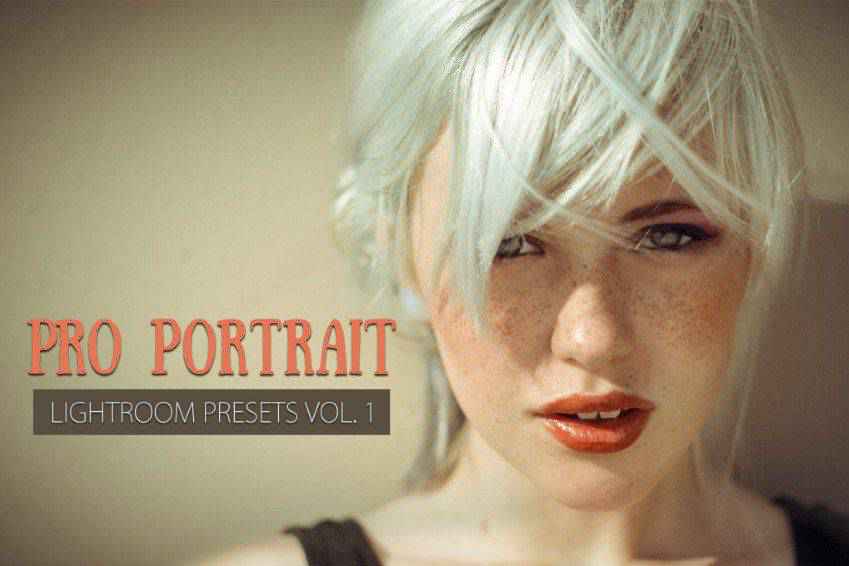
Bright, airy, and glossy, these modern Lightroom presets are fit to appear on the cover of Vogue! You’ll get 30 Lightroom presets that work beautifully for a variety of different shoots, and guarantee stunning results. You can also use them for fashion and wedding photography.
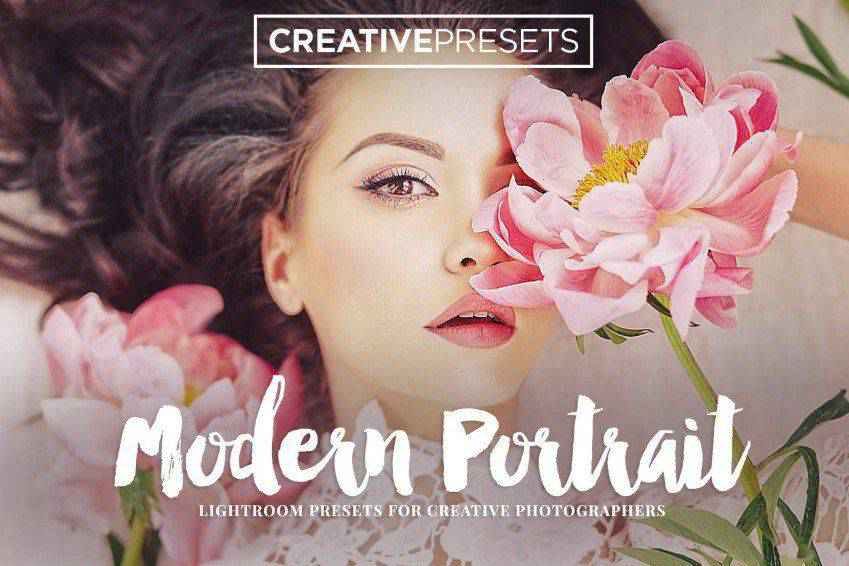
Let your viewers immerse themselves in the nostalgic atmosphere of your photos with Flowerage, a collection of 24 portrait photography Lightroom presets. They adjust the colors to give your original shots a hipster vintage feeling. You can use them for various photos since they offer different brightness and lighting variations.
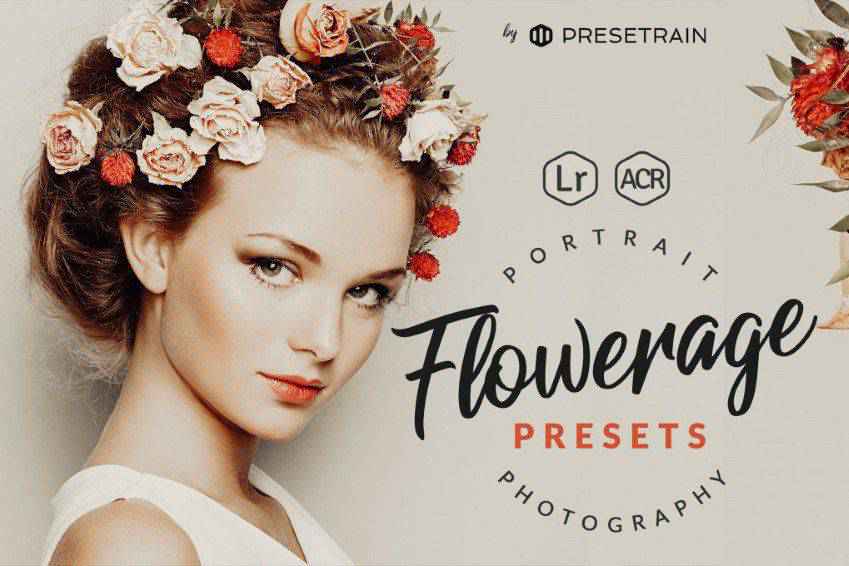
Mimic the charm of VSCO with these professional portrait Lightroom presets. This collection offers 12 Lightroom presets that will give your standard portrait shots additional depth and moody atmospheres for highly-artistic results. These Lightroom presets are perfect for professional shoots, as well as distinguished portfolio photography.
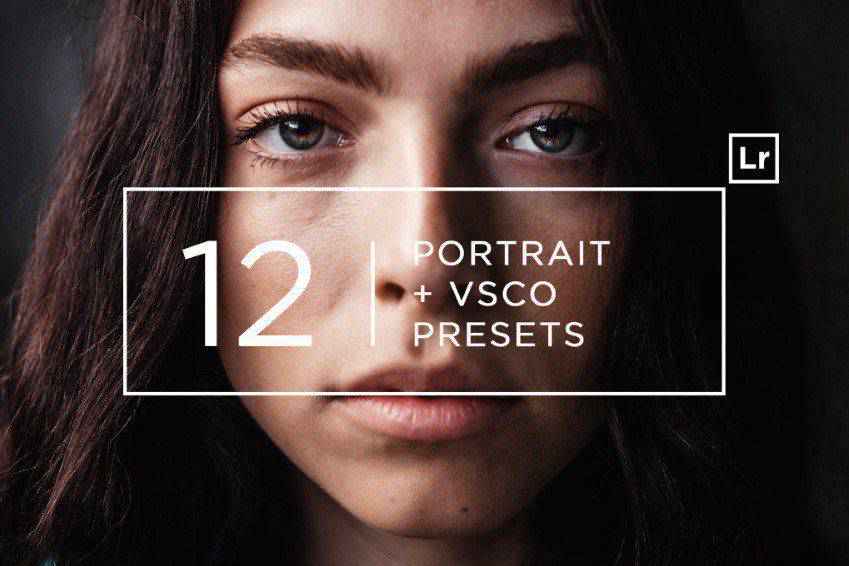
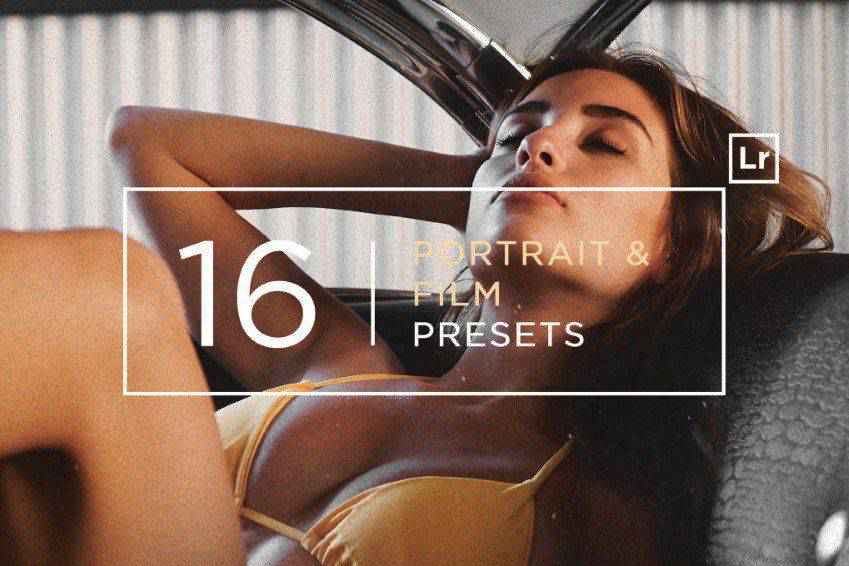
Give your photos a unique artistic feel with these professional Lightroom presets. These 16 presets offer a film-like look for your photos. The effects range from faded and grainy to soft and smooth. They’re perfect for professional photography.
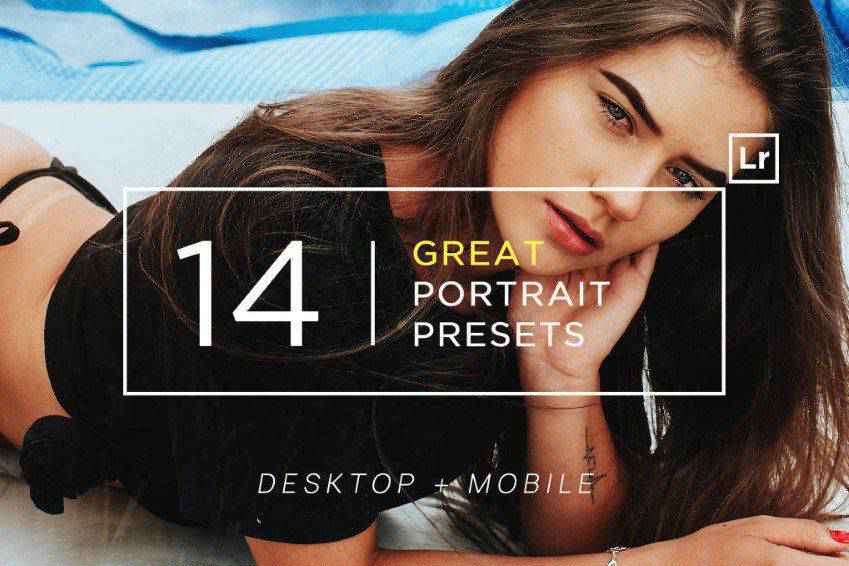
Diverse and authentic, these Lightroom presets offer excellent options for portrait photography. You’ll get all the must-have filters and effects, from faded matte to soft filters that work on your models’ creamy skin. There are 14 Lightroom presets in this pack, and you’ll love the results!
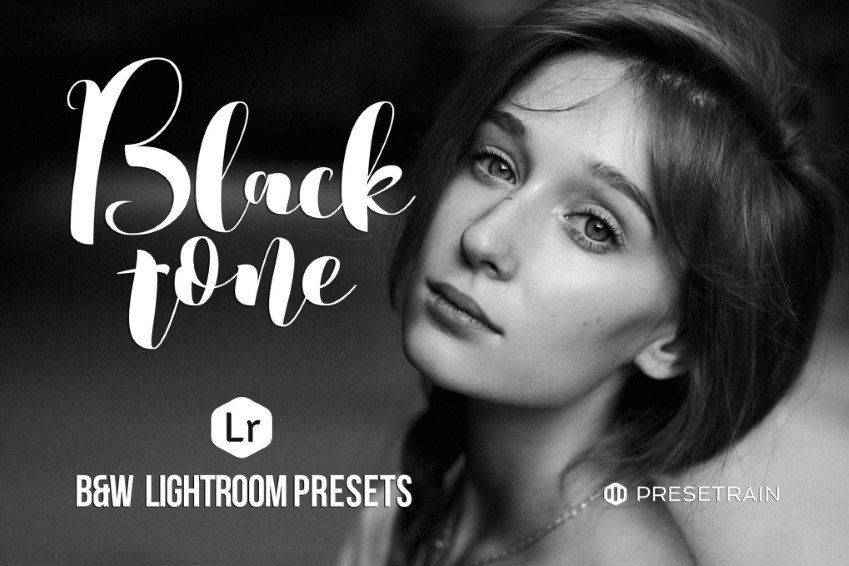
There’s nothing like black and white to add drama to your photos or showcase the emotions lying underneath. These portrait photography Lightroom presets offer ten black and white filters. From sepia tones to bright filters, you’ll get everything you need to turn your photos into works of art.
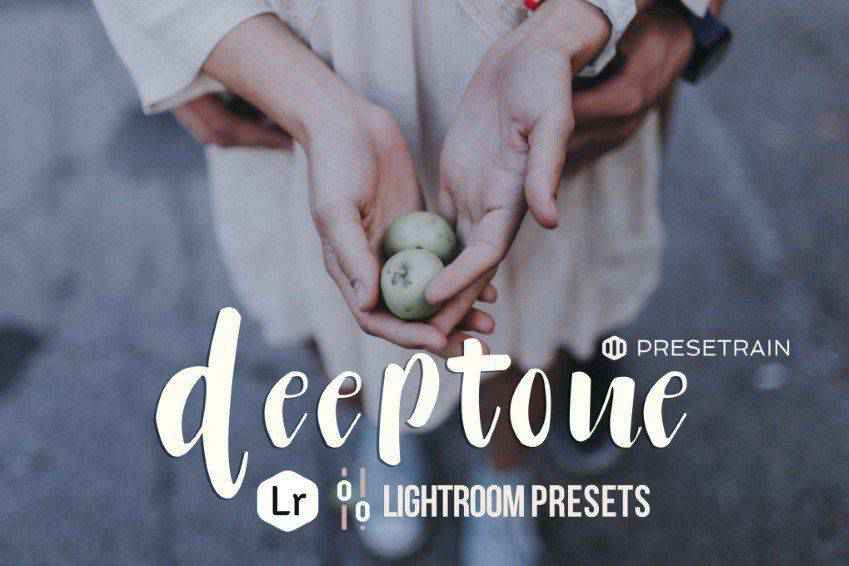
Add depth to your photos with Deeptone, a collection of 8 Lightroom presets for portrait photography. They’ll give your photos a moody atmosphere. The presets range from cold greens to neutral and warm tones, so there’s plenty to create a beautiful photo your clients will love.
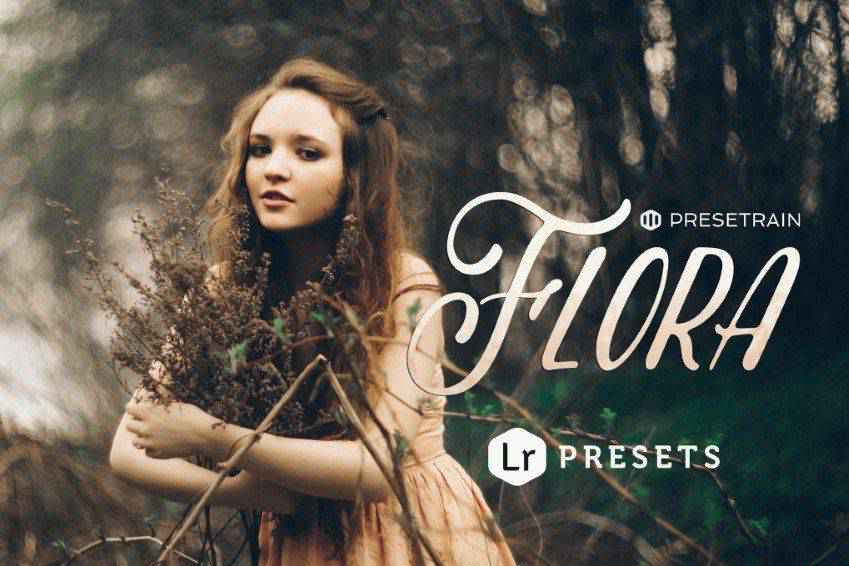
Flora is a collection of fine-tuned and artistic Lightroom presets, perfect for outdoor portrait photography. You’ll get four preset options, named after the seasons, that work perfectly for creating unique atmospheres and bring the best out of lush, green settings. They work best with natural light!
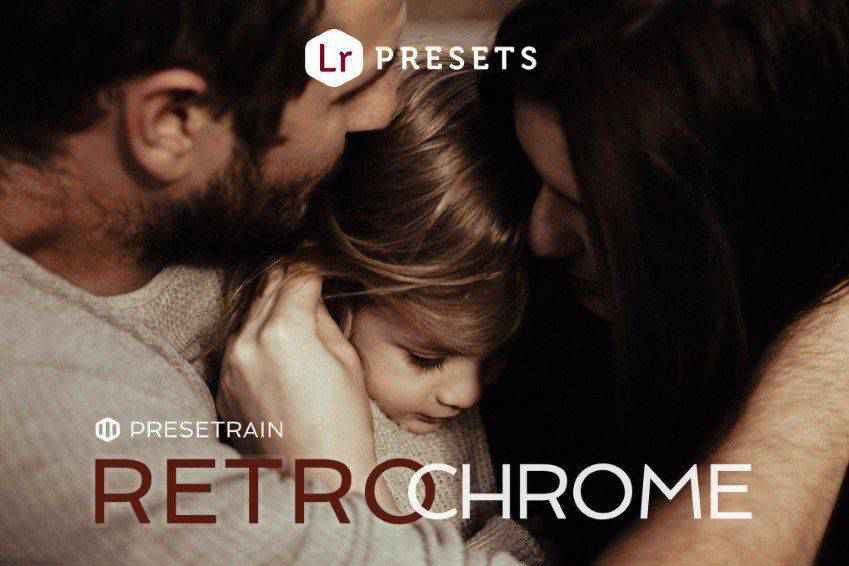
Retrochrome is a collection of vintage-inspired Lightroom presets perfect for portrait and family photography. It offers beautiful toning for photos by radiating a nostalgic and warm atmosphere. You’ll get 17 retro chrome presets, as well as variations to match your original settings, conditions, and lighting.
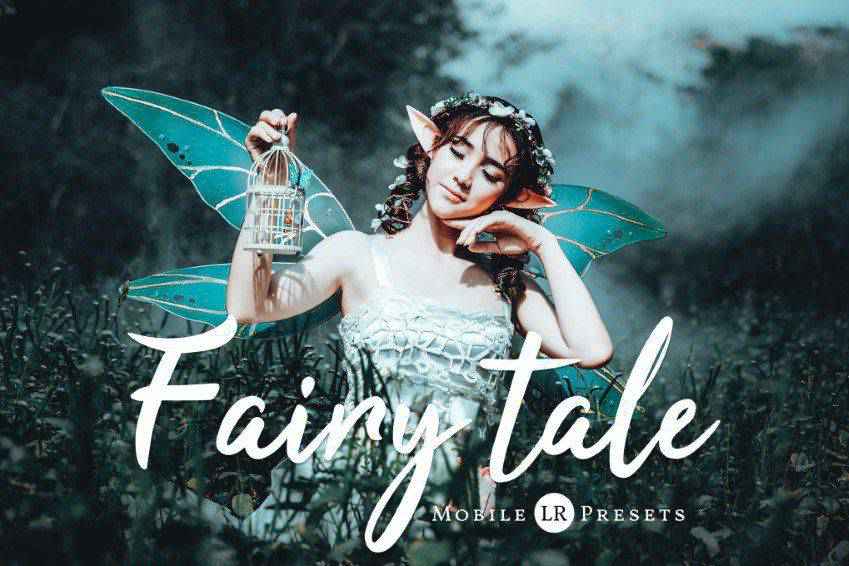
It’s time to tell an incredible story with your photos! Use these 11 Lightroom presets if you want to convey a dark fairytale atmosphere. Every preset is editable, so you can customize them to fit your vision (and settings).
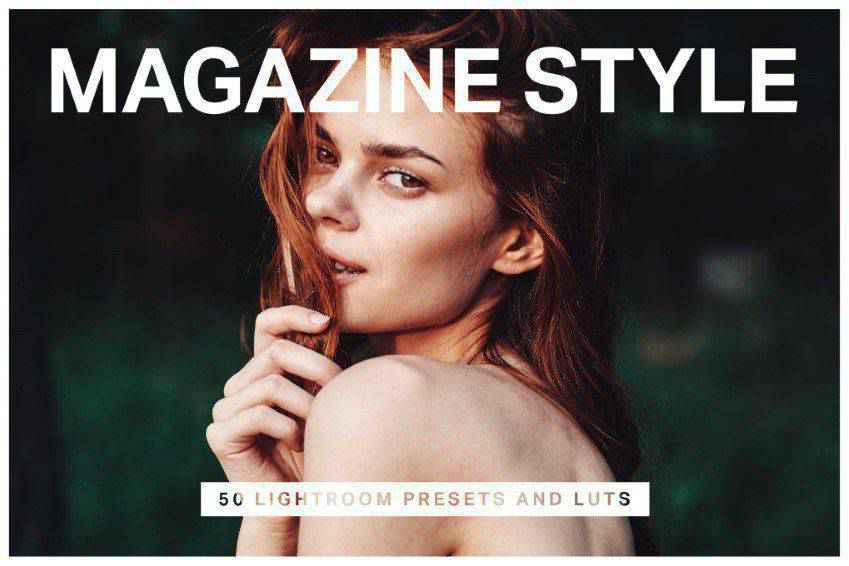
If you want to give your portraits a glossy touch, you’ll love these 50 Lightroom presets. You’ll get presets inspired by Kodachrome, Hermes’ red and orange tones, nostalgic filters, and other styles seen in magazines. You can even use them for videos!
Skin Retouching with Presets
The above Lightroom presets offer a range of adjustments to smooth skin texture, improve tone, and reduce blemishes without overdoing it. They simplify the skin retouching process, making it accessible to photographers of all skill levels.
You can achieve natural-looking, flawless skin in your portrait photos with just a few clicks. These presets will save you time and ensure consistent results, allowing your subjects to shine without imperfections.
How to Install Lightroom Presets
- Download Presets: Download one of the portrait presets from this page.
- Open Lightroom: Launch Lightroom and navigate to the
Developmodule. - Create Presets Folder: Right-click on an existing preset folder in the left panel and create a new one called
Portrait Presets. - Import Presets: Right-click the new folder, select
Import, and select the.xmppreset files you downloaded. - Apply Presets: Open a portrait photo, access the
Presetspanel, and click a portrait preset to apply it. - Adjust as Needed: Fine-tune settings to match the unique characteristics of each portrait.
- Batch Edit: Consistently edit multiple portrait images using the same preset.
Perfect Portraits with Lightroom
It’s up to you to pick the perfect preset for your next project(s). At the end of the day, you’ll get stunning results. And no matter the lighting or the conditions, you’ll be able to create the exact scene you originally set out to create.
And once you share your beautiful work with the world – be that in your portfolio or on your social media – you’ll have no problem attracting even more clients who want your magic to themselves.
Related Topics

Meta FAIR advances human-like AI with five major releases
The Fundamental AI Research (FAIR) team at Meta has announced five projects advancing the company’s pursuit of advanced machine intelligence (AMI). The latest releases from Meta focus heavily on enhancing AI perception – the ability for machines to process and interpret sensory information – alongside advancements…
Meta will train AI models using EU user data
Meta has confirmed plans to utilise content shared by its adult users in the EU (European Union) to train its AI models. The announcement follows the recent launch of Meta AI features in Europe and aims to enhance the capabilities and cultural relevance of its AI…
8 Comic-Inspired Snippets Powered by CSS & JavaScript — Speckyboy
Comics have served as an inspiration to many of us. They impact every corner of our culture. Just try going to the movies without at least one comic-based film showing. It seems nearly impossible.
Their style has also crept into web design. We see it in bold colors, outrageous typography, and unique layouts.
Advancements in both CSS and JavaScript allow designers to bring these styles to life. There is no shortage of ways to add comic-inspired flair to your website.
So, how are web designers bringing comic styles online? Let’s check out a few examples of what a combination of code and creativity can do.
Comic Style Text Bubbles – CSS
Created by Josetxu
This snippet demonstrates a classic comic book style. Large, bold text screams on top of colorful backgrounds. CSS Grid is used to line up the various layout pieces. Bonus: click on a word to edit the text. Wow! That was cool.
See the Pen Comic Style Text Bubbles – CSS by Josetxu
Side Scroller Comic Web Template
Created by Terry Scrimsher
Here’s an example that adds movement to the mix. The side-scrolling hero area makes for an attention-grabbing experience. The animated text provides contrast and an element of fun.
See the Pen Side Scroller Web Template by Terry Scrimsher
Comic Book Style CSS UI
Created by Gabriele Corti
This experiment ponders a comic book UI. It’s a small starting point inspired by Spider-Man. However, imagine expanding it to cover every element of a website. That’s a way to stand out from the mere mortals.
See the Pen Comic Book UI by Gabriele Corti
Style Stage Comic Book CSS
Created by Katherine Kato
Let’s go a step further with a comic-inspired UI. This page manages to balance bold styling and legibility. The layout is fun but remains super clean. It shows that “comic” doesn’t have to mean inaccessible.
See the Pen Style Stage – Comic by Katherine Kato
Pure CSS Comic Coder Cat
Created by Annie Bombanie
This humorous bit pokes fun at developers. It also shows some impressive use of CSS. The black-and-white comic takes advantage of clip paths, gradients, and flexbox. The strip is also responsive.
See the Pen Comic Coder Cat – Pure CSS by Annie
Generate Comic-Style Typography
Created by Antoinette Janus
Use this snippet to generate comic-style text. Click into the box and then start typing. You’ll get a classic comic book font on top of a halftone background.
See the Pen Comic Types by Antoinette Janus
Responsive & Accessible Comic Page
Created by Sarah Frisk
It can be a challenge to make an accessible comic strip. The fonts aren’t always legible. And what if you’re using images? This snippet aims to fix these issues. It offers a “CC” mode that provides text descriptions of each panel. The result is an improved user experience.
See the Pen Responsive and Accessible Comic Page by Sarah Frisk
Comic Style Crystal Field
Created by Tibix
It’s easy to admire the groundbreaking illustrations in our favorite comics. This example combines beautiful artwork with the power of code. Click on the presentation to regenerate a new version of this crystal field.
See the Pen Comic Style Crystal Field by Tibix
Adding Some Pop to the Web
Not every website requires a staid corporate look. Comic styles offer an alternative for these sites. You can use this technique to create a fun and memorable UX.
What’s more, you don’t have to go over the top to find success. Even subtle elements of comic design can make a positive impact. Look no further than some of the examples above for proof.
Want to see even more examples of comic styles? Use your superpowers and head on over to our CodePen collection!
Related Topics
Top