
The New Reality of AI-Assisted Software Development The shift from human-written to AI-generated code is accelerating beyond predictions. Microsoft and Google are both already generating up to 30% of their code using AI tools, and Mark Zuckerberg further announced that half of Meta’s code will be…
The Sequence Opinion #547: Best Practices I am Learning While Coding with AI Agents
Software engineering practices are rapidly changing….
10+ Best Free InDesign Resume Templates in 2025 — Speckyboy
A professional resume design is crucial if you want to stand out from the competition and get noticed by potential employers. Thankfully, you don’t have to design a resume from scratch whenever you apply for a position.
There are many professionally designed resume templates available. To help narrow down your search, we have collected the best, most professional, and most beautiful free resume templates designed for Adobe InDesign.
Stand out in a sea of job applicants with the help of one of these highly creative and professional InDesign resume templates. All you have to do is customize them with your preferred colors and fonts, add your information, and export them as PDFs, and you can then send them along with your job application.
You may also like to take a look at our collections of free resume templates for designers, HTML resume templates, or these Figma resume templates.
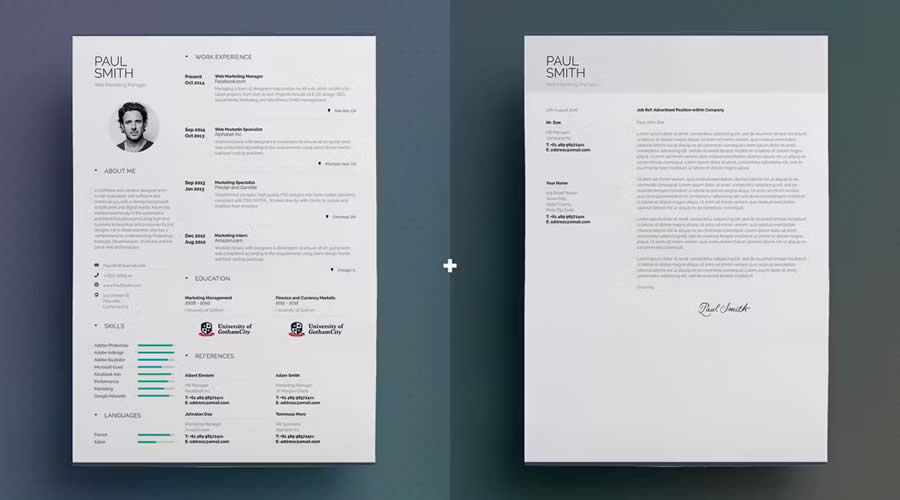
As the name suggests, this Simple Resume/CV template has a simple and clean design. The template includes a one-page resume design and a matching cover letter.
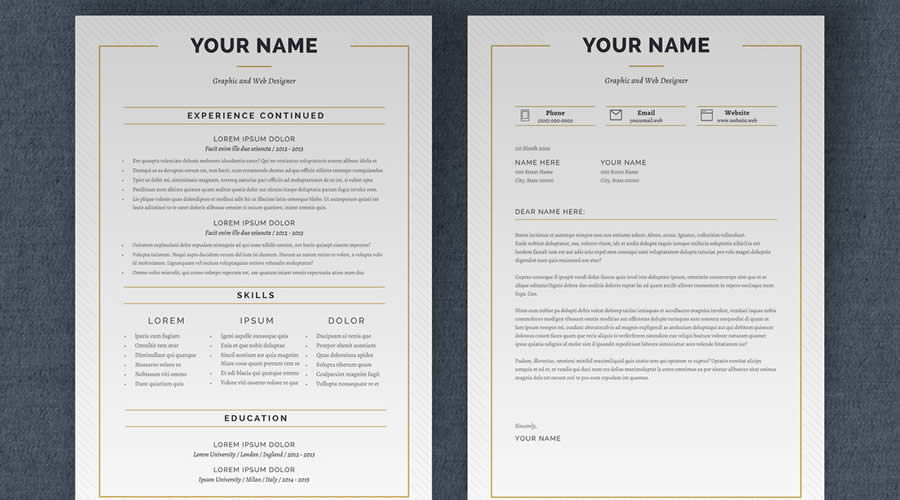
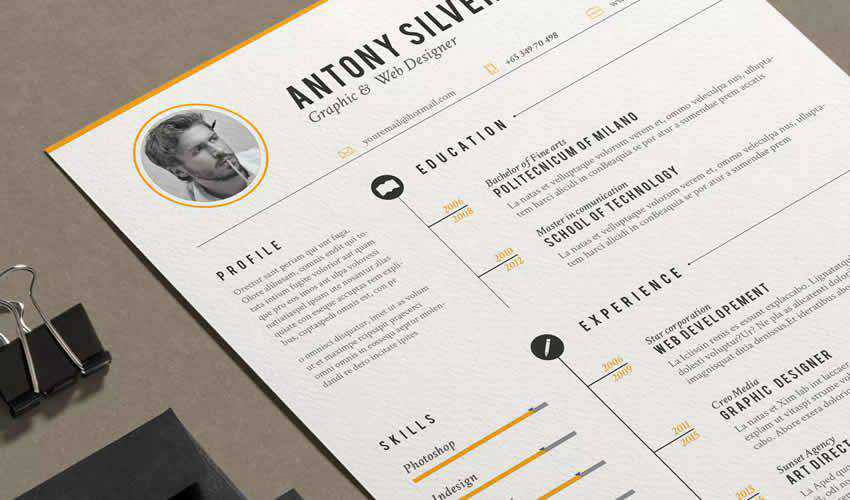
This free InDesign resume layout offers a linear, modern design with bold typography. It spans three well-organized page layouts. This template is perfect for making your qualifications stand out.
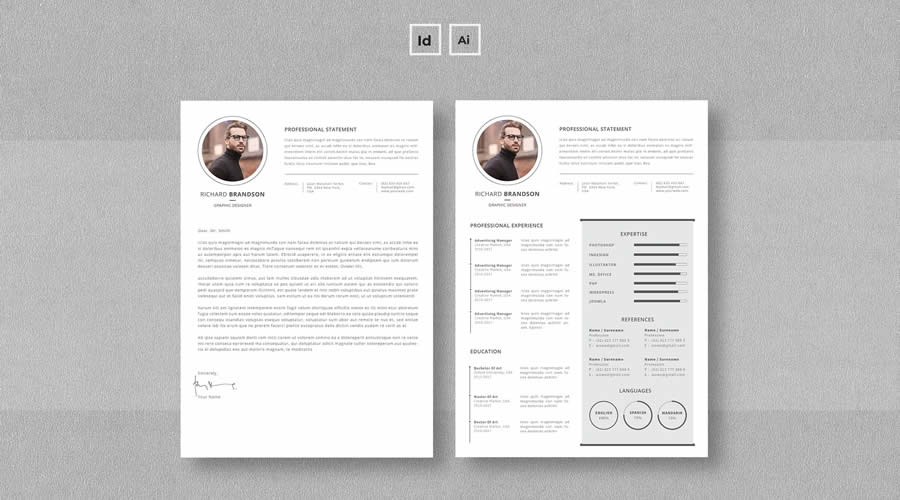
This resume and cover letter template has a minimalist design and layout. It’s sized at A4 and US letter sizes and includes INDD and IDML files, ensuring easy customization and compatibility. It’s also available in Illustrator AI format.
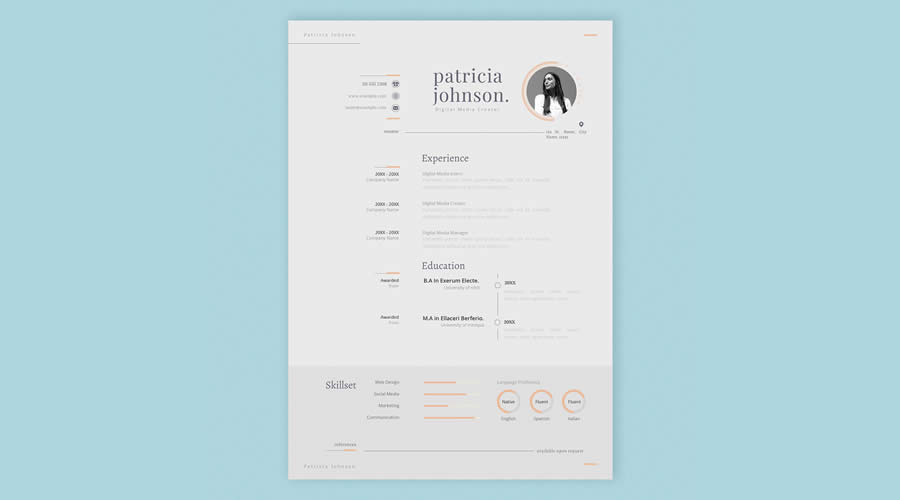
This free InDesign resume template boasts a clean and elegant design in a concise one-page layout. It features classic serif typography, giving your resume a professional and timeless look. This template is perfect for making a strong, polished impression on potential employers.
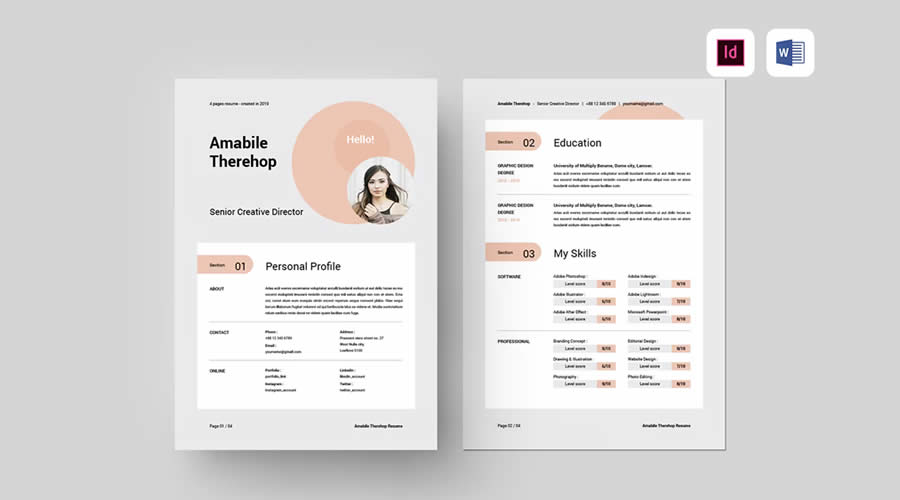
This professional InDesign resume template has clean typography, a spacious layout, and a modern design across four A4 pages. It has been designed to make a strong impression while organizing your details and achievements neatly. It is also available in Word format.
Consider this vintage-styled template if you are looking for a stylish resume that will help to make your resume memorable. The template includes matching cover letters and icons that you can add to highlight your skills.
This free resume template has been designed a simple and minimal design. It is easy to edit and comes with a matching cover letter.
If you want to kill two birds with one stone and get a set of business cards to accompany your resume, check out this InDesign resume template. It has an elegant and customizable navy and white color scheme.
If you love minimalistic design, this resume template is a perfect choice. The template stands out with beautiful typography and plenty of white space.
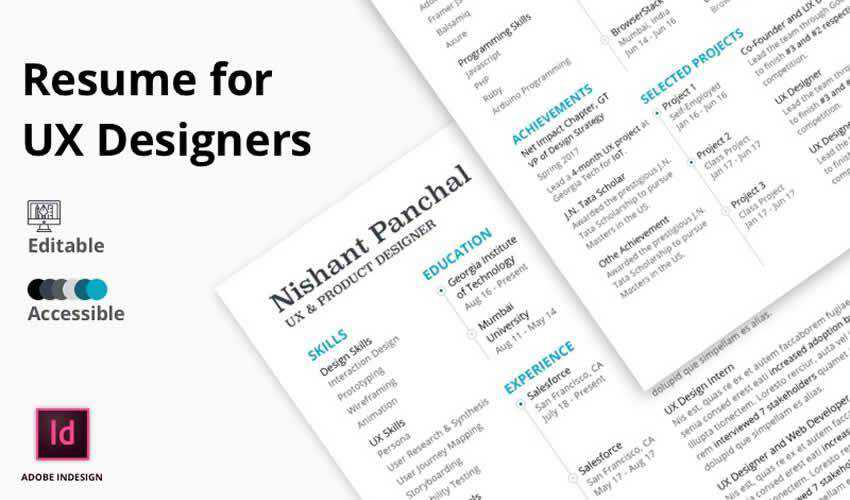
This clean resume template is perfect for UX designers thanks to its excellent visual hierarchy and carefully organized information. You can easily customize the color scheme to reflect your personality.
This minimally designed resume template includes a matching cover letter. The template also comes with a set of custom icons and customizable paragraph styles.
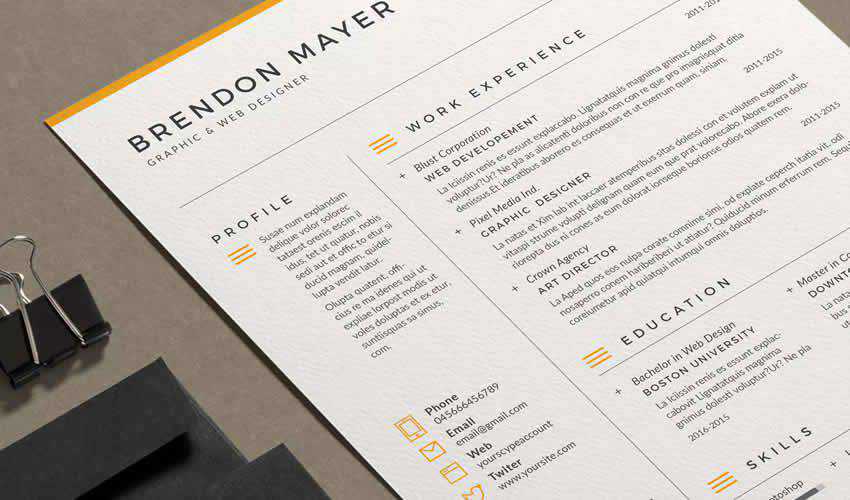
This set of free CV templates includes three different designs and a two-column layout that makes it easy to organize your information. The template comes with three color schemes that are easy to edit.
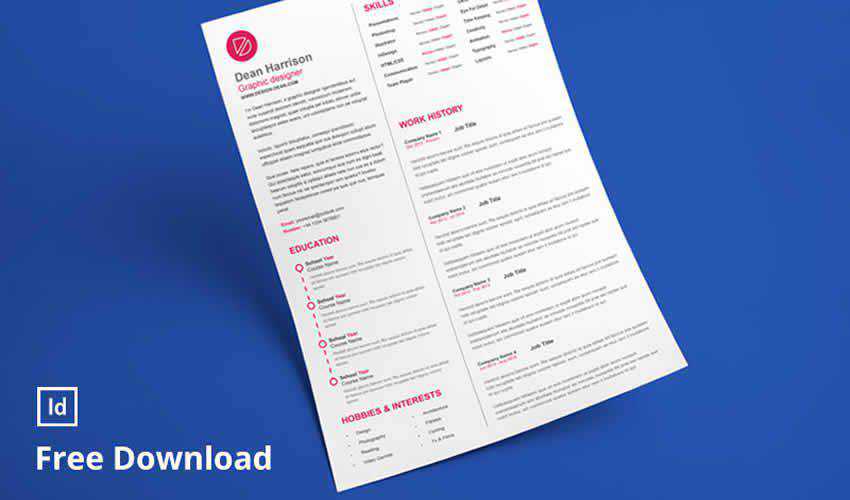
This infographic-style resume is perfect if you’re looking for a contemporary take on resume design. Your information is presented using a modern infographic style, and you’ll also get a bonus icon set that you can use to personalize your resume.
This template is another great choice for minimalists looking for a new job. This template includes a resume and a cover letter, all with elegant typography. You can edit the files, colors, fonts, and other elements.
This clean resume template was designed as a single-page resume and includes a matching cover letter. As a bonus, you’ll also get the resume in Word format, and you can easily edit the colors and the fonts.
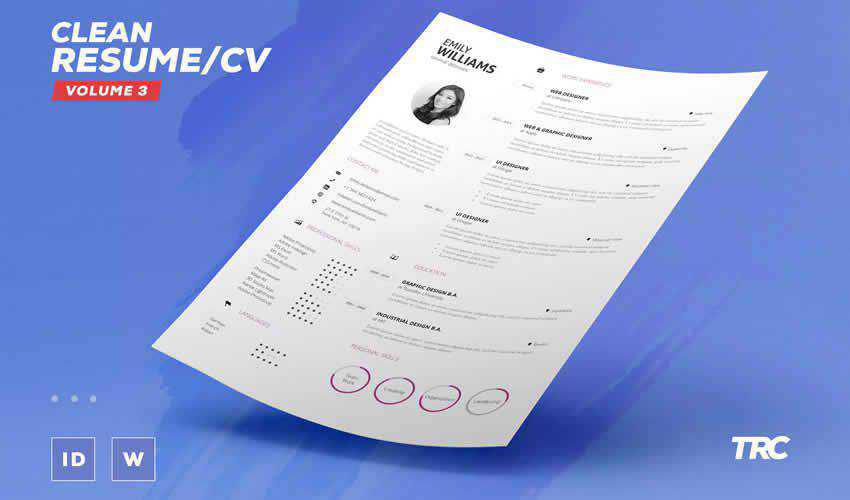
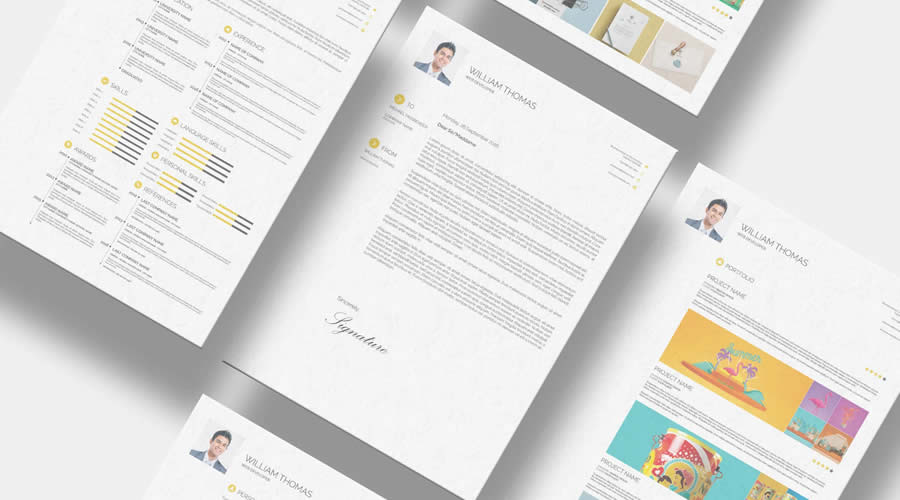
Consider this free resume template if you’re looking for a uniquely designed template. It includes a matching cover letter with plenty of space to add your portfolio, a grid-based layout, and modern typography.
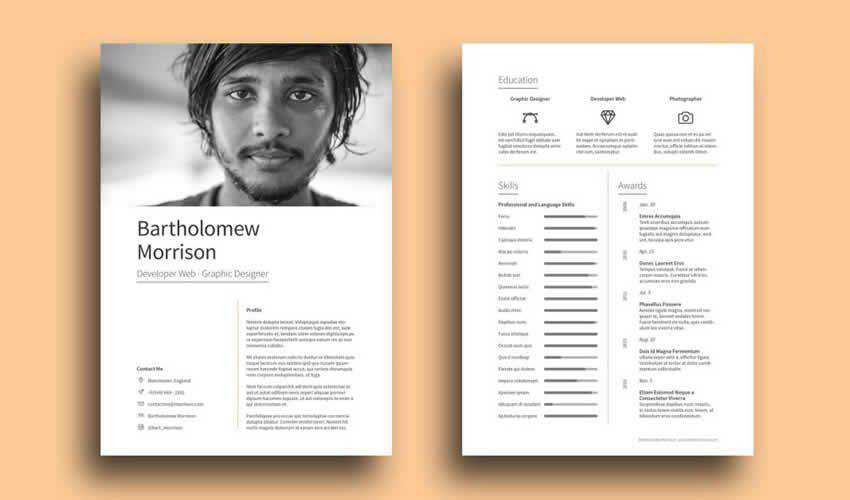
Creating a Resume with InDesign
Now that you have downloaded your InDesign template, follow these steps to make sure your resume is ready to be shared with your future employers.
- Gather Your Information: Collect all the necessary information for your resume, including your contact details, work experience, education, skills, and any other relevant sections.
- Set Up Your Document: Open InDesign and create a new document. Choose the page size (typically US Letter or A4), set margins, and determine whether you want a single or multi-page document.
- Choose a Layout: Decide on the layout of your resume. You can either design a custom layout or use a pre-designed resume template like the examples above.
- Create Master Pages: Set up master pages for consistent headers, footers, and other design elements throughout your resume.
- Design Sections: Design separate sections for different resume components. Use text boxes, frames, and shapes to structure your content neatly. Use fonts, colors, and formatting that align with your personal branding.
- Add Text: Input your resume content into the text boxes. Use paragraph styles to maintain consistent formatting and make updates easier.
- Include Visuals: If desired, add icons or graphics to improve the design of your resume. Ensure these visuals complement your design and don’t overwhelm the content.
- Formatting: Pay attention to spacing, alignment, and typography. Bullet points and headings can help organize your information properly.
- Showcase Work Samples: If applicable, create a portfolio section to showcase relevant work samples or projects. You can use image placeholders and captions to describe each project.
- Proofread & Review: Double-check your resume for typos, grammatical errors, and formatting inconsistencies. It’s a good idea to have someone else review it as well.
- Export & Save: Once you’re satisfied with the design, export your resume. Choose the appropriate format, such as PDF, for easy sharing and printing.
- Print or Share: Print physical copies of your resume on high-quality paper or share the digital PDF version with potential employers.
Remember, the goal is to create a resume that reflects your skills, experiences, and personal style while maintaining professionalism and readability.
Related Topics
How Explainable AI Builds Trust and Accountability
Businesses have already plunged headfirst into AI adoption, racing to deploy chatbots, content generators, and decision-support tools across their operations. According to McKinsey, 78% of companies use AI in at least one business function. The frenzy of implementation is understandable — everyone sees the potential value….
Mohammad Abu Sheikh, Founder & CEO of CNTXT AI – Interview Series
Mohammad Abu Sheikh is transforming the AI landscape in the MENA region, driving a shift from passive consumption to sovereign innovation. As CEO of CNTXT AI and founder of a $10 million AI fund, he has led three successful exits and secured over a billion dollars in…
Sustain Your Success: How to Prepare for the Unexpected Through AI Resilience
The AI revolution is reshaping how businesses innovate, operate, and scale. In an era where AI can catalyze exponential business growth overnight, the biggest risk is not being unprepared—it’s being too successful without the infrastructure to sustain it. Enterprises are shipping new features faster than ever…
Why the Middle East is a hot place for global tech investments
The Middle East is pulling in more attention from global tech investors than ever. Saudi Arabia, the UAE, and Qatar are rolling out billions of dollars in deals, working with top US companies, and building the kind of infrastructure needed to run large-scale AI systems. It’s…
How AI is Ushering in a New Era of Robotic Surgery
Medical robotics first entered general surgery in the 1980s with laparoscopic tools that enabled minimally invasive procedures, reducing incision size and recovery time. These early systems extended surgeons’ capabilities, transforming the surgical landscape. Today, artificial intelligence (AI) is ushering in a new era of precision and…
Nick Kathmann, CISO/CIO at LogicGate – Interview Series
Nicholas Kathmann is the Chief Information Security Officer (CISO) at LogicGate, where he leads the company’s information security program, oversees platform security innovations, and engages with customers on managing cybersecurity risk. With over two decades of experience in IT and 18+ years in cybersecurity, Kathmann has…
How AI-Powered Workstations Are Rewriting the Rules of Hollywood Production
Hollywood is undergoing a technological renaissance—and artificial intelligence is at the center of it. Since 2018, AI adoption in Hollywood has been increasing by roughly 35% annually—demonstrating an upward trend in AI mobility within the industry. Additionally, research from Worldmetrics shows approximately 70% of movies have…