SportStream is a free, three-day event bringing together vendors and experts to share tips, tools, and techniques for sports streaming and production. Kiloview joins SportStream on Thursday, Sept 9th at 4:20pm EST to discuss how the P3 and P3 Mini cellular bonding encoders are perfect for sport venues with spotty internet service!
Register for FREE now and don’t miss this ultimate sports production event!
The P3 Mini is the perfect outdoor live streaming device built on patented KiloLink bonding transmission technology
$1,199.00
The P3 Mini features professional-grade antenna isolation design, allowing for the effective bonding and connection of multiple channels (supporting 3*4G cellular network + 1WiFi + 1*RJ45 Ethernet port), boasting exceptional anti-interference capability and stable transmission performance. It is equipped with dual input interfaces for 3G-SDI and HDMI, supporting up to 1080P60 video resolution.
Efficient, Stable, and Secure Bonding Transmission The P3 Mini is equipped with KiloLink’s patented multi-link bonding transmission technology, which utilizes encryption algorithms to achieve functions such as bandwidth overlay, load balancing, and dynamic bitrate auto-adjustment. This ensures seamless bonding of five networks (3*4G cellular network + WiFi + Ethernet), enabling uninterrupted live streaming experiences.
Professional Antenna Design for Superior Anti-Interference To ensure the stability of outdoor signal transmission, the P3 Mini undergoes professionalgrade antenna isolation design. This minimizes adverse effects such as screen freezing and intermittent sound caused by signal issues, ensuring the stability and reliability of signal data transmission.
PD Fast Charging for
Extended Battery Life Equipped with a 5000mAh battery and supporting PD fast charging, the P3 Mini not only provides sufficient battery reserves but also rapidly replenishes power. This enables continuous operation, ensuring seamless support for outdoor LIVE production.
H.265 Encoding, Dual Interface Inputs for SDI+HDMI Supports H.265/H.264 encoding formats, with a maximum resolution of 1080P60 HDMI and 3G-SDI dual interface inputs. It is comprehensively supporting mainstream media protocols such as NDI HX/RTSP/RTMP/SRT/HLS. Combined with the KiloLink Server bonding platform, it simultaneously supports stable, highquality, low-latency streaming on multiple mainstream live streaming platforms
High Sensitivity Touchscreen LCD Display Equipped with a 3-inch touchscreen, users can preview video in realtime and easily monitor the device’s status, including IP address, network status, video resolution, Tally lights, CPU usage, device temperature.
Application Scenarios Outdoor live streaming, outdoor program production, news reporting, emergency command, vehicle-mounted mobile video transmission, multi-media project engineering, hospital external network video transmission, and other scenarios requiring wireless video transmission.
Kiloview P-Series Trade-In Promo Kiloview has officially launched its P-Series Trade-In Program, giving owners of the Kiloview P1 or P2 the opportunity to trade in their devices for exclusive discounts on the new P3 or P3 Mini. Owners of other brand bonding devices may also be eligible, subject to dealer verification and device functionality. This limited-time promotion runs through Oct 31st, 2025.
Kiloview P3 Kiloview P3 Cellular Bonding Encoder is a new generation of 5G bonding video encoder based on KiloLink, supporting multi connections bonding: 4-channel 5G cellular network, WIFI and Ethernet. $1,599.00 reg. Trade in P1/P2 for $400 Rebate Trade in another cellular bonded device for a $300 Rebate
Kiloview P3 Mini The P3 Mini 4G Wireless Bonding Encoder is a compact outdoor streaming device with dual 3G-SDI/HDMI inputs, 1080p60 support, and KiloLink bonding for stable multi-network transmission (3x 4G, WiFi, Ethernet). $1,199.00 reg. Trade in P1/P2 for $300 Rebate Trade in another cellular bonded device for a $200 Rebate
Turning your photographs into sketches is a great way to add a unique artistic touch to your work. But how can you achieve this without having to manually draw every image? The answer is Photoshop actions.
This collection of Photoshop actions offers various options for transforming photos into beautiful sketches. They take the guesswork out of the process and ensure that important aspects like light and shadow are accurately highlighted.
Whether you’re a photographer or graphic designer, this collection of sketching Photoshop actions will help speed up your post-production and workflow. These actions offer various customization options, allowing you to create a personalized sketching effect.
So dive into our selection of sketch effects and Photoshop actions today and add a creative touch to your photos and graphics. Transform your work into a beautiful piece of art with just a couple of clicks!
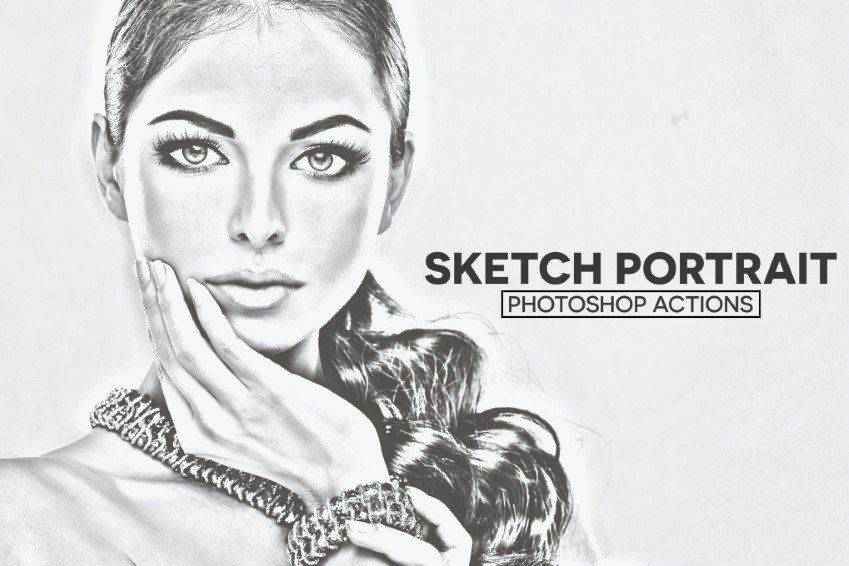
These Sketch Portrait Photoshop Actions create a hand-drawn effect, giving your image a glossy yet realistic look. With well-organized layers, they are an excellent time-saver and work best with black and white photos.
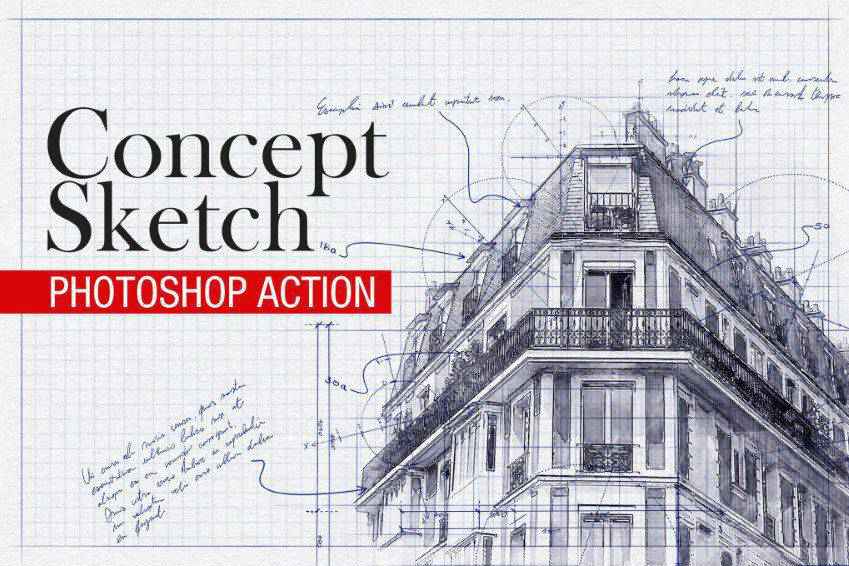
The Concept Sketch Photoshop Action is ideal for engineers and architects who want to transform any architectural drawing into a professional-looking sketch. It is suitable for building interiors, exteriors, and product designs. It includes 12 hand-drawn brushes and 18 patterns for added detail and texture.
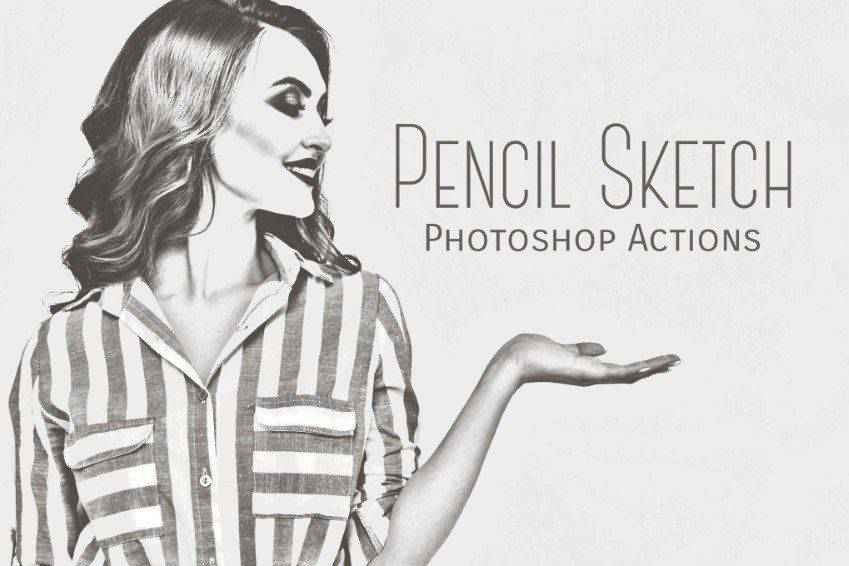
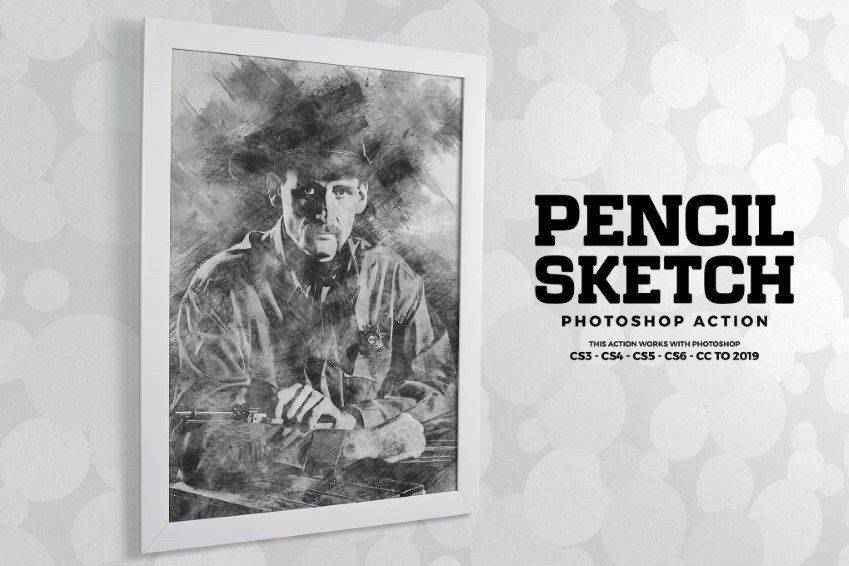
The Pencil Sketch Photoshop Action can turn any portrait-style photo into a digital piece of art that appears as though it was hand-drawn. It also works on objects, and you can choose from 10 color presets.
Next up in our collection is this set of Pencil Sketch Photoshop Actions. It includes 15 different actions that you can use to turn portraits into sketches. It comes with detailed instructions, is non-destructive, and has editable layers.
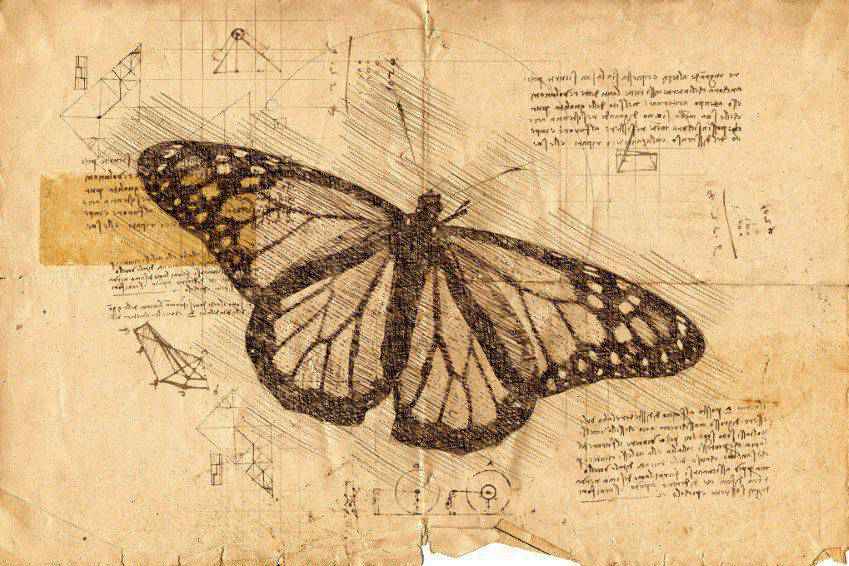
The Da Vinci Sketch Photoshop action immediately turns any photo into a sepia-toned illustration that looks like it came from Da Vinci’s sketchbooks. It works best with portraits and creates layered finished photos that can be customized further. It also comes with five pen color tones and ten color presets.
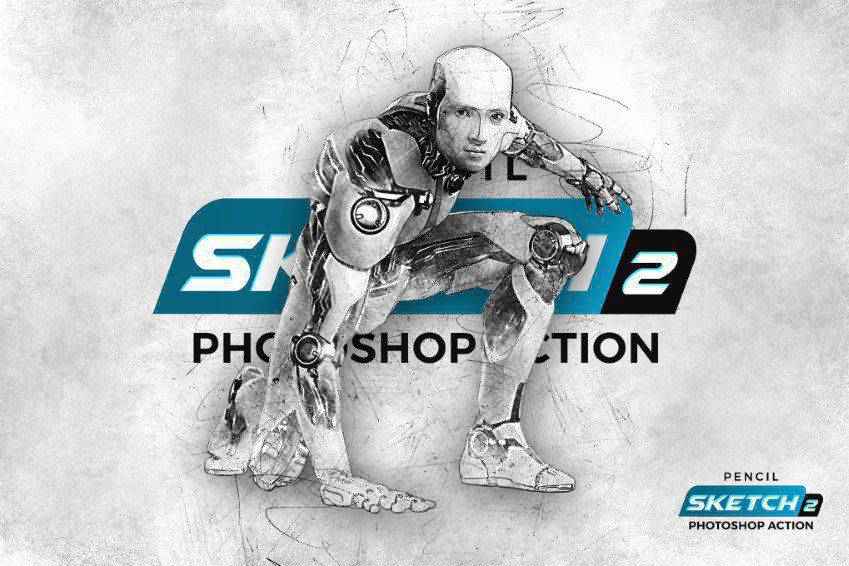
The Pencil Sketch 2 Photoshop Action is another great way to turn a photograph into a piece of digital art. You can edit the individual layers and use them for various purposes.
Another option is the Architecture Sketch Art Photoshop Actions. This set comes with full layer control and is non-destructive. It works for a wide range of photos, including landscapes and portraits. This one-click action can be used for both the web and print.
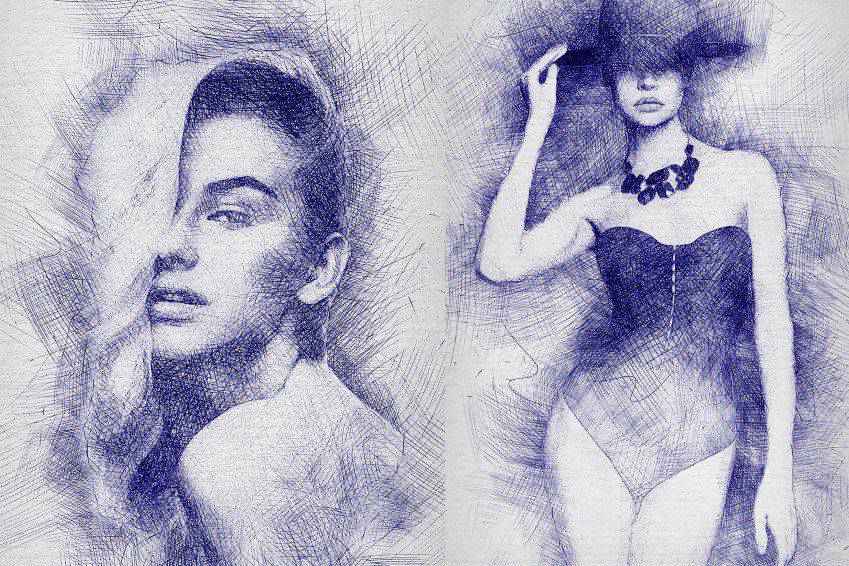
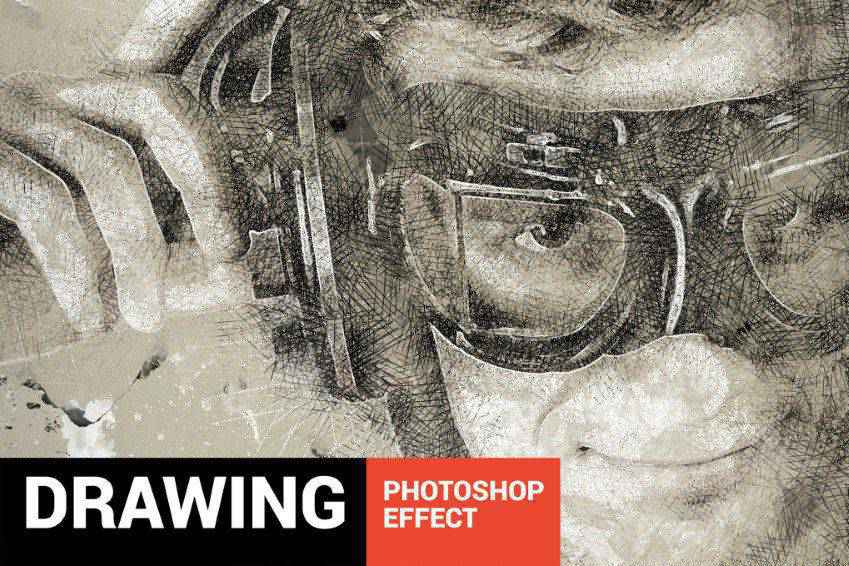
Here’s another interesting choice to consider. The Pen Sketch Photoshop Action gives your photos the look of a hand-drawn sketch. This action stands out because it creates a crosshatch pattern for shading. It includes well-organized layers and detailed instructions.
Another action you should consider is the Digital Sketch Photoshop Action. It works best with portraits and has a softness that’s really compelling. It also comes with ten color effects.
Here’s another interesting choice for creating a sketch from a photograph. This action set can be applied with a single click, and the result is stunning. It has editable layers and can be used on various types of photos.
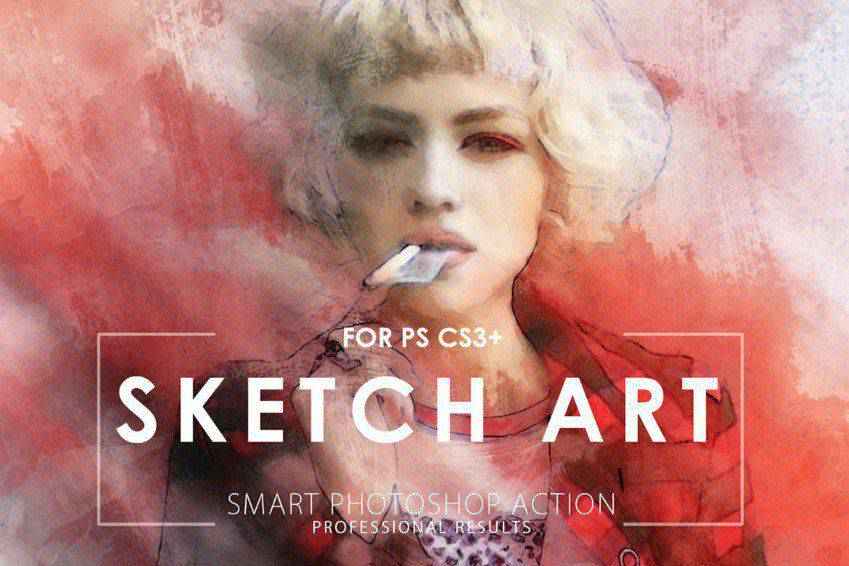
The Sketch Art Photoshop Actions work to create a soft sketch appearance on your photos. The result is a realistic-looking sketch that takes many cues from your original image. Even better, your original image layer remains unscathed, so you can always revert to it if need be.
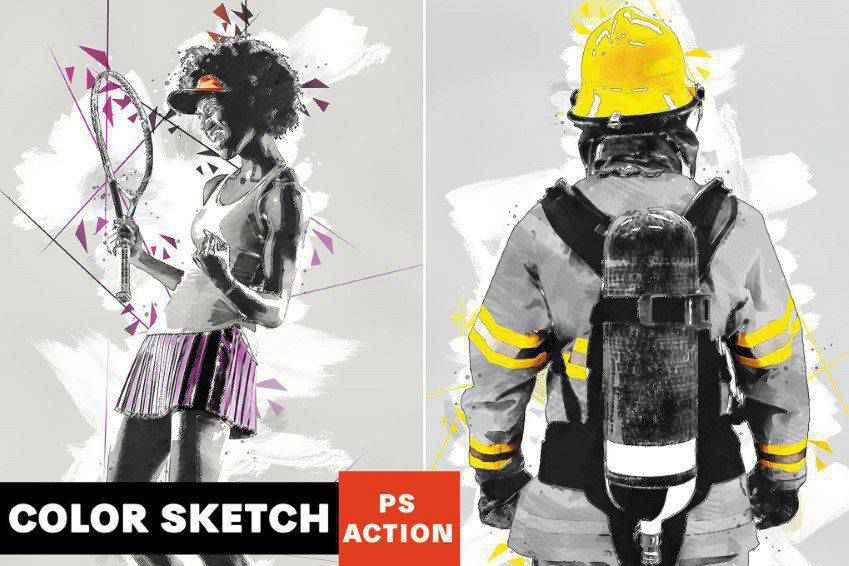
This action really sets itself apart from the pack. The Color Sketch Photoshop Action creates a professional-looking, colorful sketch from your photographs using hatching and abstract effects.
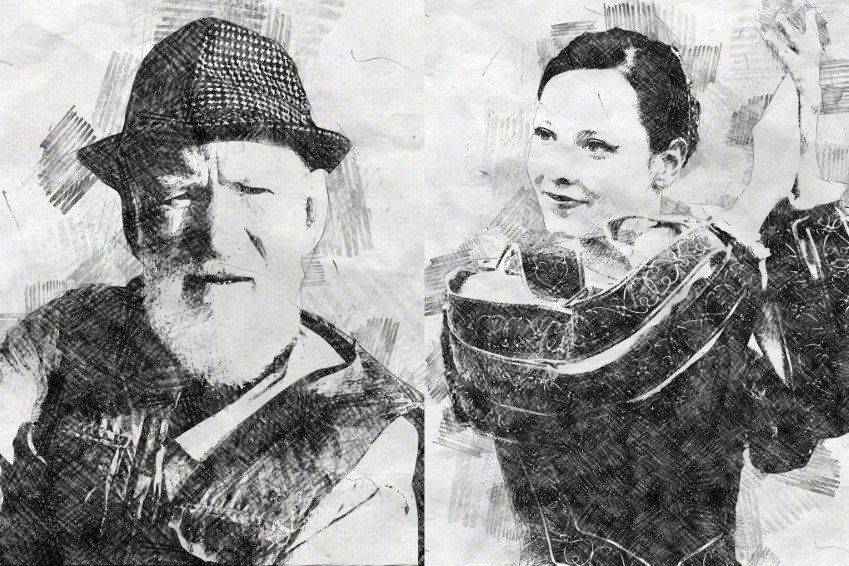
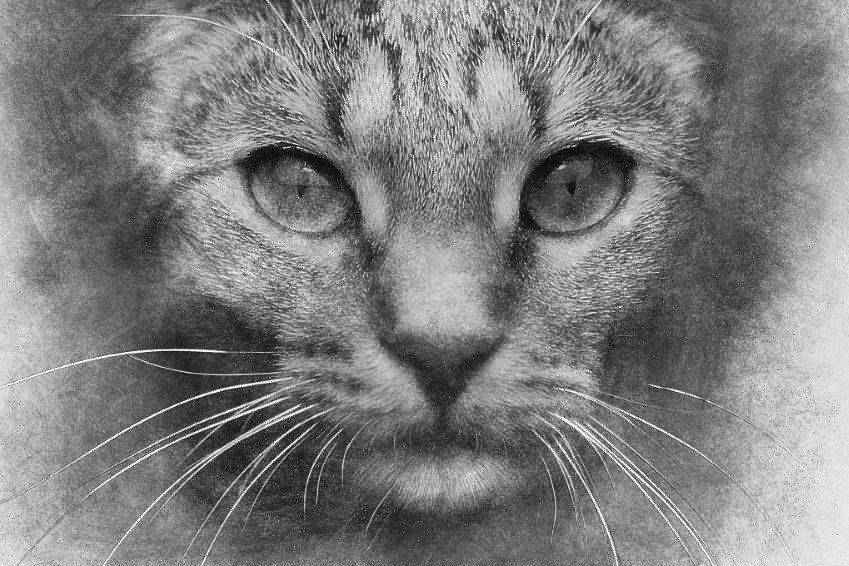
The High-Quality Pencil Sketch Photoshop Action is another easy way to create digital artwork from photos with a single click. It has a multitude of layers you can adjust and tweak. In the end, you’ll have a picture that looks like it has cross-hatching, blending, and many more features of hand-drawn art.
Portretum is ideal for adding a sketching style to your portrait photography. This one-click action can be applied to any portrait and comes with the action file, brushes, ten color presets, graphic elements, and a user’s guide.
You might also like to consider the Sketch Photoshop Action Presets. Apply it to a particular spot on your photo, and then play the action. It’ll turn that area into a sketch with all the subtle shading and details of a real hand-drawn piece of art. This action has fully editable layers as well.
With well-organized layers, you can customize this sketch action set to suit your needs and make selections regarding background, color, and more. It includes ten brushes, five textures, and a quick start-up guide.
This action turns your building photos into sketches with just a single click. It offers ten styles, relies on AI for best results, and is fully customizable to suit your requirements. It even has a greenery action to highlight foliage in your original photo.
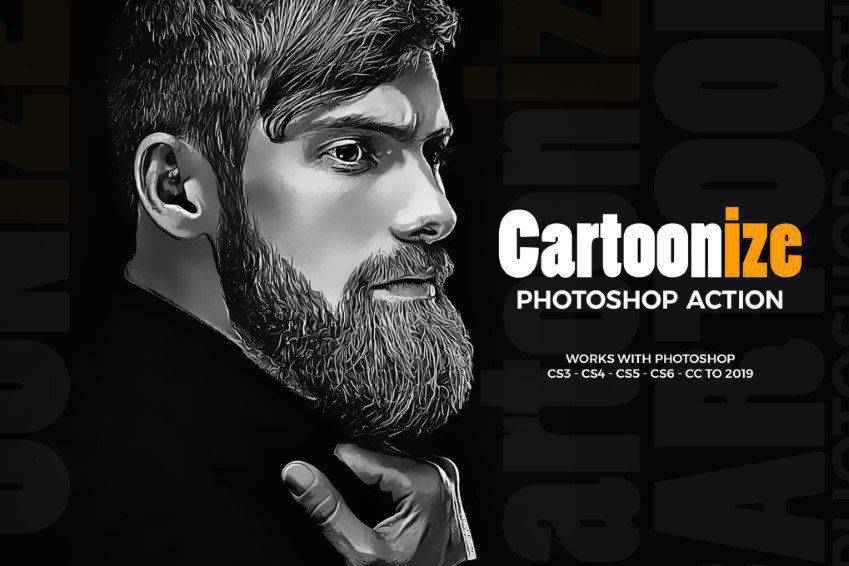
The Cartoonize Photoshop Action will turn any portrait-style photo into a digital painting. The result is an image that looks like a cartoon, and you can use the resulting image on the web and in print. Plus, the action is non-destructive.
Last in our collection is the Vintage Sketch Photoshop Action, which turns any photo into a vintage-looking sketch. With a single click, you can achieve a realistic-looking drawing. This action comes with 15 color presets and a video tutorial, making it easy to get it working properly.
How to Install Photoshop Actions
Download and unzip the action file.
Launch Photoshop.
Go to Window > Actions.
Select Load Actions from the menu and go to the folder where you saved the unzipped action file to select it.
The Action will now be installed.
To use the newly installed action, locate it in the Action panel.
Click the triangle to the left of the action name to see the list of available actions.
Click the action you want to play and press the play button at the bottom of the Actions panel.
This collection of Photoshop actions will help streamline your workflow and reduce editing time, making the process quicker and almost effortless.
With these sketch effects actions, you can create a unique and artistic look that will significantly improve your photography. These actions are easy to use and offer a range of customization options to make your sketches truly personalized.
In this article, author Chris Sabourin walk through how modern CSS features can build a fully functional, interactive elevator that knows where it is, where it’s headed, and how long it’ll take to get there. No JavaScript required.
CSS Elevator: A Pure CSS State Machine With Floor…
The vast majority (92%) of marketing professionals are using AI in their day-to-day operations, turning it from a buzzword into a workhorse. According to SAP Emarsys – which took the pulse of over 10,000 consumers and 1,250 marketers – while businesses are seeing real benefits from…
How to Edit Your First Video (Step-by-Step) If you have been following this blog for any amount of time then you should know that I just loves me a solid workflow tutorial! The reason for that is that I subject myself to the daily news, tips,…
SportStream is a free, three-day event bringing together vendors and experts to share tips, tools, and techniques for sports streaming and production. PTZOptics joins SportStream on Tuesday, September 9th at 4pm EST to discuss their game-changing PTZs that deliver dynamic sports coverage with auto-tracking that makes following the action easy.
Register for FREE now and don’t miss this ultimate sports production event!
Catch Every Play in Dazzling 4K with PTZOptics Action Bundle
Head out to the field or arena with this sports-friendly setup designed by the PTZOptics team to optimize your coverage of the game. The PTZOptics Action Bundle comes with: 1x Move 4K 12X PTZ camera, 2x Studio 4K 12X fixed cameras , and a SuperJoy controller
1x Move 4K 12x PTZ Camera $2,199.00
2x Studio 4K 12x Fixed Camera $2,638.00
1x SuperJoy Controller $1,429.00
Subtotal $6,266.00
Savings -$855.00
BUNDLE TOTAL $5,411.00
The Power of PTZ Stay focused on the action with the included Move 4K 12X, which gives you the flexibility to cover the entire field, court or diamond with studio-quality camera controls and no on-field camera operator. The Move 4K offers built-in auto-tracking capabilities – no need to run software on another computer
Fixed Camera Creativity Never miss a scoring shot with your Studio 4K fixed cameras capturing the action at each goal line, net or basket. The power of 12K optical zoom helps you grab those up-close action shots and player reactions.
Connect Anywhere Both the Move 4K and Studio 4K are Hive-Linked™ (currently in Beta) to our easy-to-use online platform, Hive Studio, delivering future-ready connectivity and control from around the world. Both also feature SDI, HDMI, USB and IP output and come native with NDI® HX3.
Superior Control The SuperJoy joystick controller offers an intuitive, tactile interface, simplifying and streamlining even the most complex production setups. Your SuperJoy controller can be set up anywhere on a network to gain PTZ camera controls with a low-latency, live video preview.
Next Level Sports Production – With YoloBox Ultra & NDI Support
Elevate your live sports broadcasts with the Sports Bundle, now PTZOptics Move 4K PTZ Cameras, Studio 4K Fixed Cameras, SuperJoy for control, the YoloBox Ultra for on-the-go switching and streaming, and a NETGEAR Pro AV switch optimized for NDI workflows.
1x PTZOptics Move 4K 12x
2x PTZOptics Studio 4K 12x
1x PTZOptics SuperJoy
1x YoloLiv YoloBox Ultra ($99 NDI License from YoloLiv)
Swarm Network, a platform developing decentralised protocols for AI agents, recently announced the successful results of its first Swarm, a tool (perhaps “organism” is the better term) built to tackle disinformation. Called Rollup News, the swarm is not an app, a software platform, nor a centralised…



 High Sensitivity Touchscreen LCD Display
 Application Scenarios