
Proof of Concept (PoC) projects are the testing ground for new technology, and Generative AI (GenAI) is no exception. What does success really mean for a GenAI PoC? Simply put, a successful PoC is one that seamlessly transitions into production. The problem is, due to the…
Web Components Demystified
Scott Jehl released a course called Web Components Demystified. This is my full set of notes from Scott’s course. You’ll still want to take the course on your own, and I encourage you to because Scott is an excellent teacher who makes all of this stuff…
OpenAI and Google call for US government action to secure AI lead
OpenAI and Google are each urging the US government to take decisive action to secure the nation’s AI leadership. “As America’s world-leading AI sector approaches AGI, with a Chinese Communist Party (CCP) determined to overtake us by 2030, the Trump Administration’s new AI Action Plan can…
Best data security platforms of 2025 – AI News
With the rapid growth in the generation, storage, and sharing of data, ensuring its security has become both a necessity and a formidable challenge. Data breaches, cyberattacks, and insider threats are constant risks that require sophisticated solutions. This is where Data Security Platforms come into play,…
Manus AI agent: breakthrough in China’s agentic AI
Manus AI agent is China’s latest artificial intelligence breakthrough that’s turning heads in Silicon Valley and beyond. Manus was launched last week via an invitation-only preview, and represents China’s most ambitious entry into the emerging AI agent market. Unlike anything seen to date, the Manus AI…
The Friday Roundup – Framing for YouTube and Editing Shorts
Framing, Backgrounds, the Rule of Thirds and More I often see people struggling with setting up a shot especially for a YouTube talking head type video. They have trouble working out how to frame the shot, where the bodies in the shot should go and what…
10 Best Free Social Media Plugins for WordPress – Speckyboy
WordPress and social media are a powerful combination. And there are plenty of ways to integrate platforms like Facebook, Instagram, X, or TikTok into your website. You can display social content on your site, allow users to share your content, or add functionality like social logins.
The social platform landscape is also changing. The Fediverse makes it easier to integrate with services like Mastodon or Bluesky. It allows you to publish in multiple places via a unified protocol. The WordPress ecosystem has embraced this model.
Social media’s importance is evident in the number of available plugins. You’ll find options for top platforms that offer a variety of functions. There’s something available for every niche.
With that in mind, let’s look at some top social media plugins for WordPress!
ActivityPub turns your WordPress website into a federated profile. It publishes your content to multiple platforms that support the Fediverse (Mastodon, among others). Followers will then see your blog posts in their feeds. The neat aspect is that your profile name is consistent across federated platforms.
Users follow you on the service of their choice and enjoy your content. It’s a great way to nurture an online community.

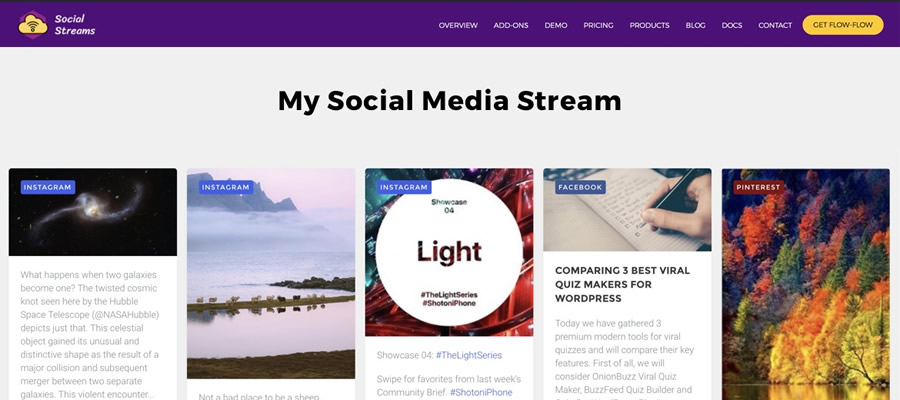
This plugin solves a longstanding problem for those posting to multiple social networks. It combines your Facebook, Instagram, Pinterest, and Twitter/X profiles into an attractive grid layout embedded on your site. It creates better awareness of your profiles and ensures users won’t miss anything.
AddToAny is a longtime favorite that makes it easy for visitors to share your content. It works with every social platform you can imagine – there’s also an option to share via email. In addition, you can customize the design and location of the plugin’s sharing UI. This plugin is perfect for taking full control of social sharing.

Open Graph is a protocol for sharing rich content on social platforms like Facebook and Twitter/X. This plugin allows you to customize the Open Graph tags generated by your content.
Thus, content looks how you want when embedded into social media. The plugin works with all WordPress content and integrates with WooCommerce, Yoast SEO, and others.

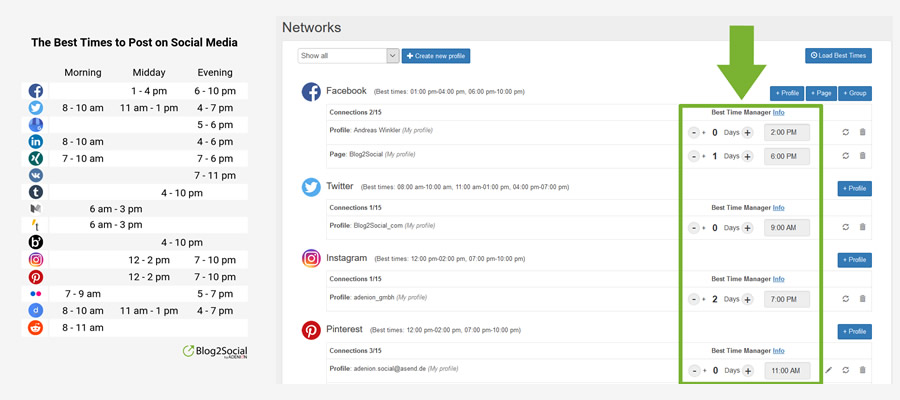
Posting links to your content across multiple platforms is a pain. Blog2Social makes it easier by automating the process.
The free version works with Bluesky, Facebook, LinkedIn, Threads, and more. There’s also an add-on that works with Twitter/X and a premium version with advanced features. It turns a tedious task into a piece of cake.
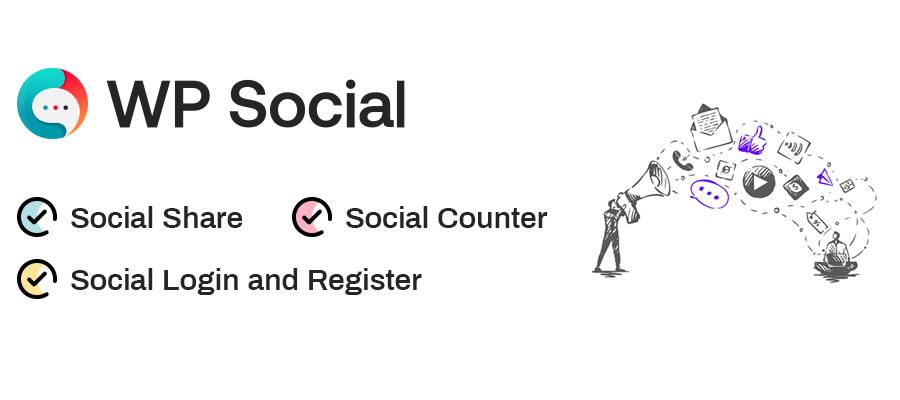
WP Social is a suite of tools for adding social media to your WordPress website. First, you’ll find sharing buttons that work with a selection of social platforms. You can customize the layout and services displayed.
A social counter shows how many times your content was shared on a particular service. Lastly, a social login/registration function lets users create an account using one of nine compatible services (Facebook, GitHub, Google, etc.). It may be the only social plugin you need.
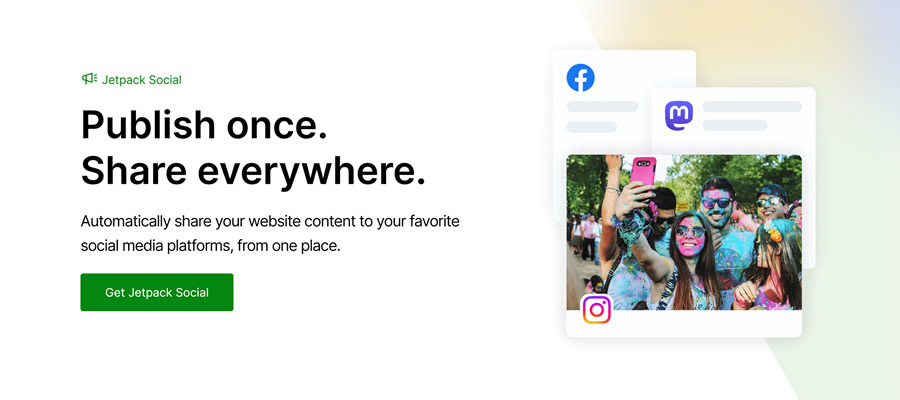
You can use Jetpack Social to automate content sharing and increase engagement. Share posts and WooCommerce products automatically and use the included scheduling tools to choose the perfect timing.
The plugin integrates with multiple services and adds helpful tools to the Block Editor. If you have a Jetpack Social plan, you’ll have access to the social image generator feature.
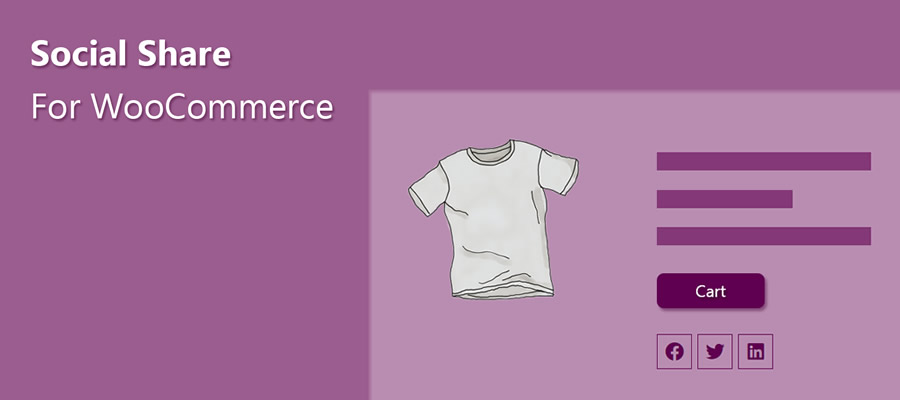
Here’s a plugin that helps spread the word about your WooCommerce products. It adds a custom set of social sharing icons to individual product pages.
Here are options for icon placement, shape, and order. There’s also a handy “copy to clipboard” option so users can grab your product’s URL. The pro version includes a “floating” icon bar, tooltips, and more.
Video creators will love Feeds for YouTube. It’s a tool for easily embedding a YouTube channel into your WordPress website. You can customize the look of your feed and even display multiple feeds.
The plugin will check for new videos hourly (or choose a custom interval), so your site will always show the latest content. The Pro version adds compatibility with live broadcasts via the YouTube Live API.

Use AdTribes to expand the reach of your WooCommerce store. The plugin creates product feeds that integrate with services like Facebook and Google. Filtering options let you choose which products and what product data is included in your feed. Now, customers can view your products right from their social feeds.
Seamlessly Add Social Media to WordPress
Integrating social media into your website has real benefits. For example, embedding a feed adds dynamic content and builds awareness. Even better is that feeds are relatively simple to set up. From there, it’s smooth sailing.
The other big benefit is the opportunity to add functionality. Social logins make it easier for users to register for your site. And product feeds entice users to visit your online shop.
The idea is to reach people where they are. The options above (and the untold number of other social plugins) help you do so. The possibilities are almost limitless.
Social Media WordPress Plugin FAQs
-
What Are Social Media Plugins for WordPress?
They’re plugins that allow you to connect your WordPress site with various social media platforms. They offer sharing buttons, auto-posting to social media, and allowing you to display your social feeds on your site.
-
Who Should Use Social Media Plugins?
They’re perfect for website owners who want to improve their social media presence, like bloggers, businesses, and online retailers, or anyone looking to increase their site’s engagement through social media.
-
Can Social Media Plugins Help in Growing My Site’s Audience?
Yes, by making sharing effortless and displaying your social activity, these plugins can attract more visitors and encourage them to interact with your content.
More Essential Free WordPress Plugins
Related Topics
10 Best AI Avatar Generators (March 2025)
AI avatar generators have become useful tools for streaming and other forms of AI content creation, such as enhancing presentations, automating video production, or establishing a unique on-screen persona. These platforms enable creators to generate high-quality virtual presenters, complete with realistic facial expressions, synchronized voiceovers, and…
ServiceNow deploys AI agents to boost enterprise workflows
ServiceNow has launched its Yokohama platform which introduces AI agents across various sectors to boost workflows and maximise end-to-end business impact. The Yokohama platform release features teams of preconfigured AI agents designed to deliver immediate productivity gains. These agents operate on a single, unified platform, ensuring…
How to Realize Value from a GenAI-Enabled Workforce
Thanks to OpenAI’s ChatGPT, pretty much everyone knows about GenAI today. Its ability to satisfy people’s thirst for knowledge with just a simple prompt sent it viral. This tool’s usage is truly impressive. It gained a million users in just five days and attracted more than…